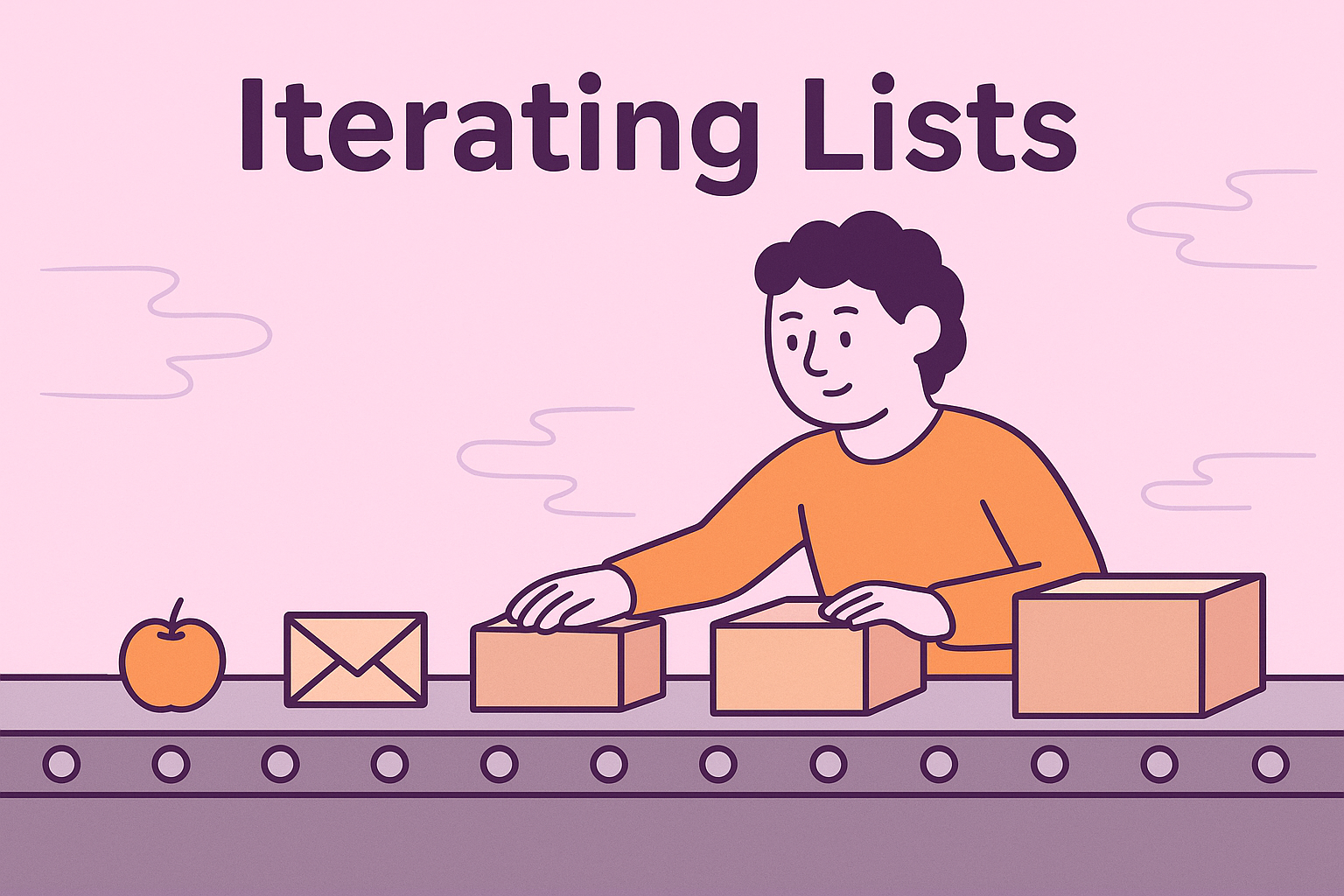
Lists often hold many items, so we usually want to do the same action for each one: print it, total it, or transform it. Python makes this easy with loops that move through a list item by item.
The for loop: the everyday workhorse
A for loop steps through a list, giving you each item in turn. You don’t need to worry about positions or counters unless you want them.
shopping = ["milk", "bread", "eggs"]

for item in shopping:
    print(item)
# milk
# bread
# eggs
Things to try
- Make a list of three hobbies and print each one.
- Create a list of numbers and print each number doubled.
Looping with indexes using range()
Sometimes you need the position as well as the value (for example, to replace an item by index). Use range(len(my_list)) to loop over positions.
scores = [12, 18, 9]
for i in range(len(scores)):
    print(i, scores[i])
# 0 12
# 1 18
# 2 9
Things to try
- Print every second item in a list (use
range(0, len(items), 2)). - Replace the middle item of a three-element list using its index.
Getting index and value with enumerate()
enumerate() gives you both the index and the item in one neat package, which reads nicer than range(len(...)).
pets = ["cat", "dog", "parrot"]

for index, pet in enumerate(pets):
    print(f"{index}: {pet}")
# 0: cat
# 1: dog
# 2: parrot
You can also start counting from 1 for display:
for index, pet in enumerate(pets, start=1):
    print(f"{index}. {pet}")
# 1. cat
# 2. dog
# 3. parrot
Things to try
- Print a numbered menu from a list of meal choices starting at 1.
- Use
enumerate()to find the index of a specific item and print it.
Using a while loop (when you control the steps)
A while loop is useful if you want fine control over the stopping condition or you plan to change the list as you go.
numbers = [2, 4, 6]
i = 0
while i < len(numbers):
    print(numbers[i])
    i += 1
# 2
# 4
# 6
Be careful to update the index, or you’ll loop forever.
Things to try
- Use a
whileloop to print items until you meet a certain value, then stop. - Walk through a list and build a new list containing only even numbers.
What is an iterator and why should you care?
An iterator is an object that remembers where it is in a sequence and knows how to give you the next item when asked. In Python, lists are iterables (things you can iterate over). Calling iter(my_list) gives you an iterator. The iterator’s job is to provide items one at a time and raise StopIteration when it runs out.
fruits = ["apple", "banana", "cherry"]

it = iter(fruits)      # create an iterator
print(next(it))        # apple
print(next(it))        # banana
print(next(it))        # cherry

# print(next(it))      # would raise StopIteration (no more items)
The for loop uses this protocol behind the scenes: it calls iter(...) to get an iterator, repeatedly calls next(...), and stops on StopIteration.
Things to try
- Create an iterator from a list and call
next()until it stops. - Write a small loop that uses
iter()andnext()manually (withtry/except StopIteration) to print items.
Wrapping up
- Use
forfor clean, readable loops over a list. - Add indexes with
range()or useenumerate()for a clearer index–value pair. whilegives you manual control when needed.- An iterator is the mechanism that hands out items one by one;
foruses it automatically.


