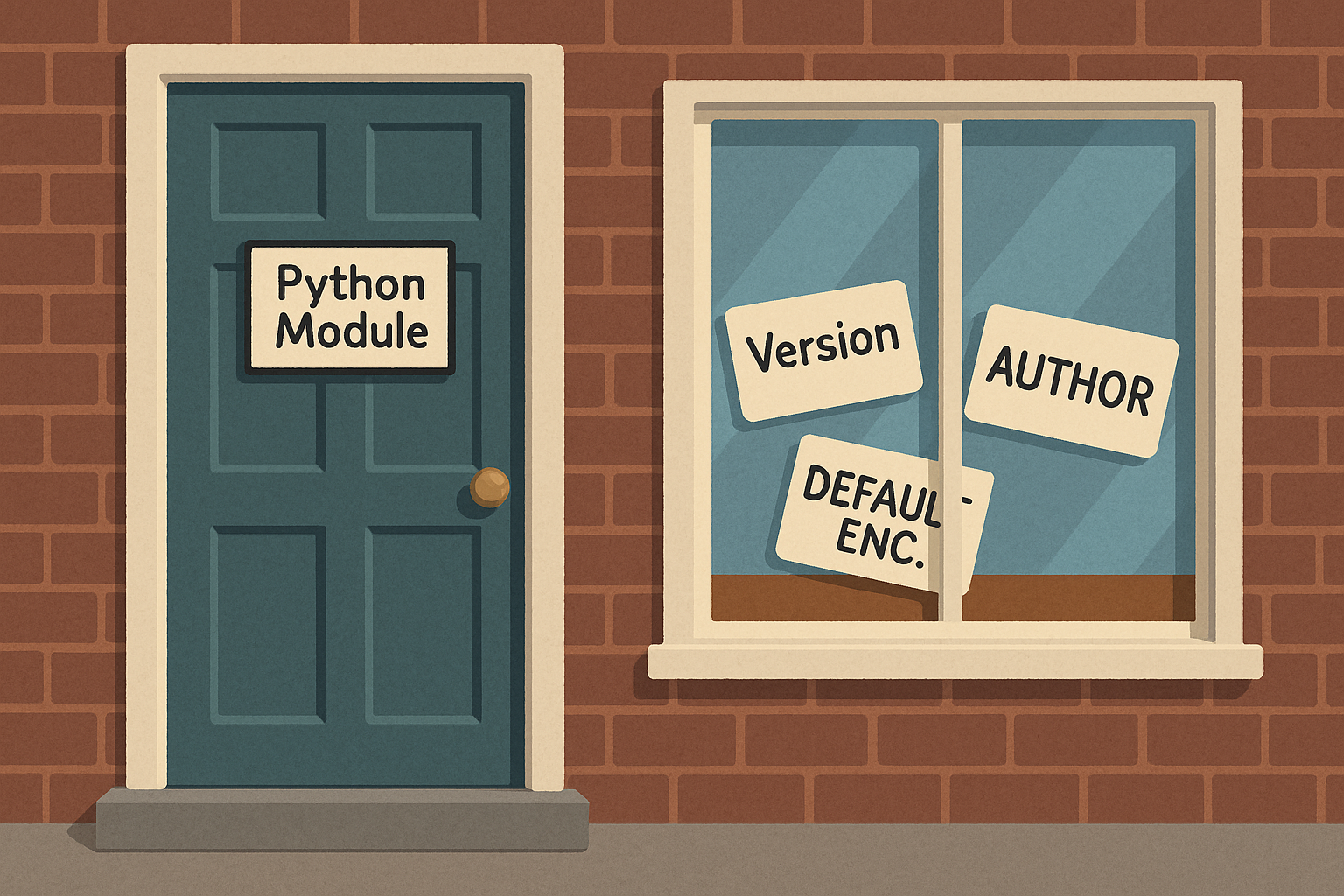
When you start working with Python packages, you’ll often see a mysterious file called __init__.py. At first glance, it looks empty and unimportant, but it plays a big role in how packages work. Let’s explore why this file matters, how it is used, and why it’s handy for centralising shared variables and settings.
Why __init__.py exists
When Python sees a folder, it doesn’t automatically treat it as a package. By placing an __init__.py file inside, you’re telling Python, “This folder should be treated as a package.”
This means you can then import the folder as a package in your project. Without it, Python might not know that your folder of files belongs together.
Example:
utilities/
    __init__.py
    math_utils.py
# app.py
import utilities.math_utils
Try this:
- Create a folder called
utilitieswithmath_utils.pyinside. Add an empty__init__.pyfile. Try importing it from another script. Then delete__init__.pyand see what happens.
Centralising variables and settings
__init__.py is also useful for storing variables or settings that you want available across the whole package. This stops you from duplicating values in multiple files.
Example:
# utilities/__init__.py
VERSION = "1.0.0"
DEFAULT_ENCODING = "utf-8"
# app.py
import utilities
print(utilities.VERSION)
print(utilities.DEFAULT_ENCODING)
Now every module in the package can share the same values. If you need to change the encoding later, you only update it once.
Try this:
- Add your own variable like
AUTHOR = "LiddleBit"in__init__.pyand print it in another script.
Controlling what gets imported
Another clever trick with __init__.py is that you can choose what functions or classes are available when someone imports your package.
Example:
# utilities/math_utils.py
def add(a, b):
    return a + b

def subtract(a, b):
    return a - b
# utilities/__init__.py
from .math_utils import add
# app.py
from utilities import add
print(add(5, 3))
Notice that subtract isn’t available unless you import it directly from math_utils. This keeps your package neat and hides helpers that aren’t meant for general use.
Try this:
- Expose only one function through
__init__.pyand try importing it. Then attempt to import a hidden function. What happens?
Keeping your package tidy
Think of __init__.py as the “front door” of your package. It introduces your package to Python, centralises shared variables, and gives you control over what’s visible. Without it, packages can feel unorganised and harder to manage.


