Microcontrollers are tiny computers that power smart gadgets, DIY electronics, robotics and Internet-connected devices. If you’ve ever used an automatic plant waterer, a fitness tracker or an LED display, there’s probably a microcontroller inside it.
This guide explains what microcontrollers are, what they do and which beginner-friendly boards you can start with.
What Is a Microcontroller?
A microcontroller (MCU) is a small computer on a single chip. It includes:
- A CPU that runs your code
- Memory for storing programs and data
- GPIO pins for connecting to the physical world
It reads inputs, makes decisions and controls outputs in real time.
GPIO: How Microcontrollers Interact With the World
GPIO (General Purpose Input/Output) pins let your microcontroller sense things and control things.
Inputs include:
- Buttons
- Temperature or light sensors
- Motion sensors
- Knobs and sliders
- Distance sensors
Outputs include:
- LEDs
- Buzzers
- Motors and servos
- Relays for switching larger loads
- Small screens
GPIO is what turns code into physical action.
Inside a Microcontroller: The Key Specs
CPU Architecture
A CPU architecture is the underlying design or blueprint that defines how a processor works. It determines the instructions the CPU understands, how it handles data, how efficient it is and how much power it uses.
You can think of it as the language the processor speaks.
Different architectures speak different “dialects,” and some are simpler, faster or more power-efficient.
Common architectures include:
- ARM Cortex-M0: Simple and energy-efficient. Ideal for basic projects and battery-powered devices.
- ARM Cortex-M4: Faster and better at maths. Great for robotics, audio processing and complex sensor projects.
- AVR: Used in classic Arduino boards. Very beginner-friendly and well documented.
- RISC-V: Modern and open source. Becoming popular because anyone can build or improve it.
Clock Speed (MHz)
Clock speed tells you how fast the CPU can process instructions.
- Around 8–16 MHz is enough for simple tasks.
- Around 50–133 MHz is great for robotics and sensor-heavy projects.
- 200 MHz and higher is useful for advanced calculations or networking.
Higher clock speed simply means more work per second.
Number of Cores
A core is a single “thinking unit.”
- One core handles tasks one at a time.
- Two cores can work in parallel, such as one reading sensors while the other controls motors.
Low-Power Modes
Low-power modes reduce energy use when the microcontroller isn’t busy. Modes like sleep or deep sleep can extend battery life from hours to months.
Memory
Microcontrollers use three main types of memory:
- Flash: Stores your program permanently.
- SRAM: Temporary working memory while the program runs.
- EEPROM: Stores settings that must remain even when powered off.
Beginner boards usually include anything from a few kilobytes to a few megabytes of memory.
Connectivity Options
Microcontrollers may include extra communication features:
- Bluetooth for phone apps, wearables and short-range connections
- Wi-Fi for smart home devices, cloud dashboards and remote monitoring
- USB for power, programming and talking to a computer
What Can You Build With a Microcontroller?
Microcontrollers are used in:
- Smart home automation and sensors
- Robots and robotic arms
- Weather stations and environmental monitors
- Wearables and fitness devices
- LED lighting effects and displays
- Remote-controlled vehicles
- DIY keyboards and musical instruments
If it senses something or moves, a microcontroller can probably run it.
Popular Beginner-Friendly Microcontrollers
Arduino Uno
The classic starting point.
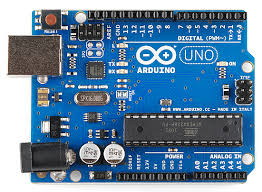
- Very easy to learn
- Huge community and lots of tutorials
- Ideal for simple electronics and coding
- 16 MHz CPU, 32 KB Flash, 2 KB RAM
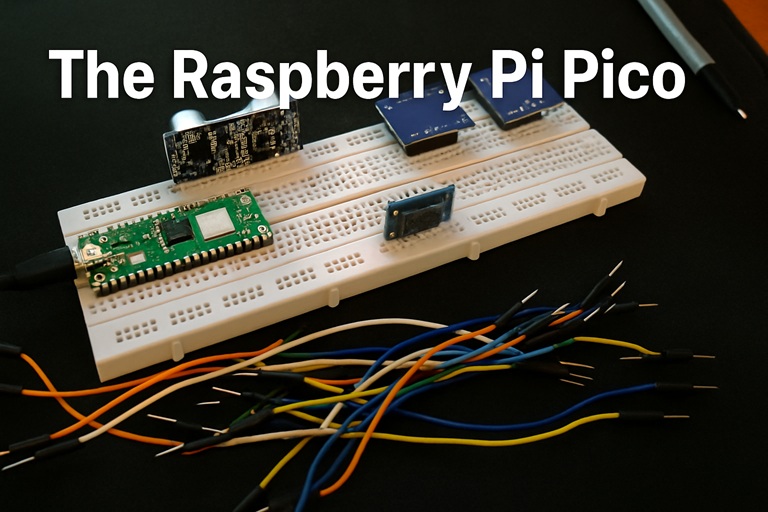
Raspberry Pi Pico (and Pico W)
Fast, modern and affordable.
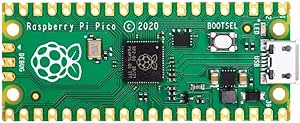
- Dual-core 133 MHz CPU
- 2 MB Flash, 256 KB RAM
- Lots of GPIO
- Pico W adds Wi-Fi
- Great for robotics, LEDs and real-time control
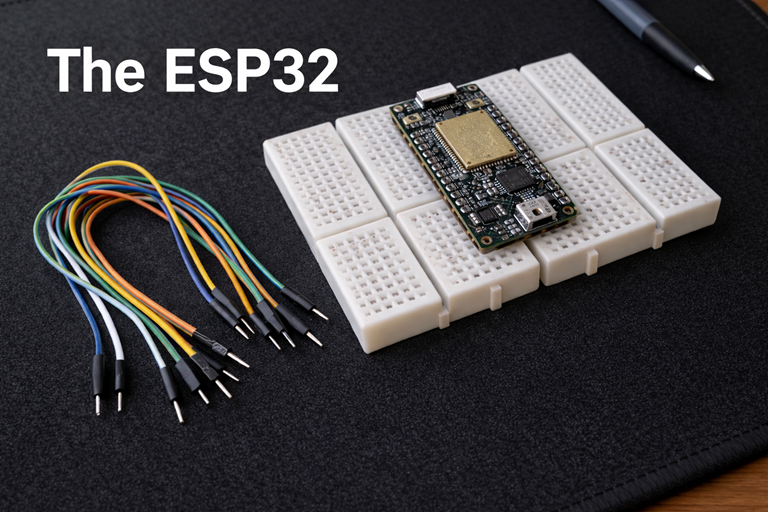
ESP8266 and ESP32
Top choices for Wi-Fi projects.
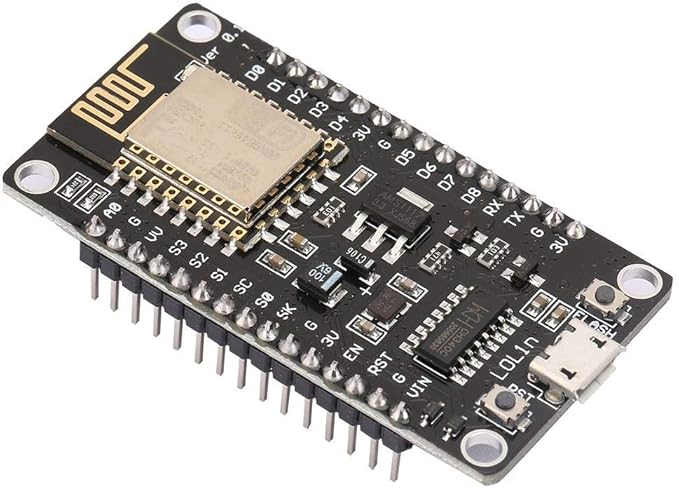
- Built-in Wi-Fi (and Bluetooth on ESP32)
- Powerful and inexpensive
- Perfect for smart home and IoT projects
Final Thoughts
Microcontrollers make it easy to turn ideas into working gadgets. Start by blinking an LED or reading a sensor, then build up to robots, automation or internet-connected devices.