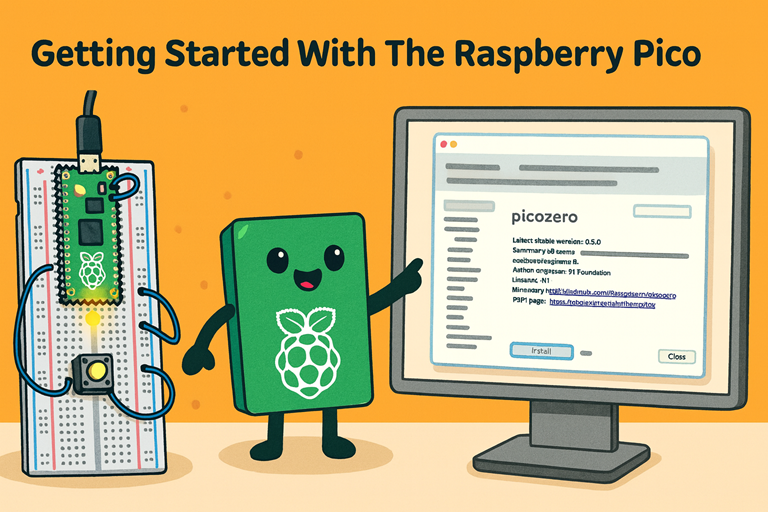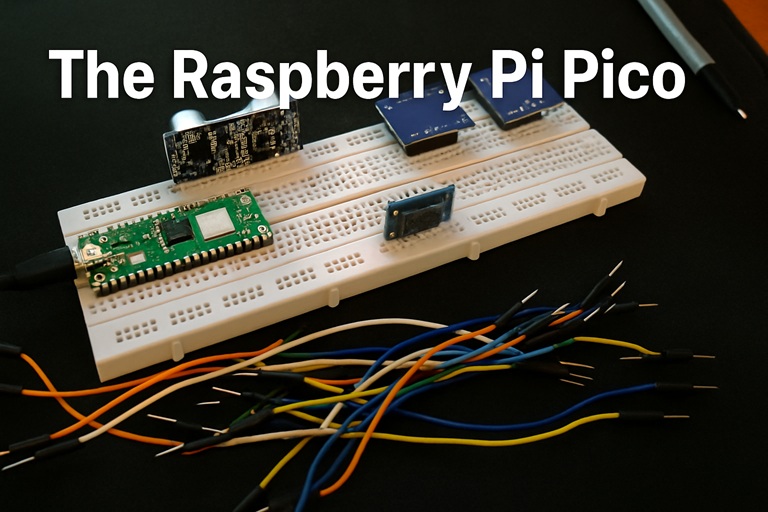
The Raspberry Pi Pico is a small, low-cost microcontroller board designed to sit at the heart of your electronic projects. Unlike the larger Raspberry Pi boards (which are tiny Linux computers), the Pico is more like the brain in a gadget: it runs a single program at a time and is perfect for controlling LEDs, motors, sensors and other hardware.
At its core is the RP2040 chip, a custom microcontroller designed by Raspberry Pi in the UK. It has a dual-core ARM Cortex-M0+ processor running at up to 133 MHz, which is fast enough for most hobby projects and even some fairly advanced ones. The chip includes 264 KB of SRAM (working memory for your programs) and is paired with 2 MB of flash storage to hold your code and data.
Key Features in Plain English
The Pico breaks out its capabilities through 40 pins along the edges of the board. Of these, 26 are GPIO pins (General Purpose Input/Output). GPIO pins are how the Pico talks to the outside world – you can use them to:
- Turn LEDs on and off
- Read buttons and switches
- Talk to sensors such as temperature, distance or light modules
- Control motors, servos and relays
Some pins support ADC (Analog-to-Digital Conversion), which means they can read varying voltages, not just simple on/off. This is useful for things like potentiometers, light sensors or many environmental sensors.
On top of basic digital I/O, the Pico includes several communication interfaces commonly used in hobby electronics:
- I²C – often used to talk to sensors and small displays
- SPI – a fast data link for screens, SD cards and peripherals
- UART – a traditional serial interface for debugging or linking boards
- PWM (Pulse Width Modulation) – for dimming LEDs or controlling motor speed
The RP2040 also contains a clever hardware feature called PIO (Programmable I/O). This allows the Pico to handle custom or precise signal timings independently of the main CPU cores, making it extremely flexible for advanced or timing-critical tasks.
Power and Connections
The Pico is powered over a standard Micro USB connector. It can also run from a battery or external supply between 1.8 V and 5.5 V, giving you a lot of options for portable or low-power projects. It has excellent power efficiency too; in low-power modes it uses only tiny amounts of current, making it great for long-running battery systems.
The pins are both through-hole and castellated, meaning you can plug the Pico into a breadboard with header pins or solder it directly onto a circuit board as part of your own design. This makes it suitable for beginners experimenting on a desk or makers building custom hardware.
Why Start with a Pico?
For beginners, the Pico offers a strong mix of affordability, performance, and simplicity. It’s not a full computer like other Raspberry Pi boards, but it excels at interacting with hardware in real time. Whether you want to blink LEDs, read sensors, or build your first embedded project, the Raspberry Pi Pico is an ideal introduction to microcontrollers and a powerful little board to grow with.