Python If/Else Decsion Making

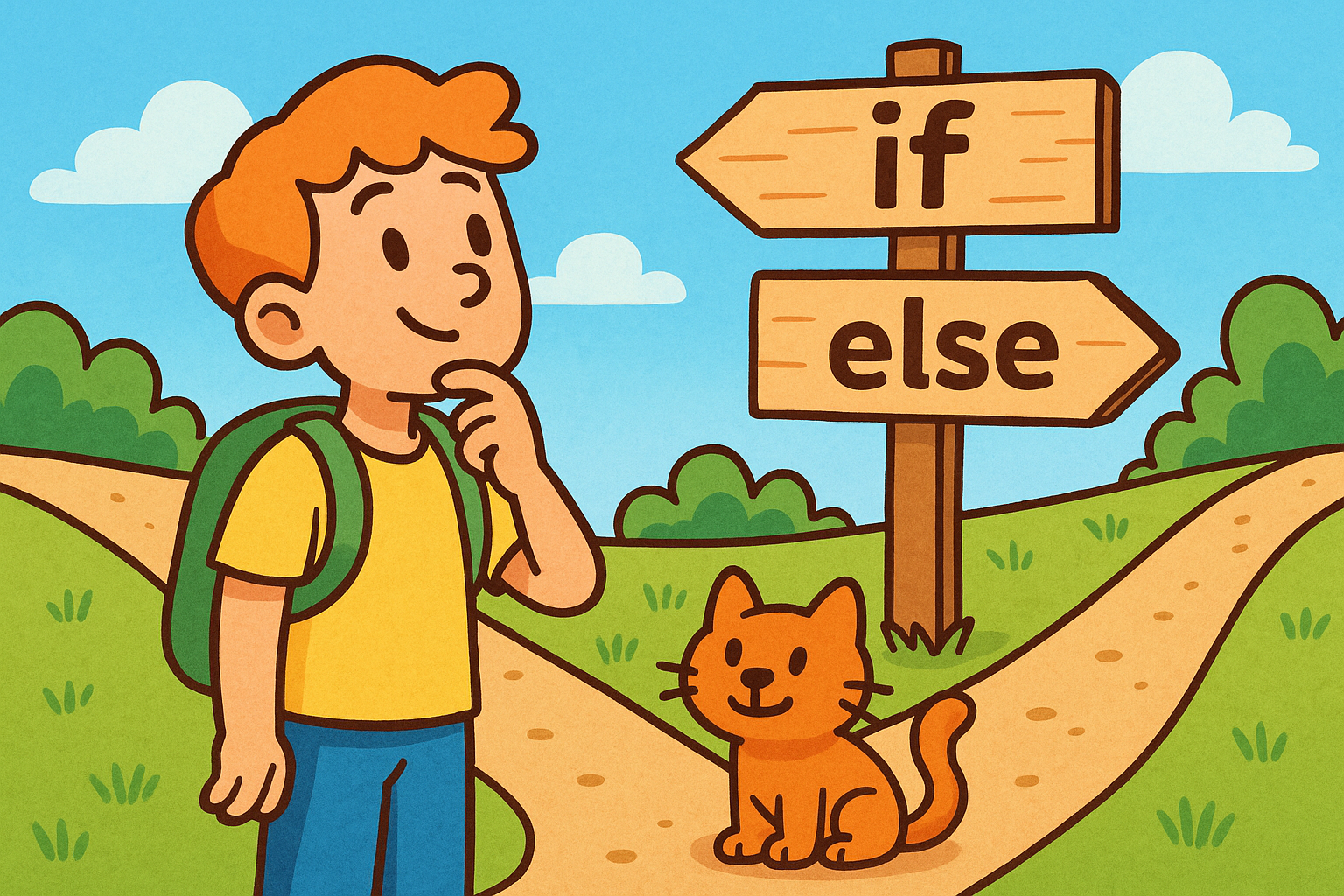
A colourful cartoon-style landscape illustration shows a cheerful character standing at a wooden signpost. The path splits into two clear directions, with one arrow marked if and the other marked else, symbolising decision-making in Python programming.

When you write a program, you often want it to make a choice. An if…else statement is Python’s way of asking a question and then deciding what to do based on the answer.

Think of it like this: “If it is raining, take an umbrella. Otherwise, wear sunglasses.” The program checks the condition and runs the matching instructions.

The basic idea

An if checks whether something is True. If it is, the program follows that path. If not, the program skips to the else part (if there is one).

Output:

Adding more choices with elif

You can also add extra conditions using elif (short for “else if”).

Useful things to try

  • Write a program that checks whether a number is positive or negative.
  • Ask the user for their age and print whether they are a child, teenager, or adult.
  • Create a program that prints whether today’s temperature is “hot”, “warm”, or “cold”.

Summary

  • if runs a block of code if the condition is True.
  • else provides an alternative when it’s False.
  • elif lets you check several conditions in order.

With if…else, your programs can start making real decisions instead of just running straight through.
Main Topic

Python Program Flow

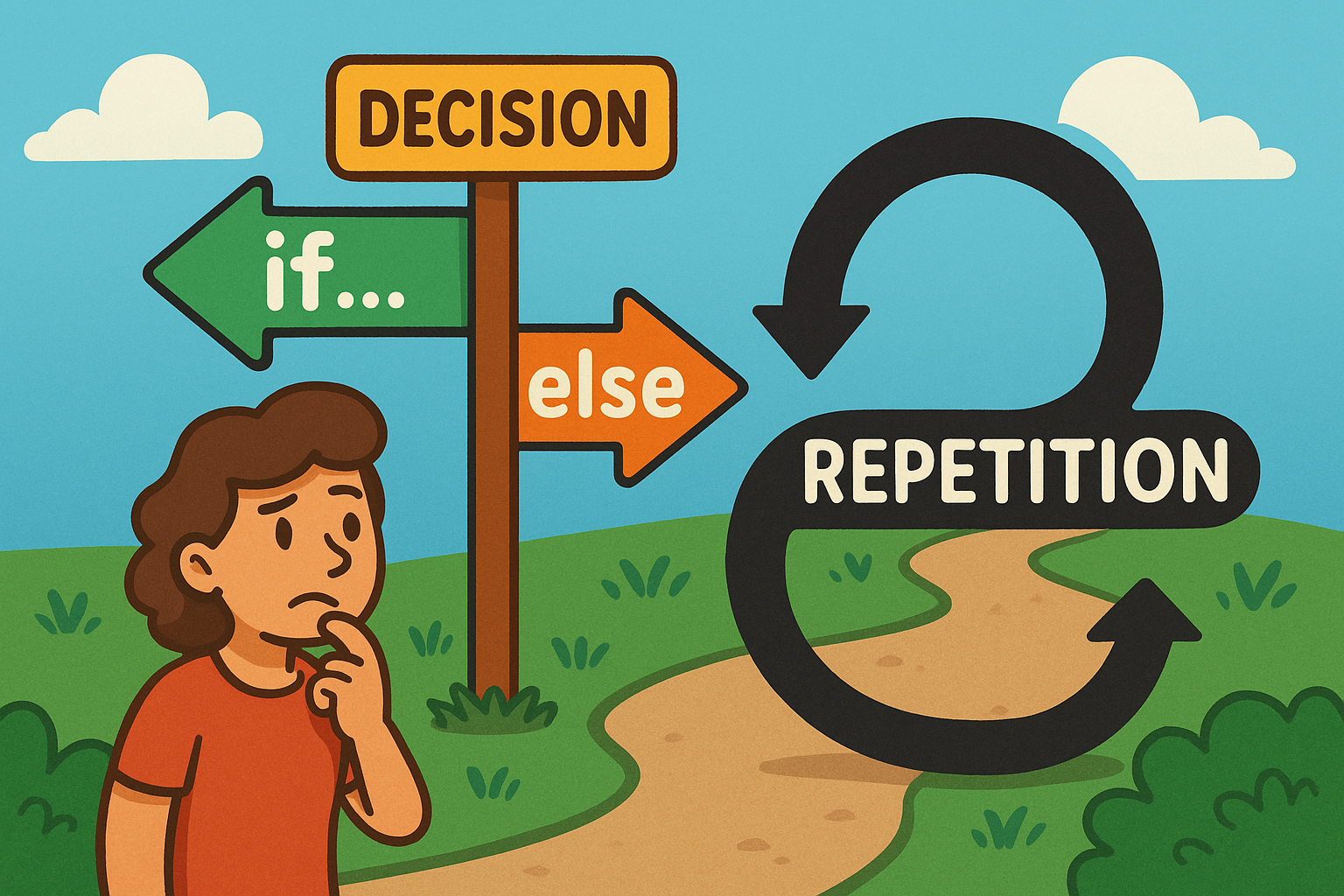
A colourful cartoon-style landscape illustration shows a playful flowchart. On one side, a path forks into two labelled branches representing an if…else decision, while nearby a looping curved arrow shows repetition for a loop. The scene is bright and engaging, making programming concepts feel approachable and fun.

Learn how Python uses if…else decisions and loops to guide program flow, choices, and repetition.

Other Tutorials in this Topic

Landscape illustration showing Python code with class, def, and if blocks, each using pass as placeholder.

Python’s Pass Placeholder

Beginner-friendly guide to Python’s pass statement, explaining its purpose, usage, examples, and common pitfalls clearly.

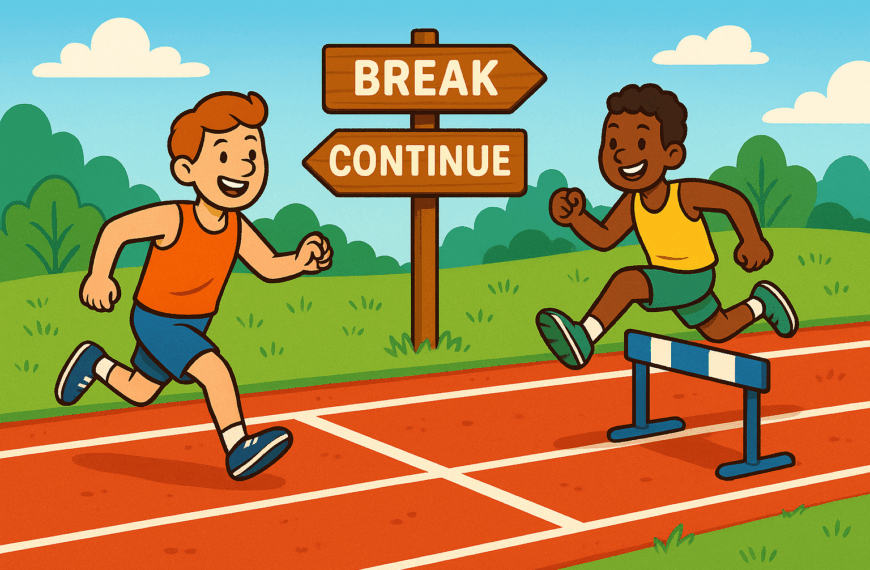
A colourful cartoon-style landscape illustration shows two runners on a track. One runner stops early at a finish line with a sign labelled “break”, while another leaps over hurdles marked “continue”, symbolising Python loop controls. The background is bright and playful, making programming concepts easy to visualise.

Python Breaking from Loops

Beginner’s guide to Python loop controls: learn break and continue for smarter, more flexible repetition.

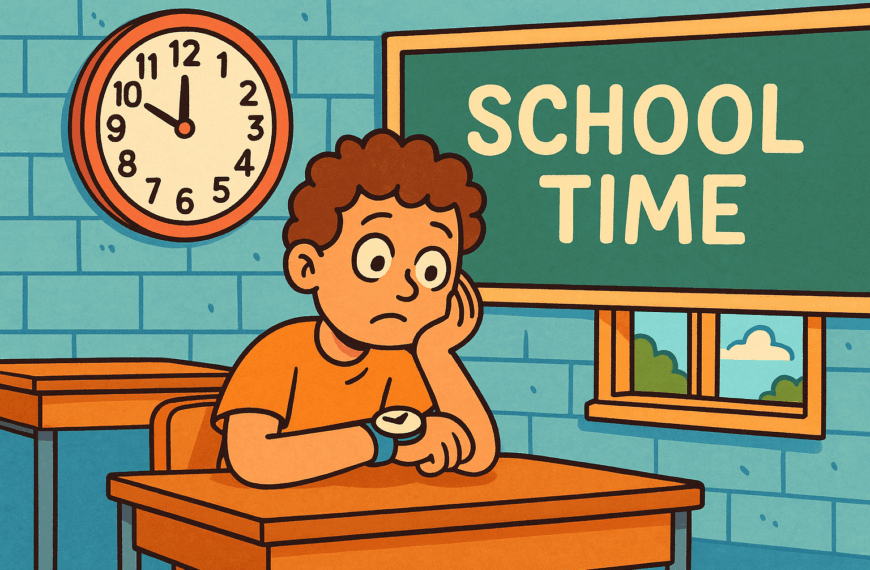
ChatGPT said: A colourful cartoon-style landscape illustration shows a student sitting at a school desk, glancing at their watch with a sigh. The classroom clock on the wall shows school hours, and the student looks impatient, waiting to go home but unable to leave while class is still in session.

Python While Loops

Beginner’s guide to Python while loops: repeat actions until conditions change, with clear examples and practice tasks.

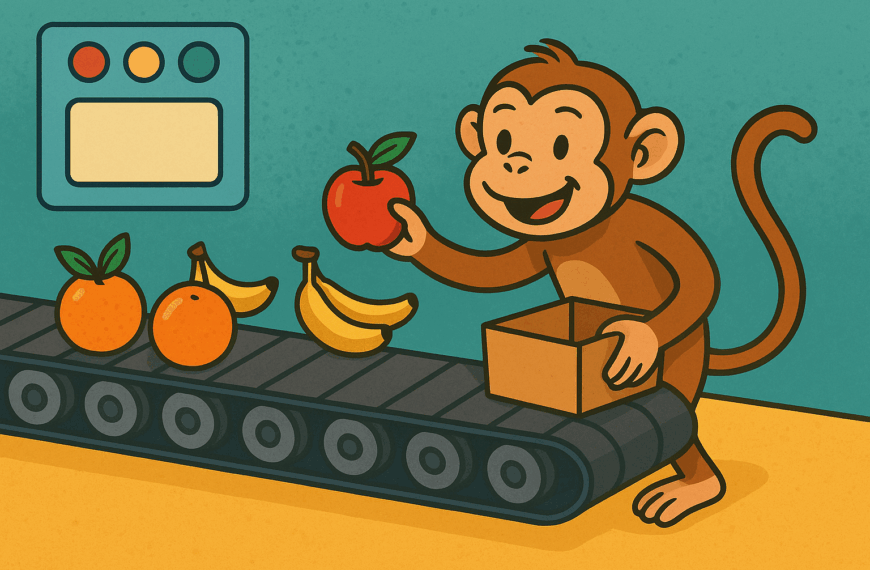
A colourful cartoon-style landscape illustration shows a cheerful monkey standing by a moving conveyor belt, happily taking pieces of fruit off as they pass. The background is bright and playful, symbolising repetition and order, like a Python for loop.

Python For Loops

Beginner’s guide to Python for loops: repeat actions, process lists, and simplify tasks with clear examples.