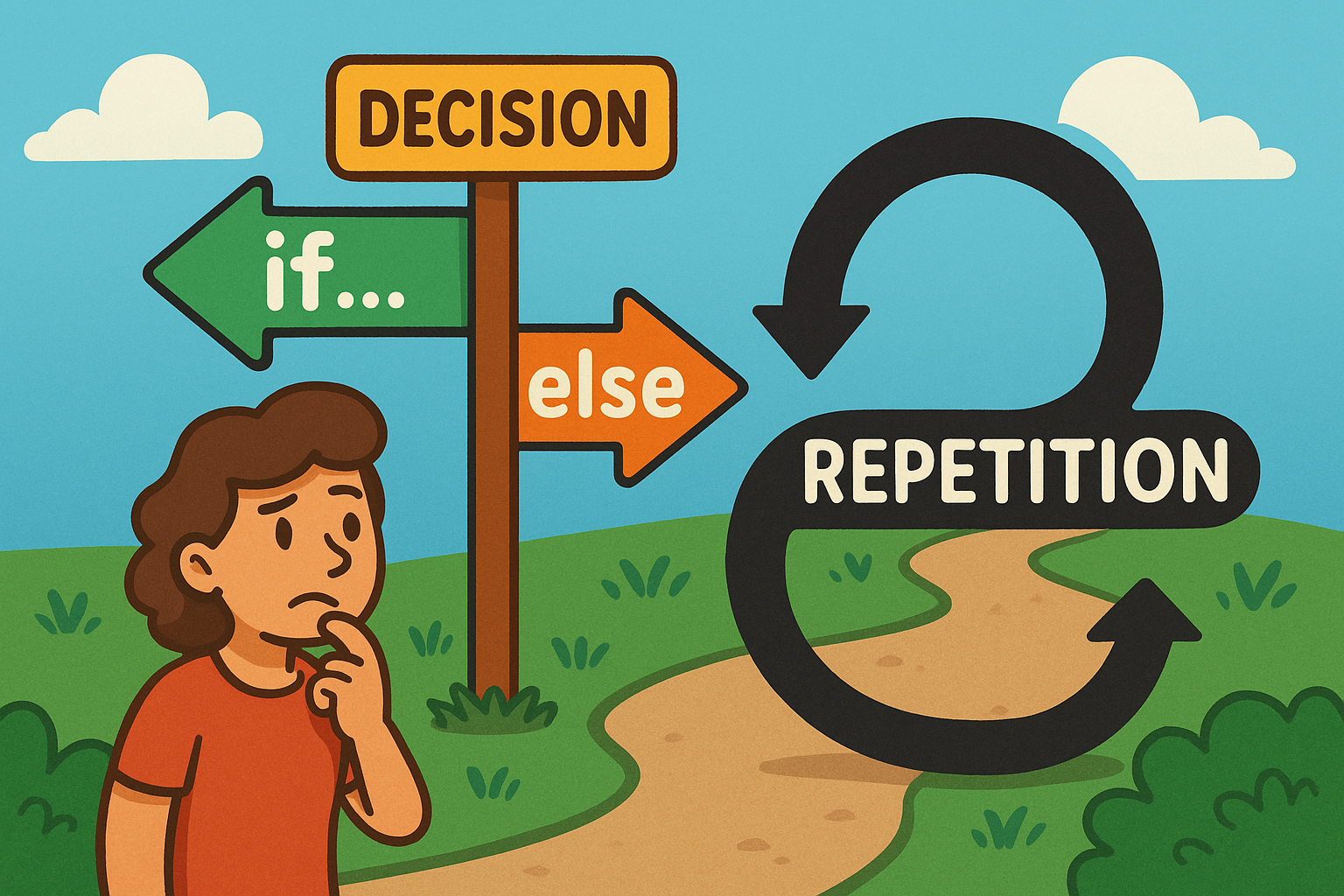
When you write a program, you often want it to behave differently depending on the situation. This is where decision statements and loops come in. They are the tools that give your program flexibility and control.
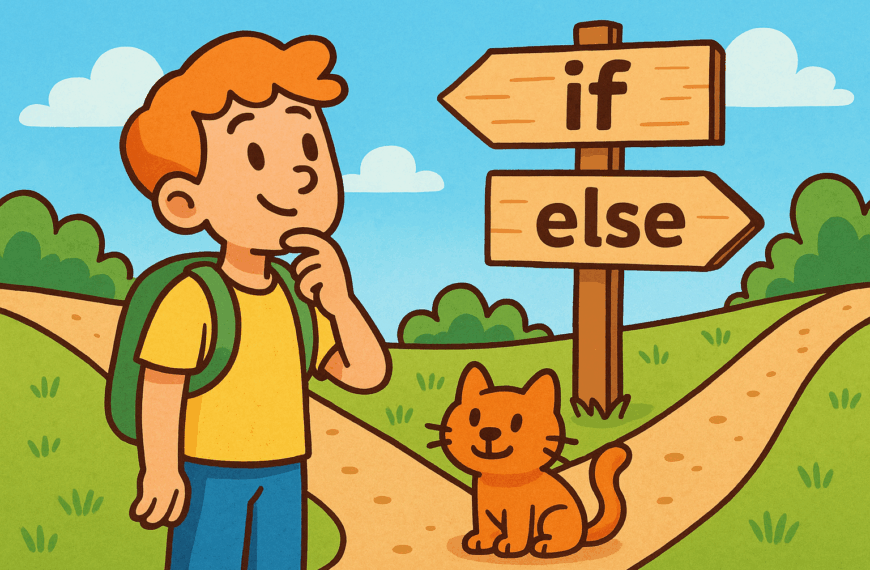
An if…else statement is like asking a question and then choosing a path based on the answer. For example, “If it is raining, take an umbrella. Otherwise, wear sunglasses.” In programming, this lets you make decisions and guide the program to act one way or another depending on the conditions. Without these statements, every program would simply run the same set of steps from start to finish, no matter what.
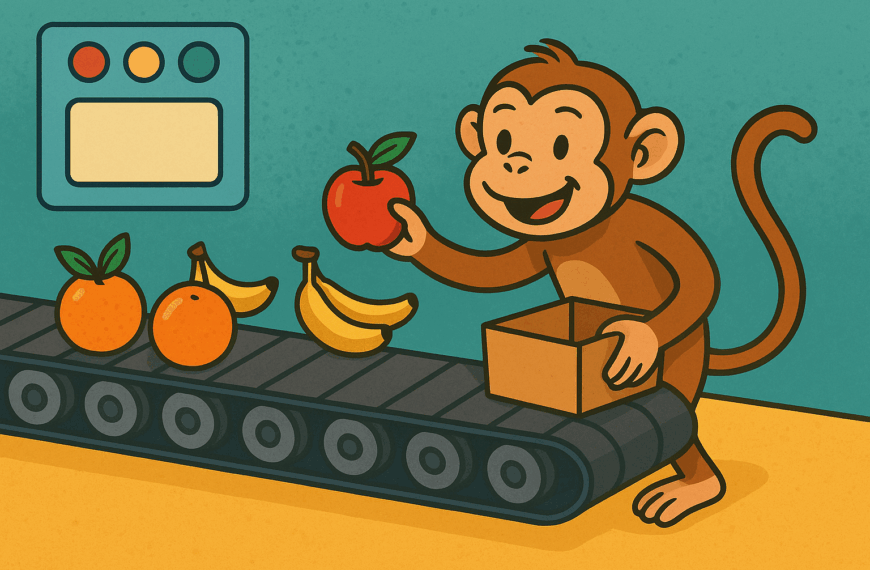
Loops are about repetition. Sometimes you need to do the same thing many times, like checking through a list of names or asking a player to guess again in a game. Instead of writing out the same steps over and over, a loop repeats them for you until the job is done.
Together, decisions and loops give your program life. They stop it being a static script and turn it into something interactive, responsive, and capable of handling the unexpected.