Python For Loops

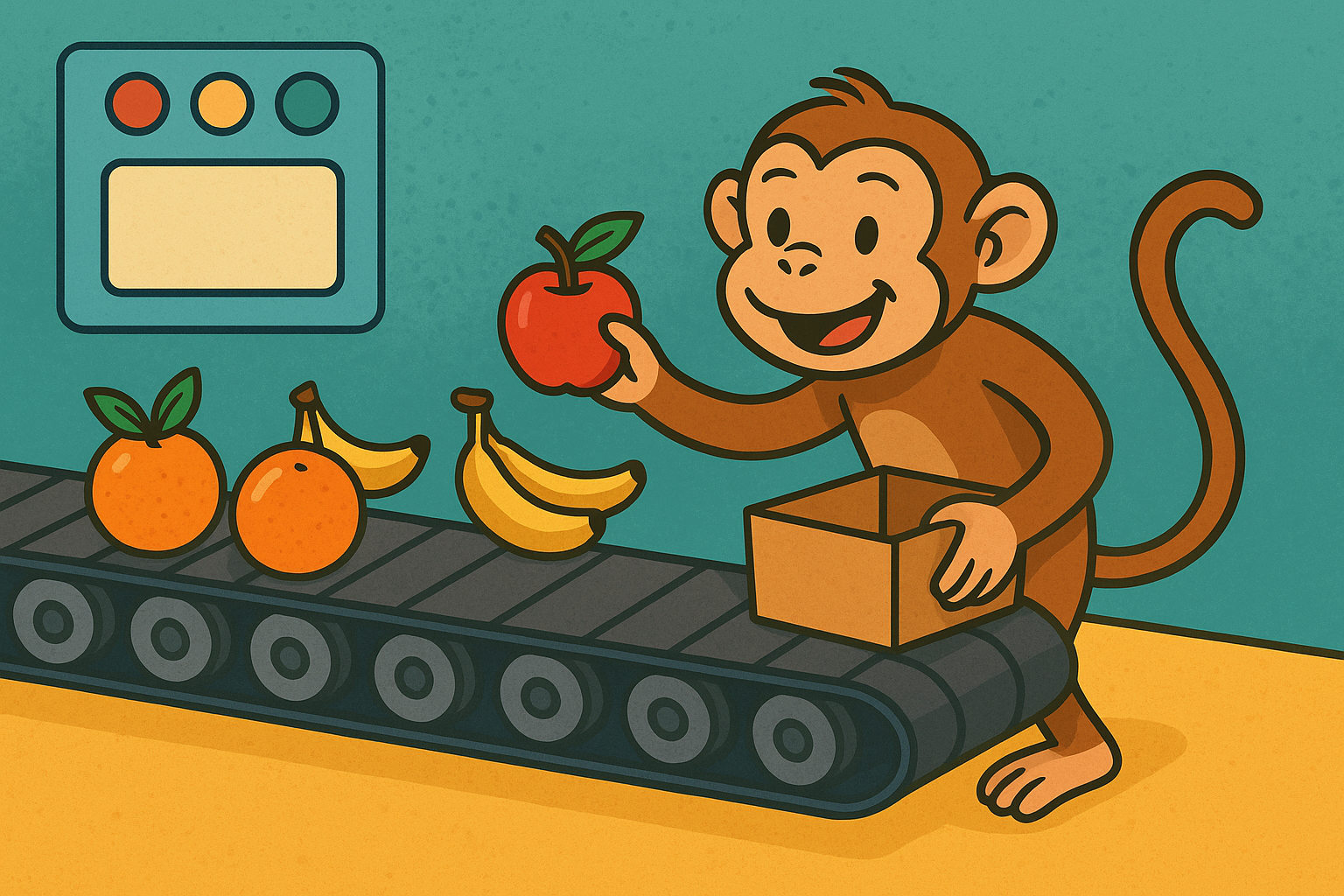
A colourful cartoon-style landscape illustration shows a cheerful monkey standing by a moving conveyor belt, happily taking pieces of fruit off as they pass. The background is bright and playful, symbolising repetition and order, like a Python for loop.

A for loop is a way to repeat a block of code a certain number of times. Instead of writing the same instruction over and over, you can tell Python: “Do this for every item in a list” or “Repeat this action five times.”

For loops are very useful when working with collections of data, like lists of names, or when you want to repeat something in a neat, controlled way.

The basic idea

A for loop moves through a sequence (like a list, a string, or a range of numbers) and runs the code once for each item.

Output:

apple
banana
cherry

Using ranges

If you just want to repeat something a certain number of times, use range().

for i in range(5):
    print("Hello")

This will print "Hello" five times.

Useful things to try

  • Print every letter in the word "Python".
  • Write a loop that prints numbers from 1 to 10.
  • Create a list of your three favourite foods and print each one.
  • Use range(2, 11, 2) to print even numbers between 2 and 10.

Summary

  • A for loop repeats code for each item in a sequence.
  • It is ideal for working with lists, strings, or ranges of numbers.
  • It helps avoid repeating yourself in code and makes your programs shorter and clearer.
Main Topic

Python Program Flow

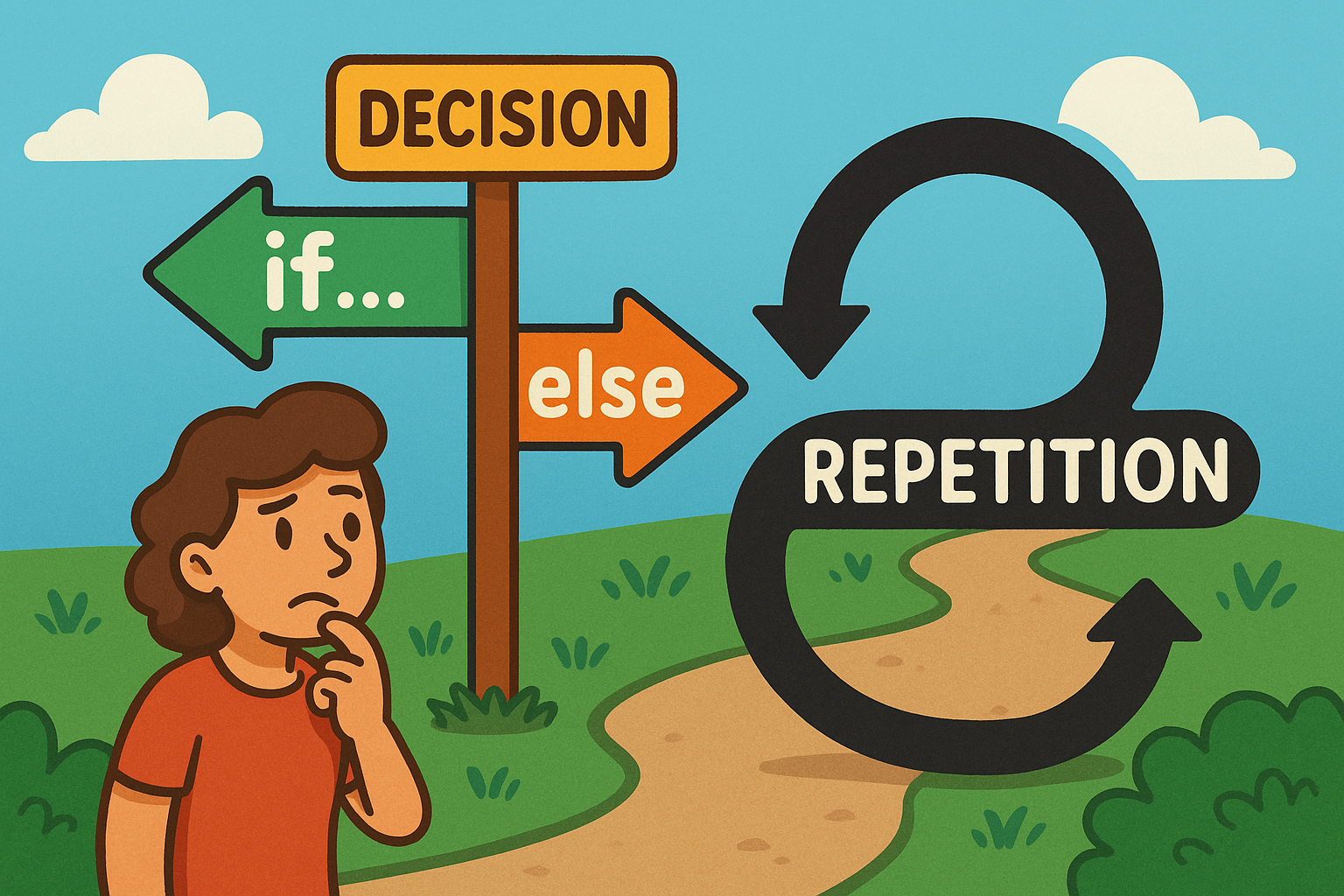
A colourful cartoon-style landscape illustration shows a playful flowchart. On one side, a path forks into two labelled branches representing an if…else decision, while nearby a looping curved arrow shows repetition for a loop. The scene is bright and engaging, making programming concepts feel approachable and fun.

Learn how Python uses if…else decisions and loops to guide program flow, choices, and repetition.

Other Tutorials in this Topic

Landscape illustration showing Python code with class, def, and if blocks, each using pass as placeholder.

Python’s Pass Placeholder

Beginner-friendly guide to Python’s pass statement, explaining its purpose, usage, examples, and common pitfalls clearly.

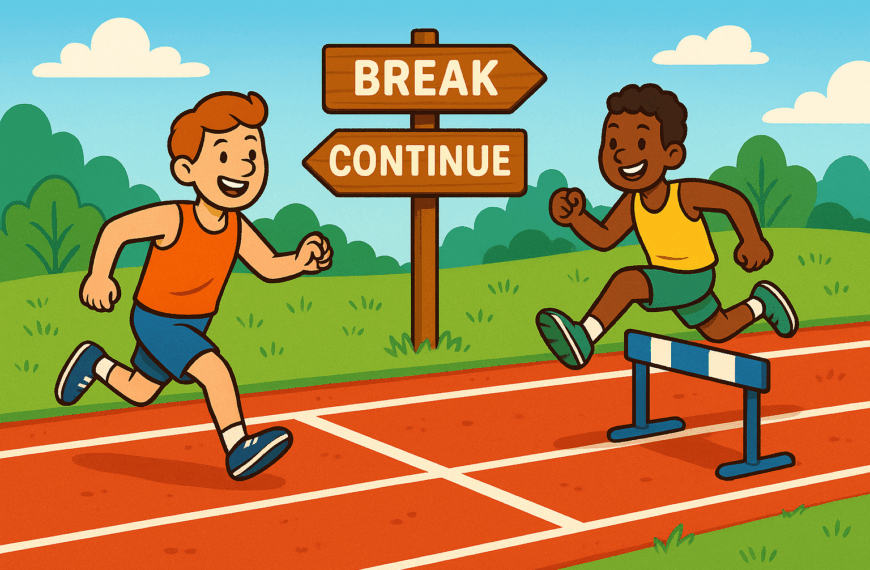
A colourful cartoon-style landscape illustration shows two runners on a track. One runner stops early at a finish line with a sign labelled “break”, while another leaps over hurdles marked “continue”, symbolising Python loop controls. The background is bright and playful, making programming concepts easy to visualise.

Python Breaking from Loops

Beginner’s guide to Python loop controls: learn break and continue for smarter, more flexible repetition.

ChatGPT said: A colourful cartoon-style landscape illustration shows a student sitting at a school desk, glancing at their watch with a sigh. The classroom clock on the wall shows school hours, and the student looks impatient, waiting to go home but unable to leave while class is still in session.

Python While Loops

Beginner’s guide to Python while loops: repeat actions until conditions change, with clear examples and practice tasks.

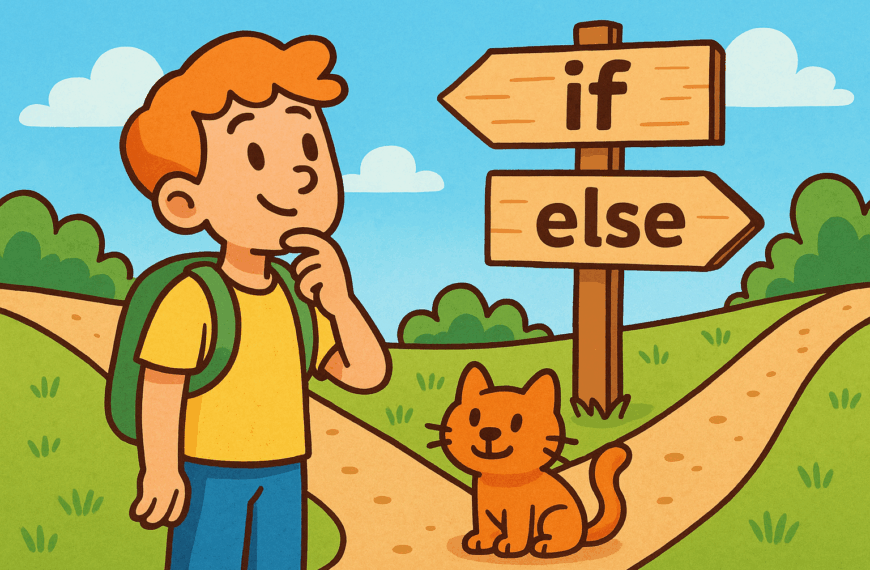
A colourful cartoon-style landscape illustration shows a cheerful character standing at a wooden signpost. The path splits into two clear directions, with one arrow marked if and the other marked else, symbolising decision-making in Python programming.

Python If/Else Decsion Making

Beginner’s guide to Python if…else statements: learn how programs make choices and follow different paths with examples.