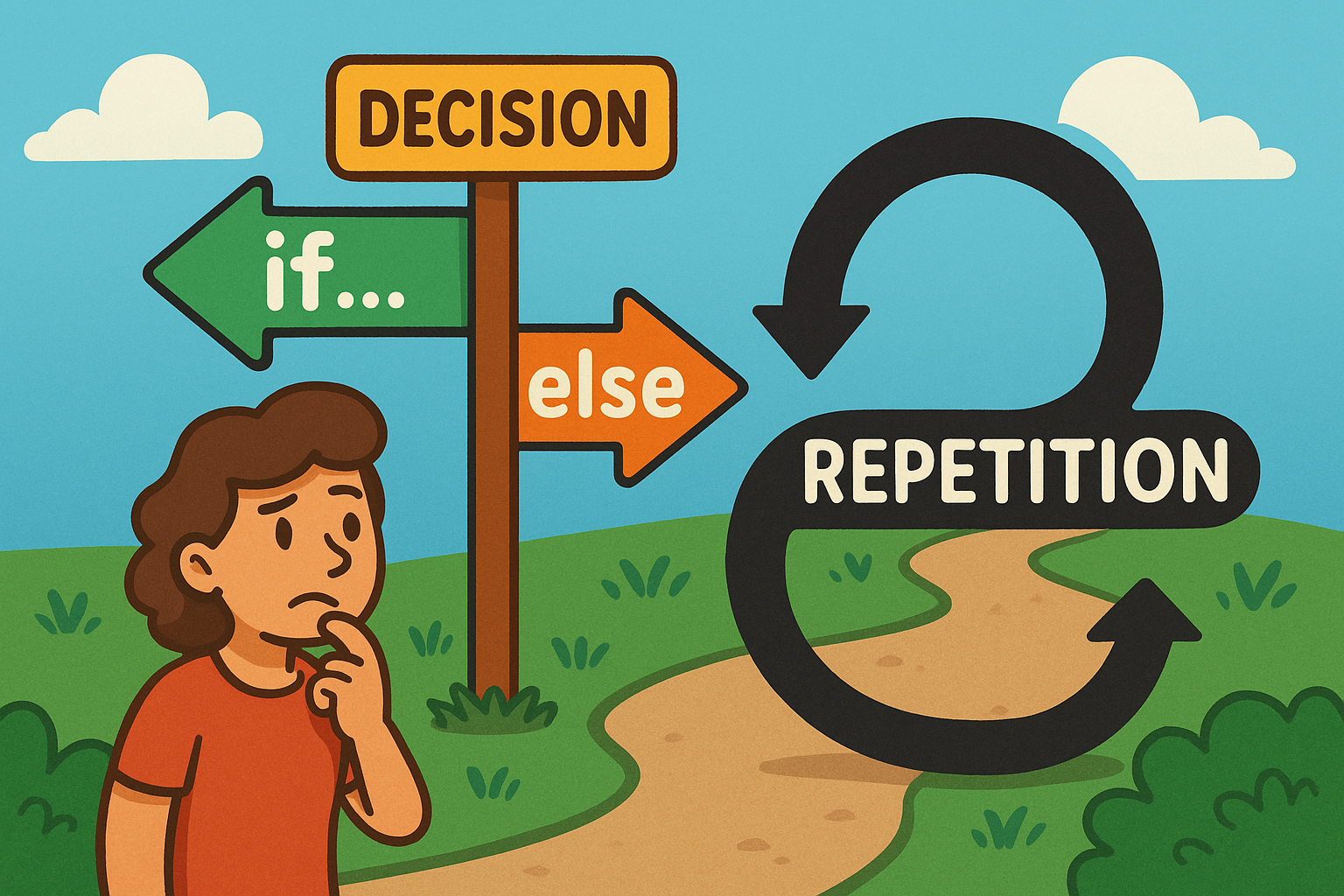
When you write a loop, you’re saying “repeat this set of instructions”. That’s powerful, but sometimes you don’t want the loop to run all the way to the end. You might want it to stop the moment a certain condition is met, skip over some items, or react differently depending on the situation. Python gives us a few useful tools for this: break, continue, and the less well-known else on loops.
break: stop the loop immediately
Sometimes, once you’ve found what you’re looking for, there’s no point carrying on. This is where break comes in. It tells Python: “Stop the loop right now, I’m done here.” The loop ends instantly, even if there were more items left to process.
names = ["Ava", "Ben", "Kai", "Mia"]
target = "Kai"

for n in names:
    if n == target:
        print("Found!", n)
        break    # stop the loop here
print("Loop finished.")
You’ll often use break in searches, menus, or loops that run until the user enters a specific command.
continue: skip this turn, move on
Sometimes you don’t want to stop the loop, you just want to ignore one item and carry on with the rest. That’s what continue does. It skips the rest of the current loop cycle and jumps straight to the next one.
for n in range(1, 11):
    if n % 2 == 0:
        continue    # skip even numbers
    print(n)        # prints 1, 3, 5, 7, 9
This is perfect when you only care about certain cases, like odd numbers, non-empty strings, or valid inputs.
for … else and while … else: a tidy “not found” path
A neat Python feature is that loops can have an else clause. The else block only runs if the loop finishes without a break. This is especially useful for searches, where you want to say “I looked everywhere, but it wasn’t there.”
codes = ["AB1", "QZ9", "LM2"]
target = "ZZZ"

for c in codes:
    if c == target:
        print("Code found!")
        break
else:
    print("Code not found.")  # runs because we never broke
This saves you having to create an extra “found it” flag in many cases.
Designing a good exit condition
While you can use break anywhere, it’s good practice to design your loops with a clear exit plan. This avoids confusing code and helps prevent infinite loops. Common patterns include:
- Sentinel values: repeat until the user enters something special, like “quit”.
- Bounded attempts: stop after three tries at a password.
- Flag variables: switch a flag to
Truewhen done. - Return statements: exit the whole function as soon as you have the answer.
These patterns make your code cleaner and easier to follow.
Breaking from nested loops
When you have loops inside loops (called nested loops), break only exits the innermost one. If you want to stop all loops, you need a different strategy — like using a flag variable, or putting the loop into a function and using return.
grid = [[1,2,3],[4,5,6],[7,8,9]]
target = 5
found = False

for row in grid:
    for cell in row:
        if cell == target:
            print("Found 5!")
            found = True
            break
    if found:
        break
This way, you can neatly escape both loops without scanning the entire grid unnecessarily.
Avoiding infinite loops
A common beginner mistake is writing a while loop that never ends. This happens when the condition always stays True because nothing inside the loop changes it. It’s important to make sure your loop has a natural “way out”, like increasing a counter or breaking on a special input.
Bad:
i = 0
while i < 5:
    print(i)
    # forgot to change i!
Good:
i = 0
while i < 5:
    print(i)
    i += 1
If you do get stuck in an infinite loop, press Ctrl+C to stop it in most terminals.
Quick checklist
- Use
breakto stop a loop early when your goal is met. - Use
continueto skip unwanted cases and move on. - Consider
for/while … elsefor clean “not found” reporting. - Always design a clear exit condition to avoid infinite loops.
- Be mindful of nested loops:
breakonly leaves the inner one.
With these tools, your loops will be smarter, safer, and easier to understand.