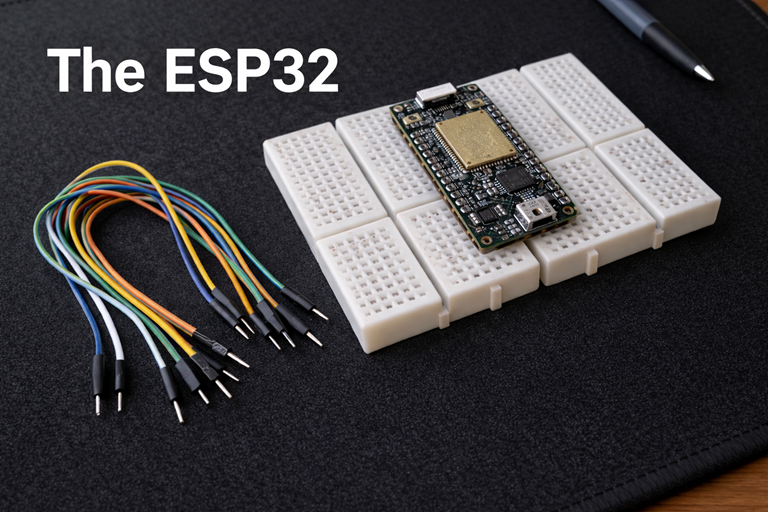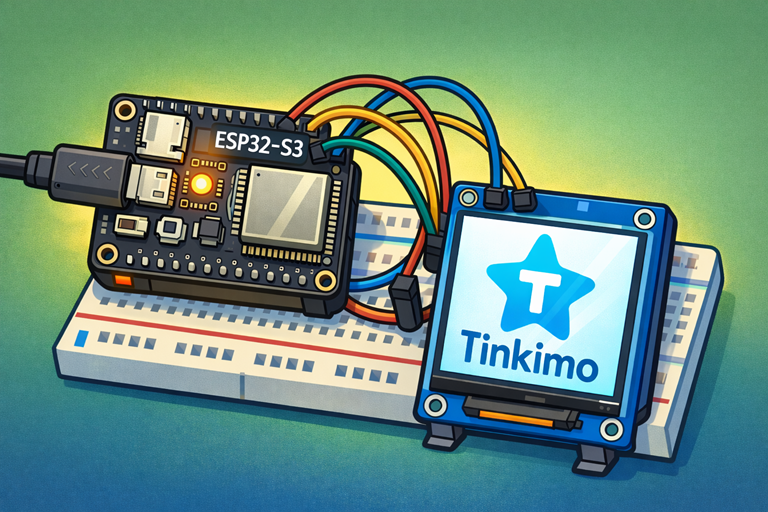
The ESP32 is supplied with a USB cable, that can be used to upload software to the device. In this tutorial we will be using the ESP32-S3 device.
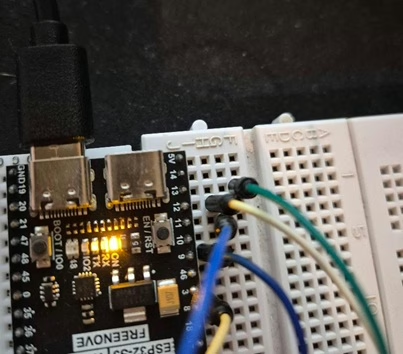
When setting up the device the USB lead must be connected to the USB connector nearest to the Boot button.
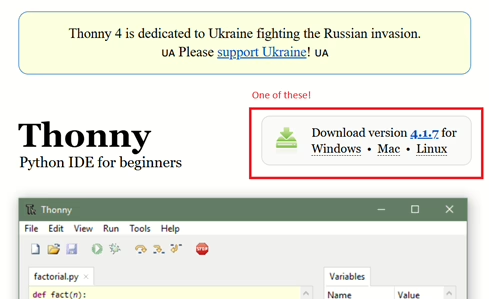
You will need to install Thonny. Go to https://thonny.org/ then click on the Download link and follow the instructions.
If the interpreter, shown in the bottom right corner, isn’t set to MicroPython you will need to install it.
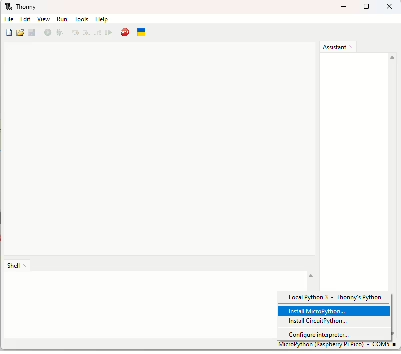
Click the button to install MicroPython and you will see the following pop-up, select the relevant Esp32 and click install.
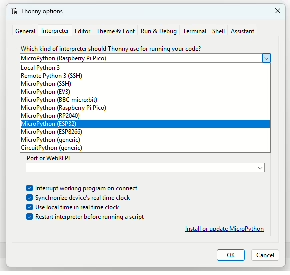
In order to install the correct binary file you will need to venture over to Micropython to download the binary image. There are two images available, one is for a device with PSRAM and the other is for ESP32 that do not.
If you have purchased one with PSRAM that you will need the one under Octal-SPIRAM.
Next you can install the binary image by selecting the button next to the Install button and selecting “Select local micropython image”.
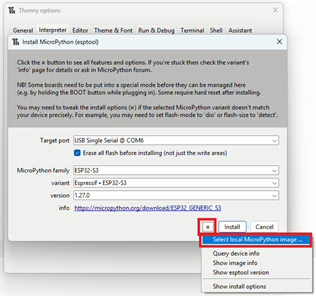
Finally, click install.