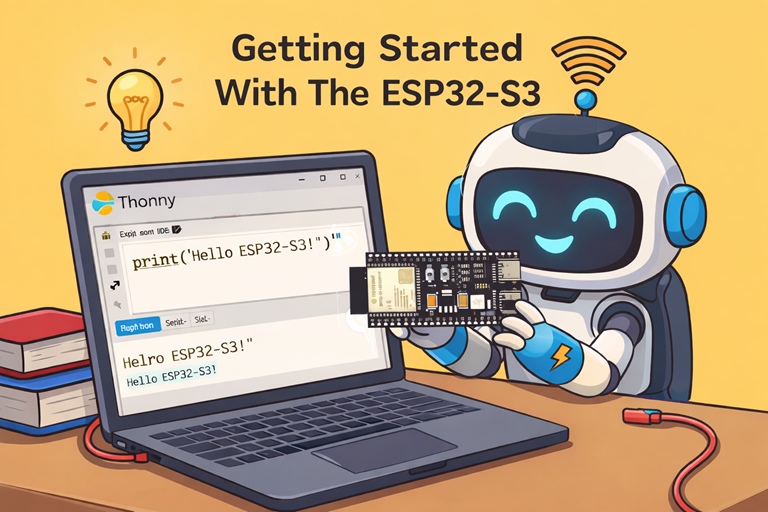
Getting Started With The ESP32-S3

Cartoon robot happily learning ESP32 S3 programming with Thonny on laptop holding board at bright desk classroom scene simple friendly

The ESP32 is supplied with a USB cable, that can be used to upload software to the device. In this tutorial we will be using the ESP32-S3 device.

When setting up the device the USB lead must be connected to the USB connector nearest to the Boot button.
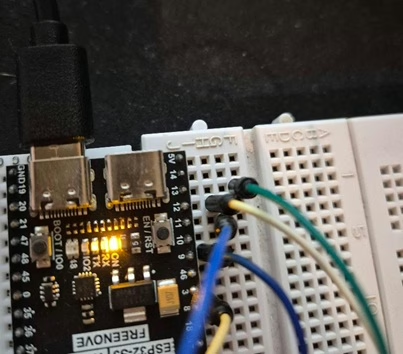
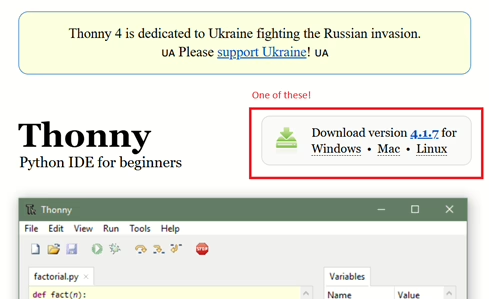
You will need to install Thonny. Go to https://thonny.org/ then click on the Download link and follow the instructions.
If the interpreter, shown in the bottom right corner, isn’t set to MicroPython you will need to install it.
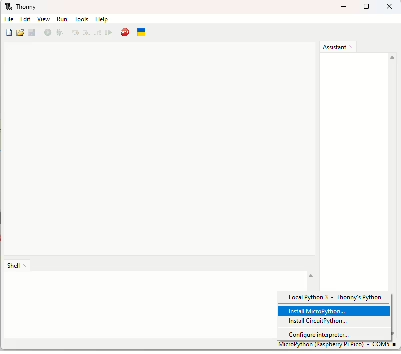
Click the button to install MicroPython and you will see the following pop-up, select the relevant Esp32 and click install.
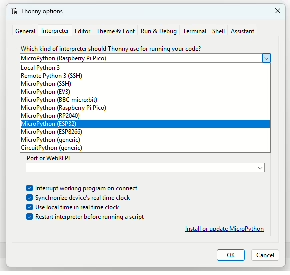
In order to install the correct binary file you will need to venture over to Micropython to download the binary image. There are two images available, one is for a device with PSRAM and the other is for ESP32 that do not.

If you have purchased one with PSRAM that you will need the one under Octal-SPIRAM.

Next you can install the binary image by selecting the button next to the Install button and selecting “Select local micropython image”.
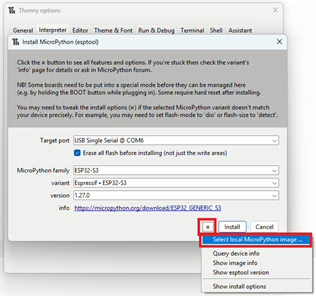
Finally, click install.
Main Topic

ESP32 microcontroller

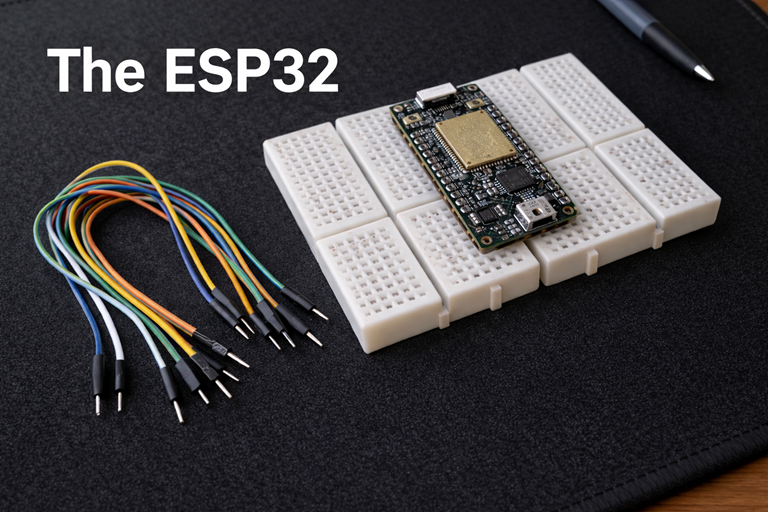
Photo shows an ESP32 on breadboards atop a black mat, with jumper wires nearby and the title The ESP32 visible.

ESP32 microcontroller overview explains processing power memory wireless connectivity variants and compares it with Raspberry Pi Pico for practical projects

Other Tutorials in this Topic

Cartoon illustration of ESP32-S3 connected to small colour display showing Tinkimo logo on breadboard with simple wires and clean background

Controlling an ST7789 Display With an ESP32-S3

Learn how an ESP32-S3 drives an ST7789 colour display to show images smoothly using simple code and…

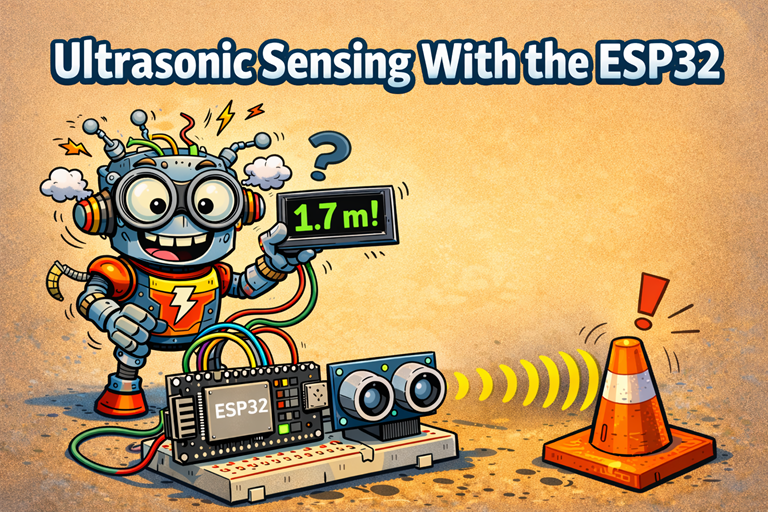
Cartoon robot uses an ESP32 and ultrasonic sensor to measure distance to a cone with playful sound waves background illustration

Getting Started with an Ultrasonic Sensor Module on…

Learn how an ESP32 uses an ultrasonic sensor to measure distance using sound waves in simple beginner…

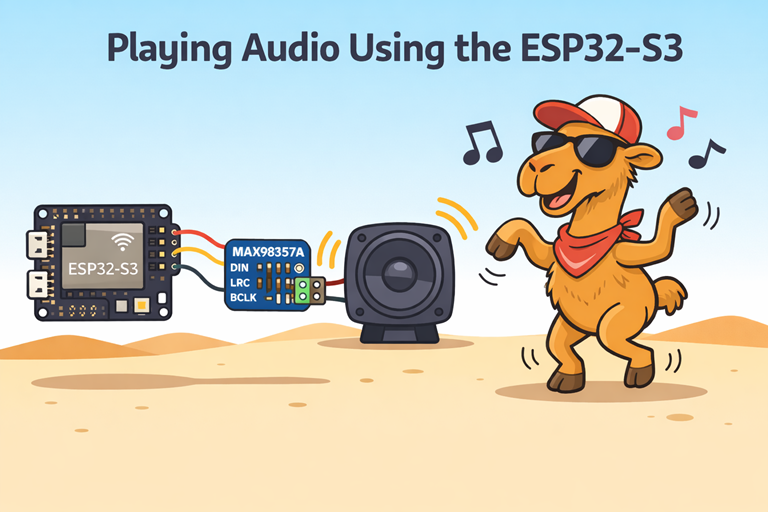
Cartoon ESP32 S3 connected to amplifier and speaker playing music while a sunglasses wearing camel dances happily in desert scene

Using the MAX98357A with the ESP32-S3

Learn how the ESP32 S3 sends digital audio over I2S to the MAX98357A amplifier to power a…

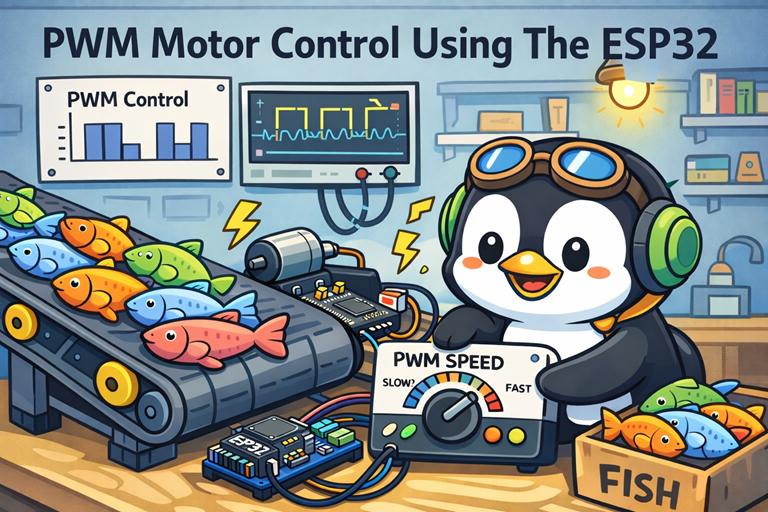
Cartoon penguin adjusts PWM speed dial controlling conveyor belt full of colorful fish using ESP32 and motor driver board

ESP32 Motor Control Using the L9110 Control Board

Learn how the ESP32 uses PWM and an H bridge motor driver to control motor speed and…

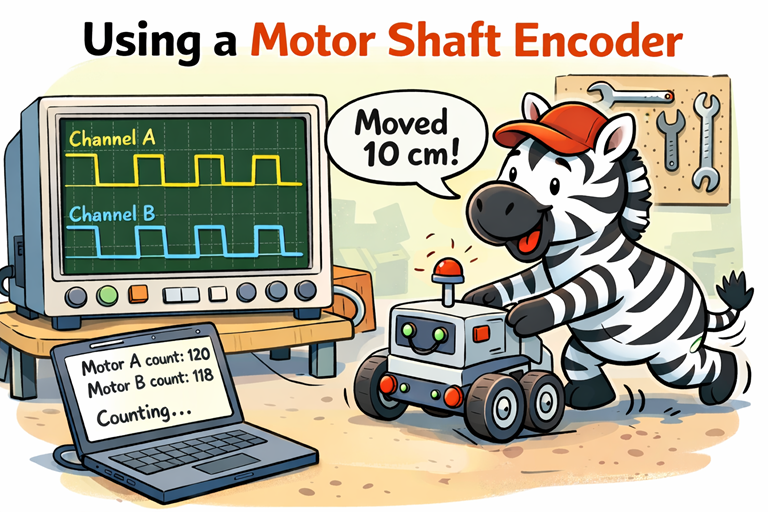
Cartoon zebra pushes small robot while oscilloscope shows encoder waveforms and laptop displays motor counts in workshop setting

Using a Motor Shaft Encoder With The ESP32

Explains quadrature encoders, state machines, decoder tables and interrupts to measure motor direction, distance travelled and wheel…