Introducing Python Exceptions

Flat illustration of a train diverted from a broken bridge by someone pulling a lever, symbolising Python Exceptions safety handling.

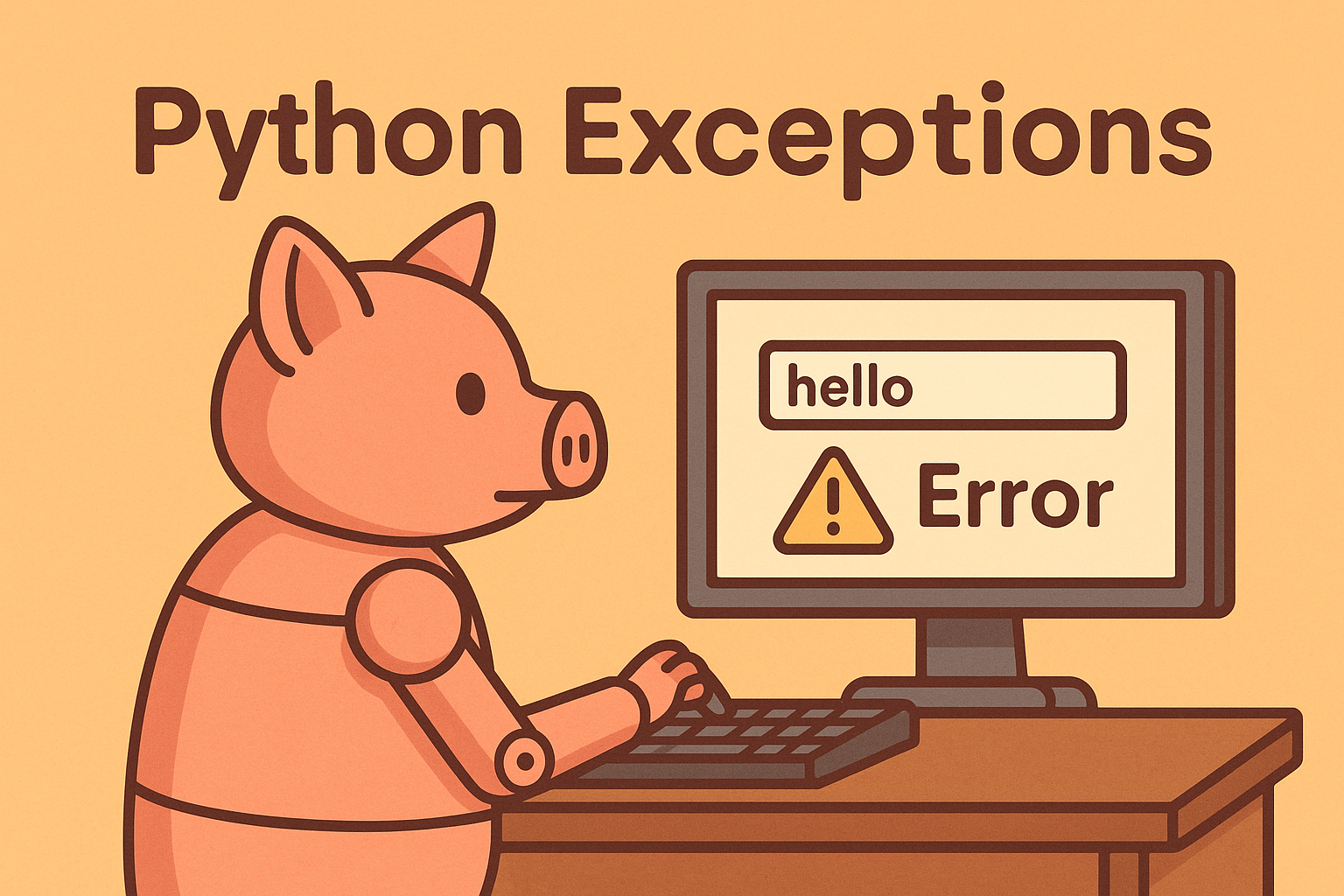
If you’ve ever cooked a meal and accidentally burnt the toast, you’ll know that mistakes happen. Programming is no different – no matter how careful you are, things can (and will) go wrong. In Python, when something unexpected happens during your code’s execution, the language raises an exception. Think of it as Python waving its hands in the air saying, “Hang on, I can’t deal with this!”

What Are Exceptions?

Exceptions are Python’s way of letting you know something went wrong. It could be as simple as trying to divide by zero (which even Python can’t manage), or as common as asking for the tenth item in a list that only has five. Instead of silently failing, Python raises an exception – which stops your program in its tracks unless you decide to handle it.

Why Should You Care?

Imagine writing a piece of software that asks a user for their age. What happens if they type in “banana” instead of a number? Without exception handling, your program will simply crash. That’s not exactly a great user experience! By handling exceptions, you can gently guide the user back on track, perhaps with a friendly message like, “Nice try, but ages don’t come in fruit form.”

Where Are Exceptions Used?

Pretty much everywhere. Any time your code interacts with the outside world – reading files, working with the internet, taking user input – there’s a chance for something to go wrong. Exceptions give you a safety net. They allow your program to react gracefully instead of falling flat on its face.

In short: exceptions are your friend. They’re not there to annoy you, but to help you write robust, user-friendly code. And once you learn how to handle them properly, you’ll wonder how you ever coded without them.
Tutorials

Topics

Python Fundamentals

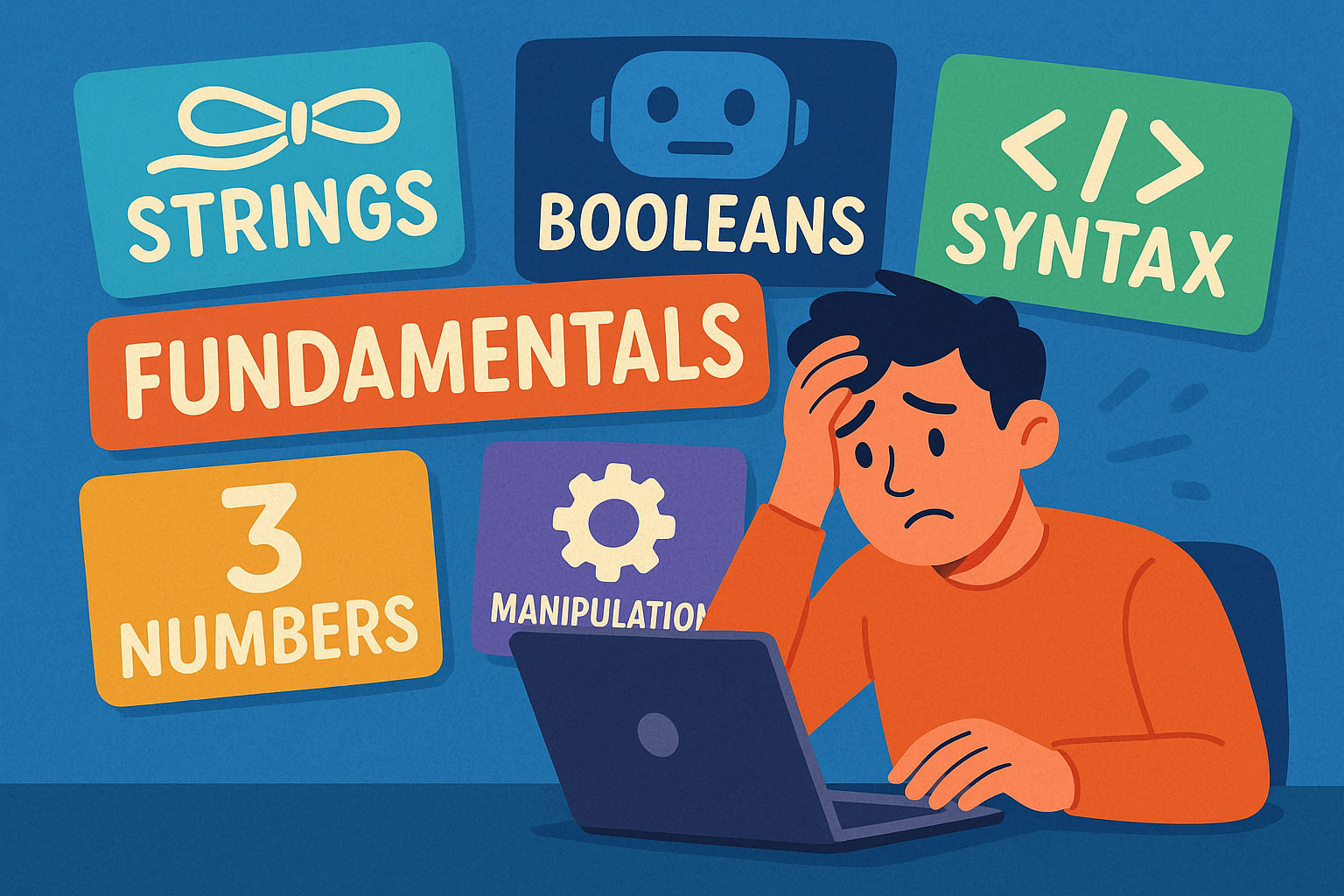
A colourful cartoon-style landscape illustration shows a person sitting at a computer terminal, looking overwhelmed by the amount of information on the screen. Papers and symbols float around them, representing different programming concepts. The word “Fundamentals” is clearly written above the scene, highlighting the focus on beginner Python basics.

Beginner’s guide to Python fundamentals: strings, numbers, booleans, syntax, and text manipulation explained simply and clearly.

Python Program Flow

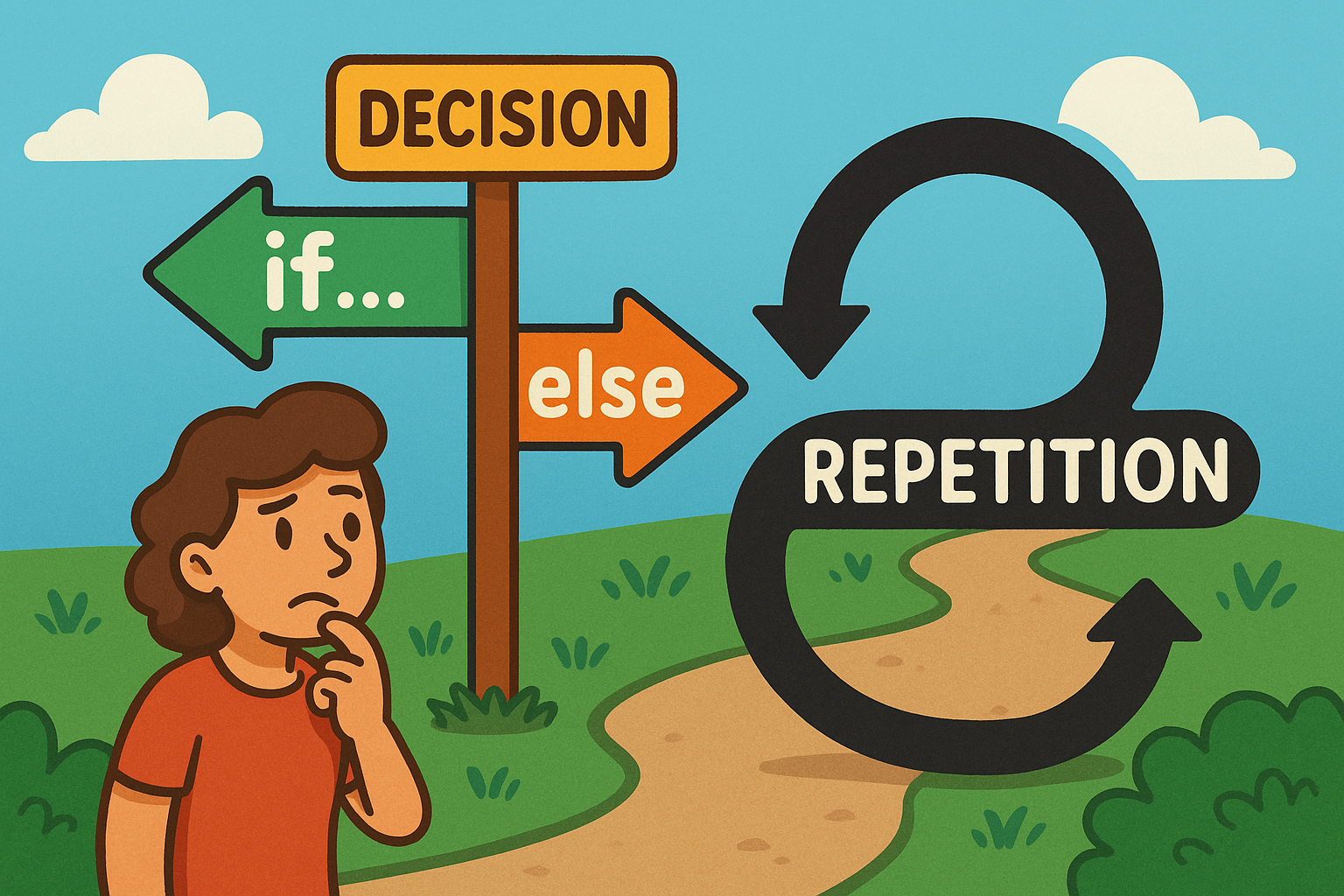
A colourful cartoon-style landscape illustration shows a playful flowchart. On one side, a path forks into two labelled branches representing an if…else decision, while nearby a looping curved arrow shows repetition for a loop. The scene is bright and engaging, making programming concepts feel approachable and fun.

Learn how Python uses if…else decisions and loops to guide program flow, choices, and repetition.

Python Functions

A flat, landscape-style digital illustration shows a man in an orange shirt drinking from a glass of water. A speech bubble next to him contains the function call drink_water() in bold monospaced text.

A beginner-friendly post explaining Python functions, highlighting clarity, reusability, collaboration, and scalability benefits.

Introducing Python Lists

A cartoon frog smiles while writing “Python Lists” with items flies, worms, insects on a chalkboard in a classroom setting.

This is a Python series introducing lists, their importance, and everyday uses. Light-hearted explanations make coding concepts simple, clear, and fun.

Introduction to Python Sets

Cartoon elephant holding a football sticker book with unique players, pale lemon background, text reads “Python Sets” beside it.

A guide to Python sets, explaining uniqueness, usefulness, and everyday examples like sticker albums, shopping baskets, and mailing lists.

Python Modules and Packages

A sheep dressed as a chef happily pulls a recipe card labelled Python Modules from a wooden box of recipes on a table.

This tutorial introduces Python modules and packages, explaining their purpose, benefits, and everyday uses in keeping code organised, reusable, and efficient.

Python Files and Directories

A cartoon owl with wide eyes stands in front of grey filing cabinets. One drawer is open, filled with folders, and the owl is holding a single document. The background is a warm orange tone, and the words “PYTHON FILES” appear in large bold text above the cabinets.

A light-hearted intro to handling files and directories in Python, featuring an owl mascot and fun “Python Files” imagery.