Introduction to Python Sets

Cartoon elephant holding a football sticker book with unique players, pale lemon background, text reads “Python Sets” beside it.

When you first hear the word “set”, you might think of a set of football stickers, a set of kitchen knives, or maybe even a tea set. In Python, a set is a special type of collection — but don’t worry, no teapots involved. A set is simply a way of storing multiple values together, a bit like a shopping basket that refuses to let you put the same item in twice.

Why are Sets Important?

Imagine you’re tidying up a list of names where people have signed up for a workshop twice by mistake. If you keep them in a list, you’d have to write some fiddly code to remove the duplicates. With a set, duplicates are banished automatically. Handy, right? Sets are designed to make life easier whenever you want to deal with uniqueness.

On top of that, sets come with some clever tricks up their sleeve. They can help you find what two groups have in common (think: “which people are on both the football team and the chess club?”), or what’s different between them (“who only turned up for one?”). This makes them really useful in problem-solving and data cleaning.

Where Might You Use Them?

Sets often pop up in the real world more than you’d expect. They’re great for:

  • Removing duplicate email addresses in a mailing list.
  • Comparing two lists of products to see what’s missing.
  • Checking quickly if something is part of a group (like whether a word is in a dictionary).

In short, sets are like the organised friend who won’t let you double-book your diary and always knows who’s in which club. We’ll keep things simple for now, but by the end of this guide you’ll see just how powerful these little collections can be.

Tutorials

Topics

Python Fundamentals

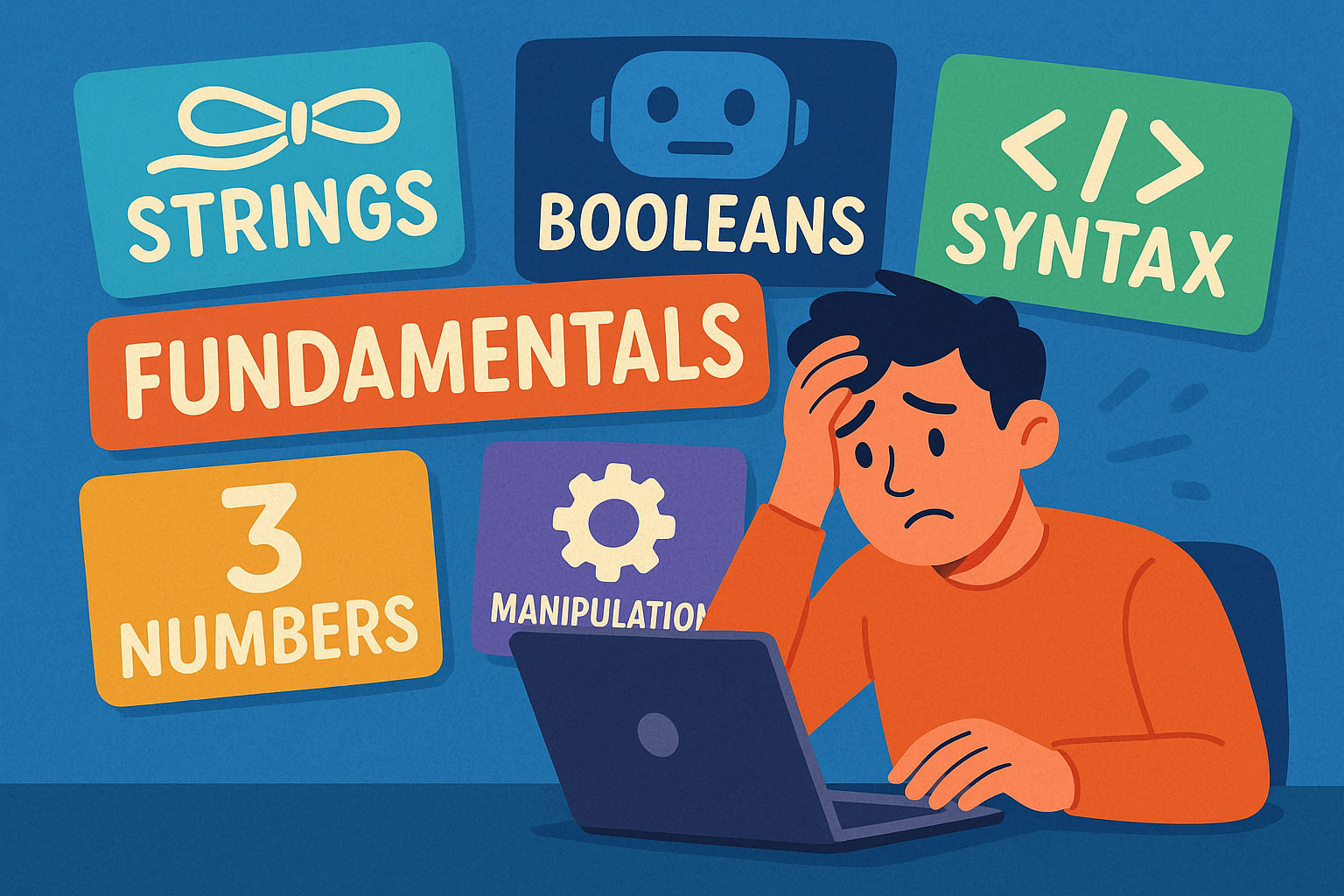
A colourful cartoon-style landscape illustration shows a person sitting at a computer terminal, looking overwhelmed by the amount of information on the screen. Papers and symbols float around them, representing different programming concepts. The word “Fundamentals” is clearly written above the scene, highlighting the focus on beginner Python basics.

Beginner’s guide to Python fundamentals: strings, numbers, booleans, syntax, and text manipulation explained simply and clearly.

Python Program Flow

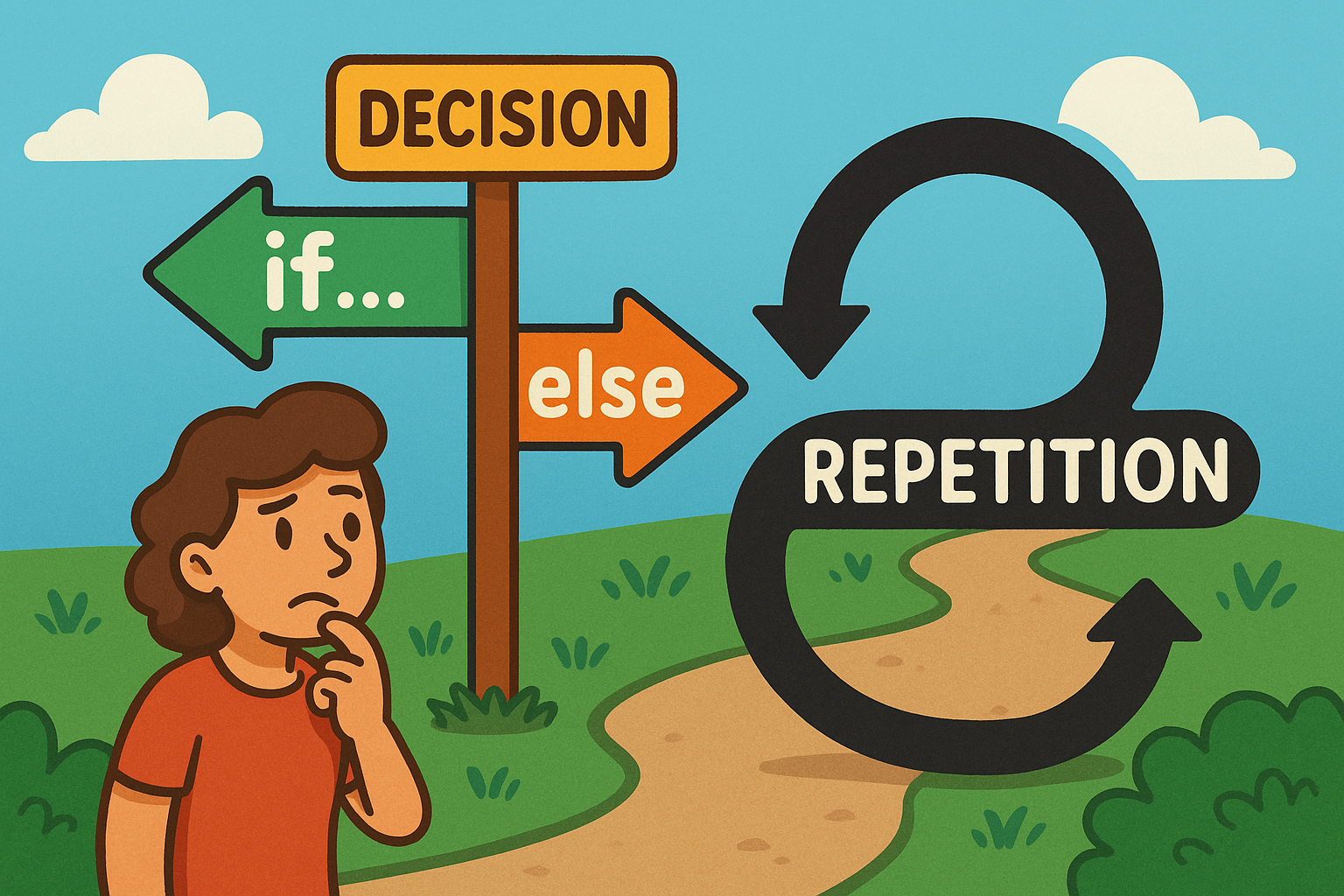
A colourful cartoon-style landscape illustration shows a playful flowchart. On one side, a path forks into two labelled branches representing an if…else decision, while nearby a looping curved arrow shows repetition for a loop. The scene is bright and engaging, making programming concepts feel approachable and fun.

Learn how Python uses if…else decisions and loops to guide program flow, choices, and repetition.

Python Functions

A flat, landscape-style digital illustration shows a man in an orange shirt drinking from a glass of water. A speech bubble next to him contains the function call drink_water() in bold monospaced text.

A beginner-friendly post explaining Python functions, highlighting clarity, reusability, collaboration, and scalability benefits.

Introducing Python Lists

A cartoon frog smiles while writing “Python Lists” with items flies, worms, insects on a chalkboard in a classroom setting.

This is a Python series introducing lists, their importance, and everyday uses. Light-hearted explanations make coding concepts simple, clear, and fun.

Introducing Python Exceptions

Flat illustration of a train diverted from a broken bridge by someone pulling a lever, symbolising Python Exceptions safety handling.

This tutorial introduces Python exceptions, explaining what they are, why they matter, and how handling them prevents program crashes.

Python Modules and Packages

A sheep dressed as a chef happily pulls a recipe card labelled Python Modules from a wooden box of recipes on a table.

This tutorial introduces Python modules and packages, explaining their purpose, benefits, and everyday uses in keeping code organised, reusable, and efficient.

Python Files and Directories

A cartoon owl with wide eyes stands in front of grey filing cabinets. One drawer is open, filled with folders, and the owl is holding a single document. The background is a warm orange tone, and the words “PYTHON FILES” appear in large bold text above the cabinets.

A light-hearted intro to handling files and directories in Python, featuring an owl mascot and fun “Python Files” imagery.