Python Fundamentals

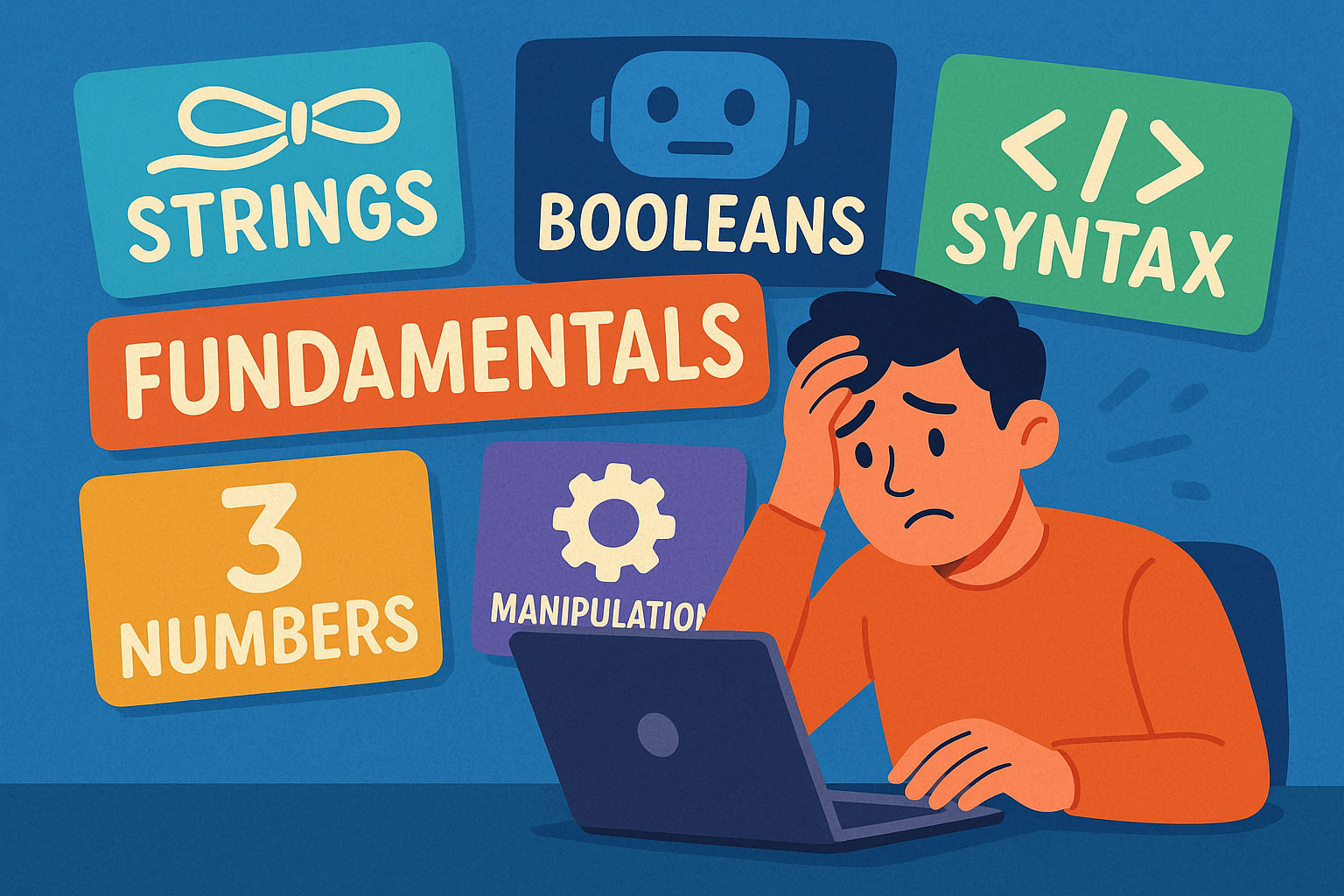
A colourful cartoon-style landscape illustration shows a person sitting at a computer terminal, looking overwhelmed by the amount of information on the screen. Papers and symbols float around them, representing different programming concepts. The word “Fundamentals” is clearly written above the scene, highlighting the focus on beginner Python basics.

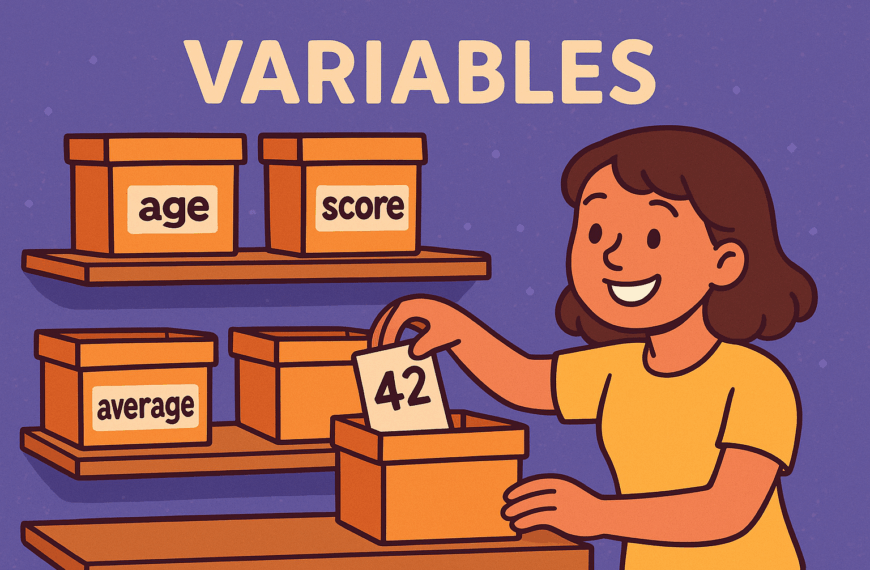
When you first start learning Python you will quickly see terms like strings, booleans, syntax, numbers, and string manipulation. This may look like a long list, but these are simply the basic building blocks that make up almost everything in Python.

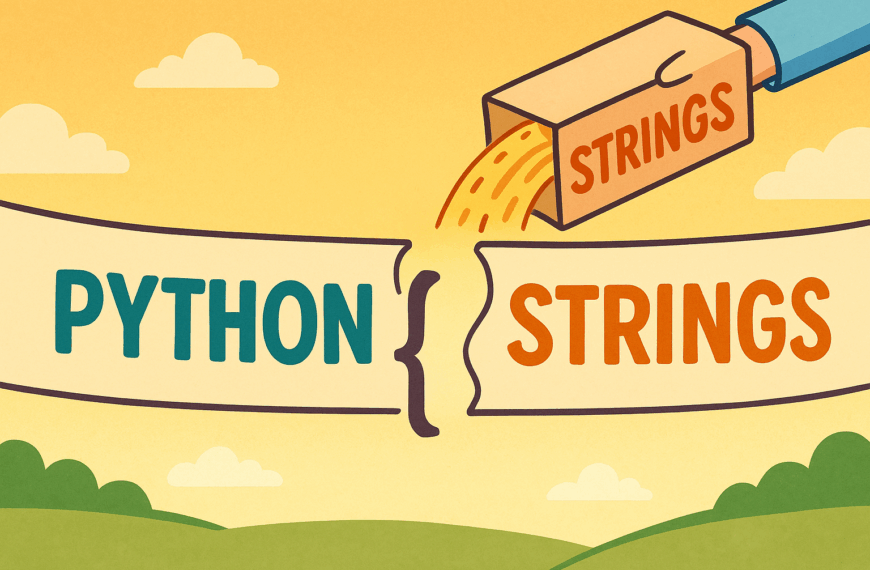
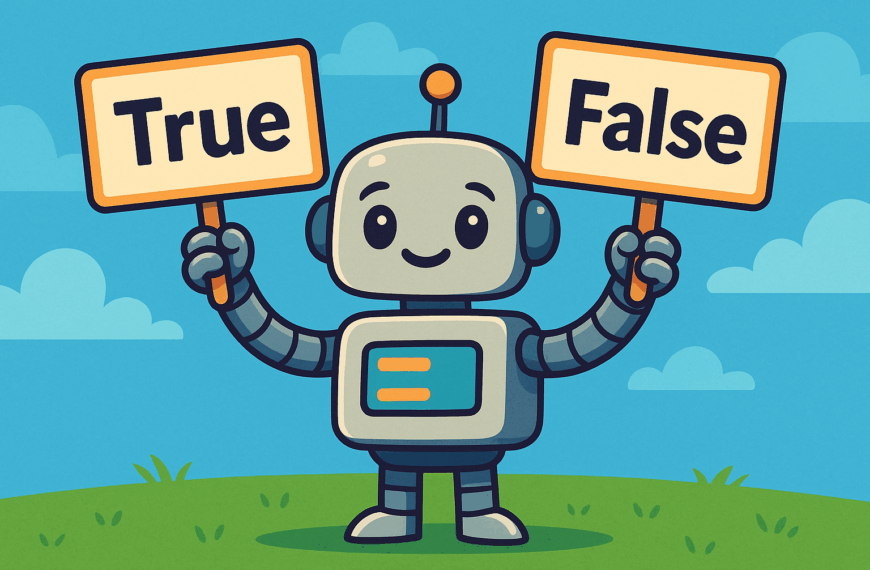
Strings are pieces of text, such as names or sentences, and are used whenever you want to work with words. Booleans are very simple values: either True or False. They are important because they let your program make choices and decisions. Syntax is the set of rules that Python follows to understand your code. Just like grammar in English, it feels unusual at first, but becomes natural with practice.

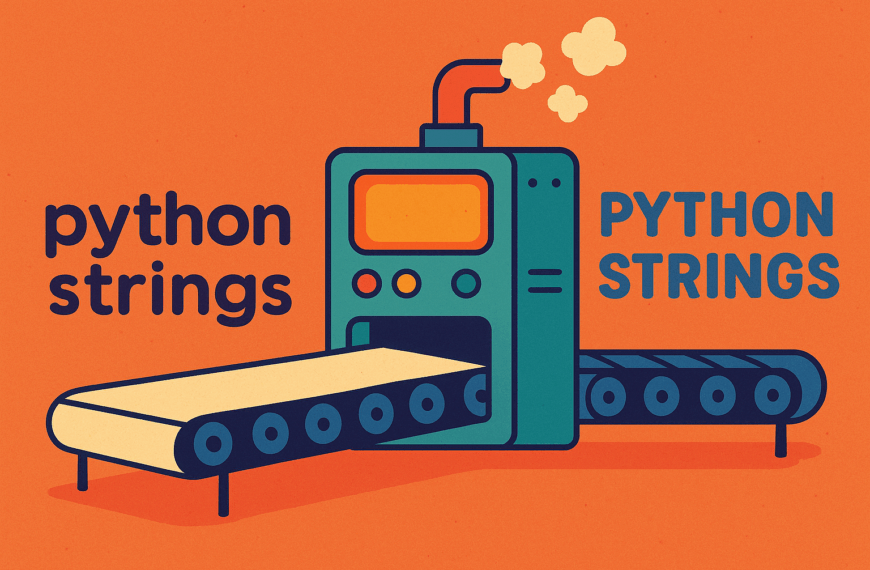
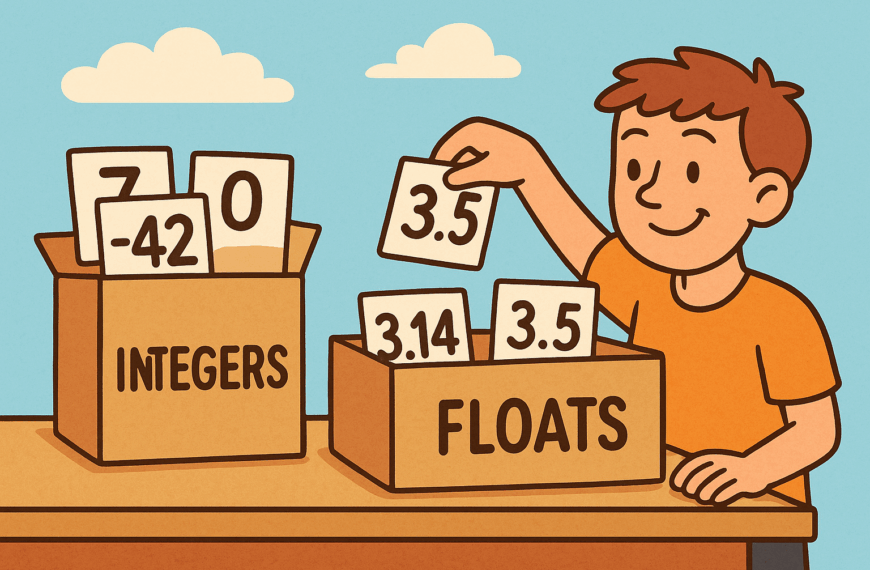
Numbers in Python are either whole numbers (integers) or decimal numbers (floats). You use them for calculations, scores, money, and measurements. Finally, string manipulation means changing or adjusting text, such as making it uppercase, trimming spaces, or replacing one word with another.

You do not need to remember everything at once. Programming is about problem solving, not memorisation. If you forget something, you can always check your notes or look it up. With practice, these fundamentals will become second nature.
Tutorials

ChatGPT said: A colourful cartoon-style landscape illustration shows two large labelled containers: one marked Integers filled with whole numbers like 7, 0, and -3, and another marked Floats filled with decimal numbers like 3.14, -0.5, and 2.0. A cheerful character is sorting the numbers into the correct containers, visually explaining the difference between integers and floating-point numbers in Python.

Python Numbers

Learn Python numbers: integers and floats, arithmetic operations, conversions, rounding, precision issues, and practical exercises for beginners…

Topics

Python Program Flow

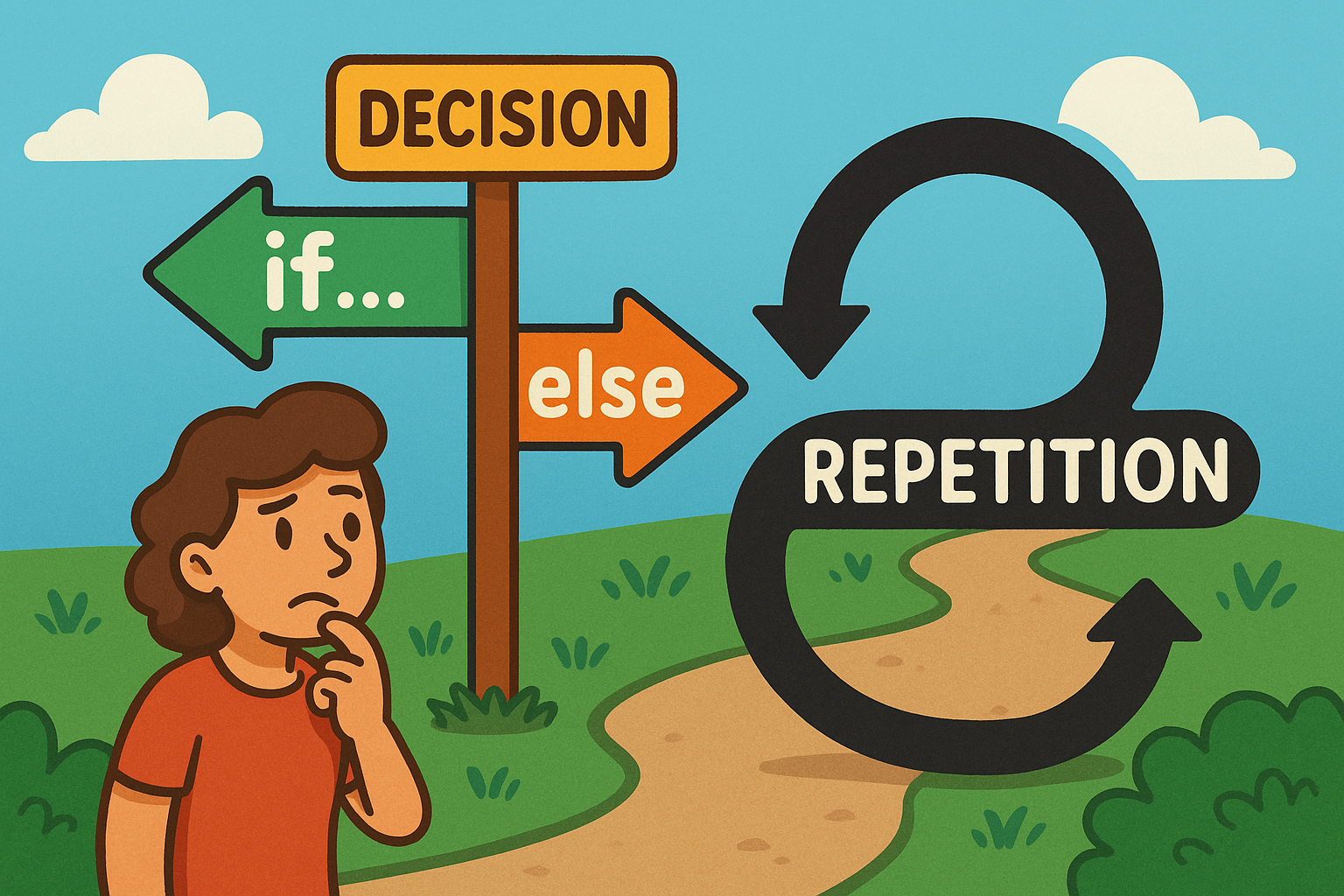
A colourful cartoon-style landscape illustration shows a playful flowchart. On one side, a path forks into two labelled branches representing an if…else decision, while nearby a looping curved arrow shows repetition for a loop. The scene is bright and engaging, making programming concepts feel approachable and fun.

Learn how Python uses if…else decisions and loops to guide program flow, choices, and repetition.

Python Functions

A flat, landscape-style digital illustration shows a man in an orange shirt drinking from a glass of water. A speech bubble next to him contains the function call drink_water() in bold monospaced text.

A beginner-friendly post explaining Python functions, highlighting clarity, reusability, collaboration, and scalability benefits.

Introducing Python Lists

A cartoon frog smiles while writing “Python Lists” with items flies, worms, insects on a chalkboard in a classroom setting.

This is a Python series introducing lists, their importance, and everyday uses. Light-hearted explanations make coding concepts simple, clear, and fun.

Introduction to Python Sets

Cartoon elephant holding a football sticker book with unique players, pale lemon background, text reads “Python Sets” beside it.

A guide to Python sets, explaining uniqueness, usefulness, and everyday examples like sticker albums, shopping baskets, and mailing lists.

Introducing Python Exceptions

Flat illustration of a train diverted from a broken bridge by someone pulling a lever, symbolising Python Exceptions safety handling.

This tutorial introduces Python exceptions, explaining what they are, why they matter, and how handling them prevents program crashes.

Python Modules and Packages

A sheep dressed as a chef happily pulls a recipe card labelled Python Modules from a wooden box of recipes on a table.

This tutorial introduces Python modules and packages, explaining their purpose, benefits, and everyday uses in keeping code organised, reusable, and efficient.

Python Files and Directories

A cartoon owl with wide eyes stands in front of grey filing cabinets. One drawer is open, filled with folders, and the owl is holding a single document. The background is a warm orange tone, and the words “PYTHON FILES” appear in large bold text above the cabinets.

A light-hearted intro to handling files and directories in Python, featuring an owl mascot and fun “Python Files” imagery.