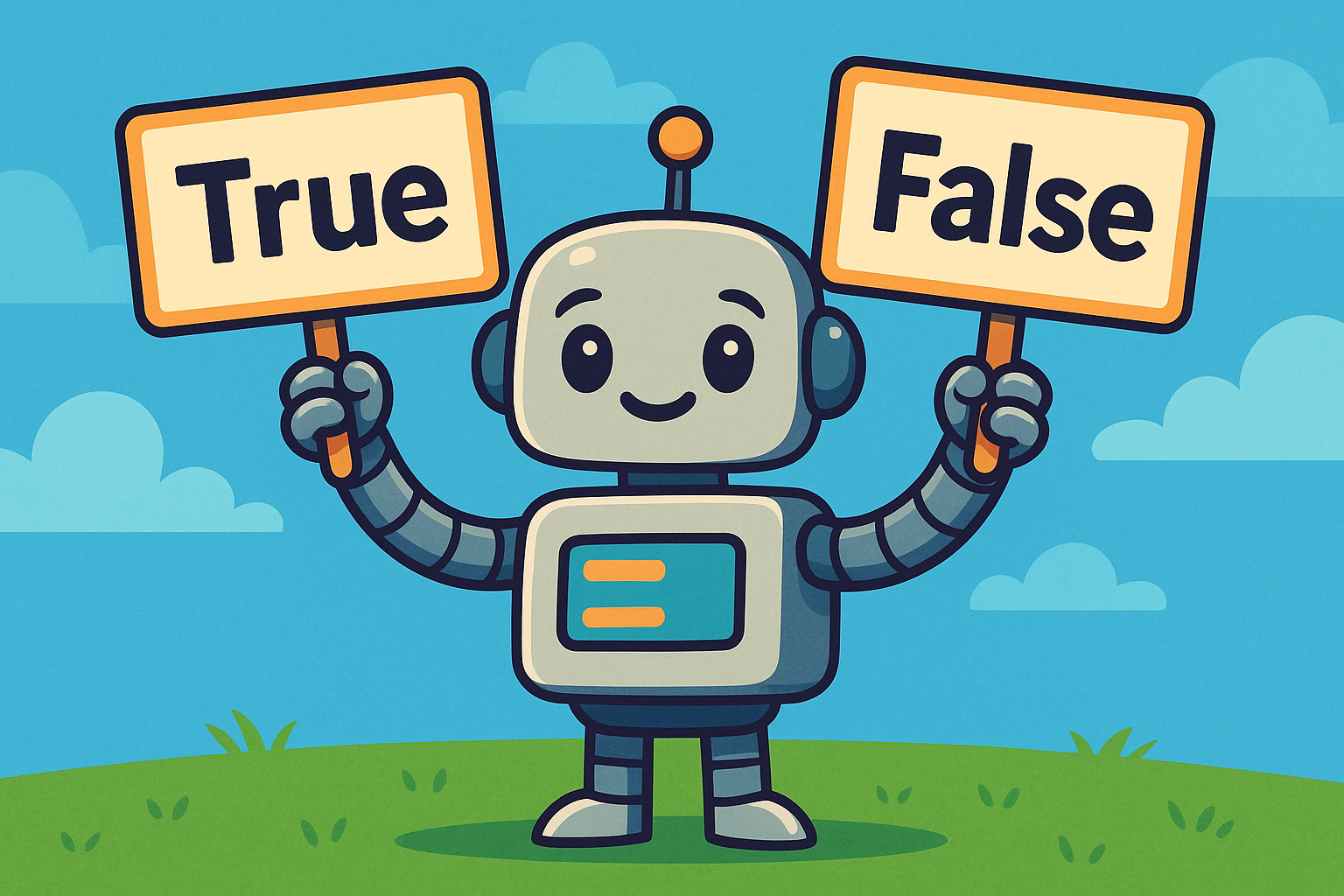
A Boolean (named after the mathematician George Boole) is a special data type that has only two possible values:
TrueFalse
These are not strings (they don’t have quotes around them) and they must be written with a capital T or capital F.
is_sunny = True
is_raining = False
print(is_sunny)   # True
print(is_raining) # False
Booleans are used for making decisions in your code, such as “Should I do this or not?”.
Comparison operators
Booleans often come from comparisons. Python checks something, and the result is either True or False.
| Operator | Example | Result |
|---|---|---|
== | 5 == 5 | True |
!= | 5 != 3 | True |
< | 2 < 7 | True |
<= | 7 <= 7 | True |
> | 10 > 3 | True |
>= | 3 >= 4 | False |
print(10 > 2)   # True
print(4 == 5)   # False
Try this
- Print whether
15is greater than20. - Print whether
7is equal to7. - Print whether
"apple" != "orange".
Boolean operators (and, or, not)
You can combine Booleans with logical operators:
and→ True only if both sides are Trueor→ True if at least one side is Truenot→ flips True to False (and False to True)
print(True and False)  # False
print(True or False)   # True
print(not True)        # False
Example with numbers:
x = 10
print(x > 5 and x < 20)   # True (both conditions are True)
print(x < 5 or x == 10)   # True (second condition is True)
print(not (x == 10))      # False (because x == 10 is True, and not flips it)
Try this
- Make
age = 16. Print whetherageis greater than 13 and less than 19. - Check if
"dog"is equal to"cat"or"dog". - Use
notto flip aTruevalue intoFalse.
Using Booleans in decisions (if statements)
Booleans are most powerful when combined with if statements to control what your program does.
is_hungry = True

if is_hungry:
    print("Time for a snack!")
else:
    print("Not hungry right now.")
You don’t need to write == True or == False. The Boolean itself is enough.
Try this
- Ask the user their age.
- Convert it to an integer.
- Print
"You are an adult"if they are 18 or over, otherwise print"You are a minor".
Converting to Booleans
You can convert values into Booleans with the bool() function.
print(bool(0))     # False
print(bool(1))     # True
print(bool(""))    # False (empty string)
print(bool("hi"))  # True (non-empty string)
Python treats some values as False: 0, 0.0, "" (empty string), None, and empty lists. Everything else is considered True.
Try this
- Print
bool(100). - Print
bool(""). - Print
bool("Python").
Common beginner mistakes
- Forgetting the capital letters:
trueandfalsedon’t work — it must beTrueandFalse. - Thinking Booleans are strings:
"True"is not the same asTrue. - Writing conditions like
if is_sunny == True:when simplyif is_sunny:is better.
Summary
- A Boolean is either
TrueorFalse. - Comparisons (
==,<,>) return Booleans. - Use
and,or,notto combine conditions. - Booleans control program flow with
ifstatements. bool()converts values into True or False.
✅ With Booleans, your programs can start making decisions and reacting to different situations. This is the foundation of logic in coding.