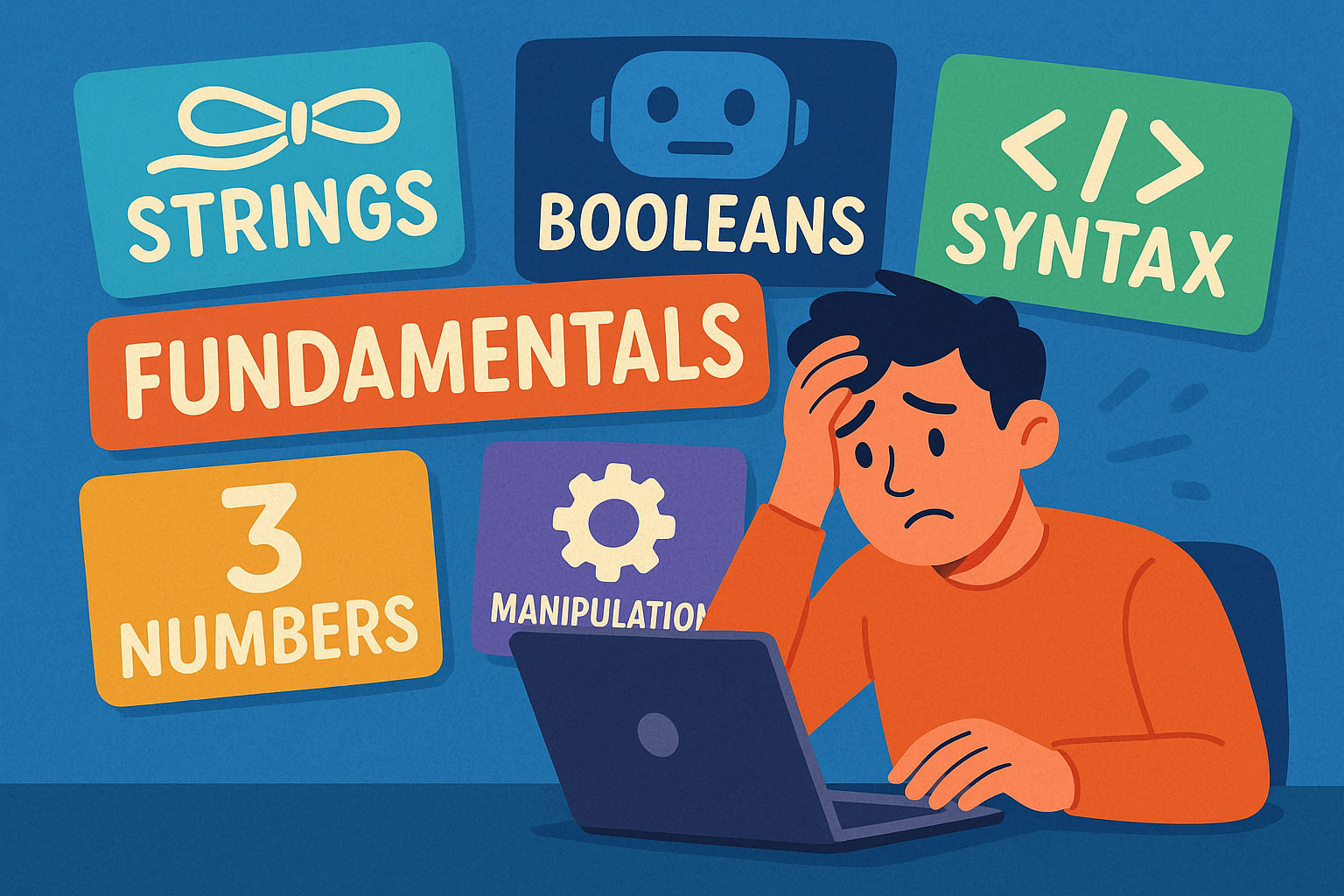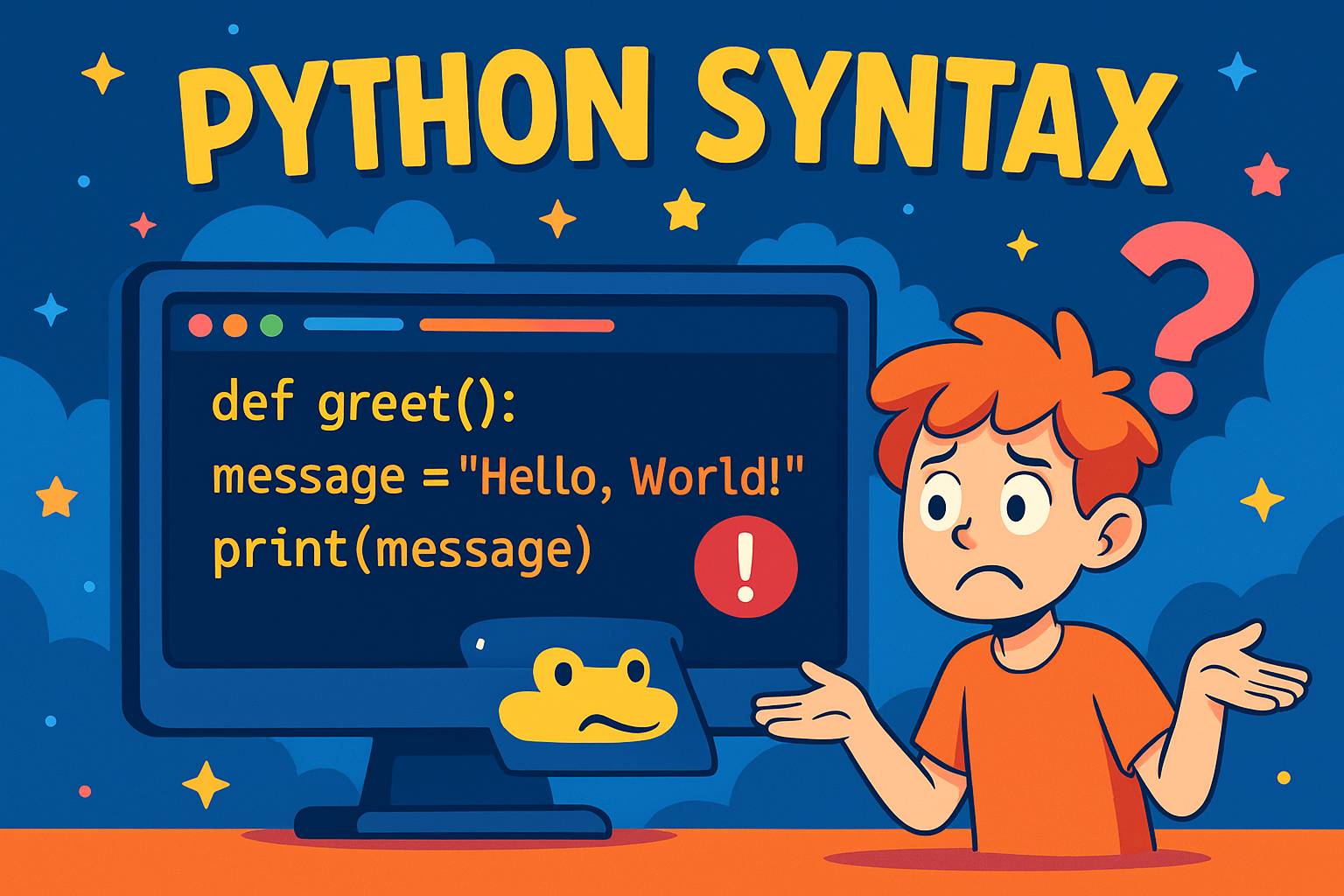
When you learn a new spoken language, you must follow its grammar rules so others can understand you. Programming languages are the same. Python has a set of rules, called syntax, which your code must follow. If you break the rules, Python won’t understand and will give you an error.
This guide explains Python’s main syntax rules with examples. After each section, there’s a short exercise so you can practise.
Indentation: Spaces at the Start of a Line
In Python, indentation is not just about neatness — it’s part of the language. Indentation shows which lines of code belong together. Most programmers use four spaces for indentation.
Example:
if True:
    print("This is indented correctly")
    print("Still inside the if block")
print("This is outside the if block")
If you forget the spaces, Python will show an IndentationError.
Bad example:
if True:
print("This will cause an error")
Exercise:
- Write an
ifstatement that checks if10 > 5. - Inside it, indent and print
"Ten is greater". - Add another
printwithout indentation that says"This is outside".
Comments: Notes for Humans
Comments are ignored by Python but help humans understand the code. They are useful for explaining what your program does.
- Use
#for a single-line comment. - Place a comment on its own line or at the end of code.
Example:
# This is a comment
print("Hello")  # This prints Hello
Exercise:
- Write a program that prints
"I love Python". - Add a comment at the top explaining what the program does.
Strings: Text in Quotes
A string is text. Strings are written inside quotes so Python knows they’re text and not code.
- Single quotes:
'Hello' - Double quotes:
"Hello" - Triple quotes for multiple lines:
"""Hello over several lines"""
Examples:
print("Hello, world!")
print('Python is fun')
print("""This is
a string
over three lines""")
Exercise:
- Print your name inside a string.
- Print a sentence that goes over two lines using triple quotes.
Keywords: Special Reserved Words
Python has certain words that it keeps for its own use. These are called keywords, and you cannot use them for variable names.
Here is the full list of keywords in Python 3.12:
False      await      else       import     pass
None       break      except     in         raise
True       class      finally    is         return
and        continue   for        lambda     try
as         def        from       nonlocal   while
assert     del        global     not        with
async      elif       if         or         yield
Correct use:
if True:
    print("This works fine")
Incorrect use:
# This will cause an error because 'if' is a keyword
if = 10
Exercise:
- Try creating a variable with the name
class. - Notice that Python gives an error.
- Then create a variable called
my_class = "Python"and print it.
Case Sensitivity: Uppercase vs Lowercase
Python treats uppercase and lowercase letters as different.
Example:
name = "Alice"
print(name)   # Works
print(Name)   # Error: Name is not the same as name
Exercise:
- Create a variable called
city = "London". - Try printing both
cityandCity. What happens?
Colons: Marking the Start of a Block
A colon (:) at the end of a line tells Python that a new block of code will follow. That block must be indented.
Examples:
if 5 > 2:
    print("Five is greater than two")

for i in range(3):
    print("Number:", i)

def greet():
    print("Hello from a function")
Exercise:
- Write a function called
say_hellothat prints"Hello!". - Remember to put a colon after
def say_hello(). - Run the function by typing
say_hello().
Line Breaks: One Instruction per Line
Each line in Python is usually one instruction.
Example:
print("Hello")
print("World")
If a line is too long, you can split it with a backslash (\).
Example:
long_text = "This is a really long sentence " \
            "that is split across two lines"
print(long_text)
Exercise:
- Write three
printstatements, each on its own line. - Then write one long sentence across two lines using a backslash.
Summary
Python syntax is like grammar for code. The main rules are:
- Indentation to group code
- Comments to explain code
- Strings in quotes for text
- Keywords reserved for Python’s own use
- Case sensitivity (upper and lower case matter)
- Colons to mark blocks
- Line breaks to separate instructions
By practising these rules, your Python code will be clear, correct, and easy to read.