Character Encoding
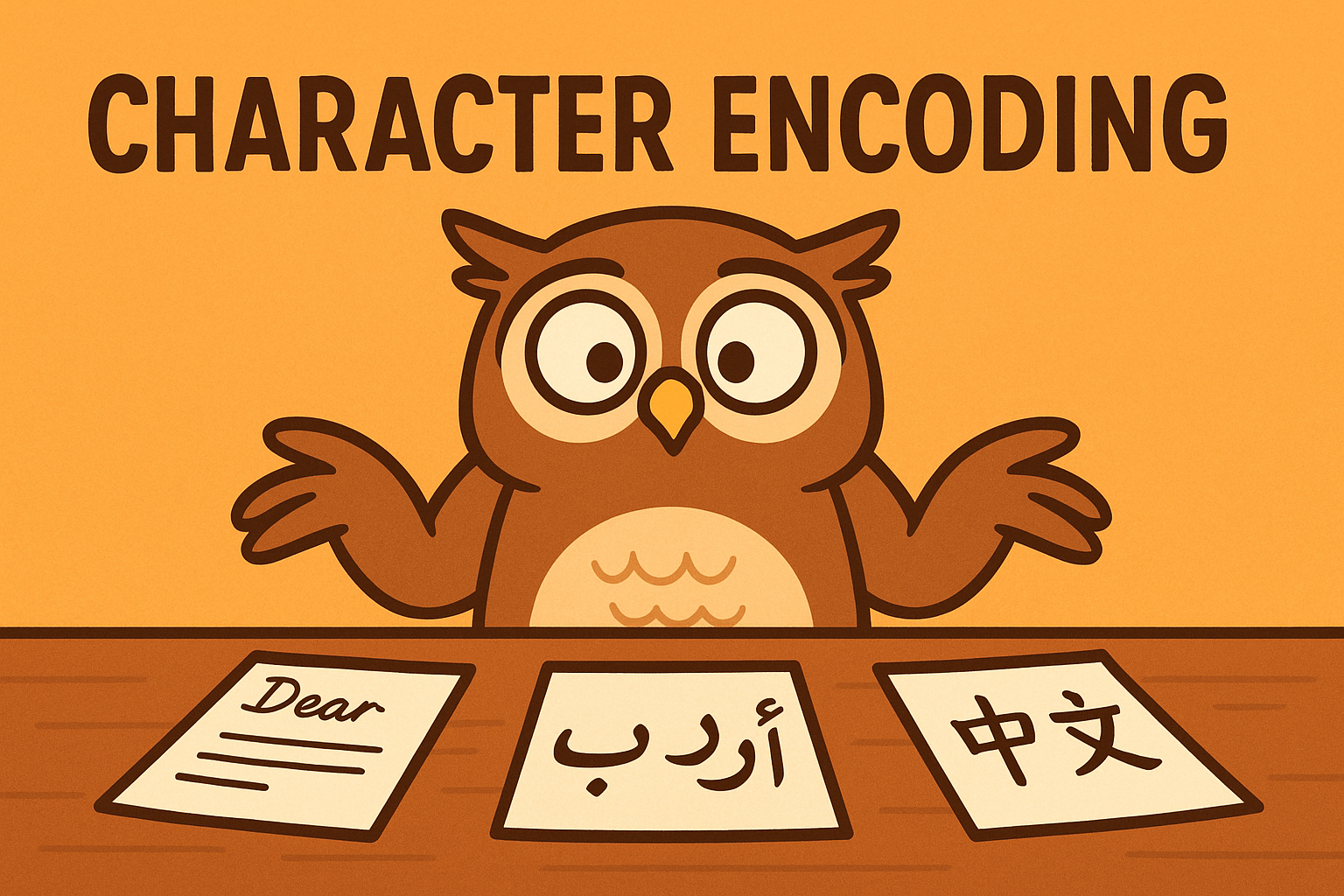
Files aren’t just letters, they’re bytes plus an encoding. The safe default is UTF-8. If you use the wrong encoding, you’ll see strange characters or get a UnicodeDecodeError.
It’s a bit like receiving a letter written in French but trying to read it as if it’s Spanish. Some words look fine, others look like gibberish, and a few make no sense at all.
So why are there different encodings in the first place? The short answer is history. Computers were first built with limited memory and could only handle simple alphabets, like English letters and numbers. As time went on, people needed to represent accented letters, then whole new alphabets such as Cyrillic, Arabic, and Chinese. Different regions invented their own encodings, which led to a confusing mixture. UTF-8 eventually became the standard because it can represent almost every character in the world while staying efficient for plain English text.
# Correct way
with open("report.txt", "r", encoding="utf-8") as f:
    text = f.read()

# Keep going even if some characters fail
with open("report.txt", "r", encoding="utf-8", errors="replace") as f:
    text = f.read()
Try this:
- Save a file with an emoji and open it as latin-1 to see how strange it looks.
Newlines on Different Systems
Windows uses \r\n, while Linux and macOS use \n. Python normally smooths this out, but if you need the original line endings, open with newline=””.
Think of it as accents in handwriting — different regions have slightly different ways of ending lines, but Python usually tidies them up for you.
Binary Files
Not everything is text. For images, PDFs, or audio, use binary mode (“rb”) and skip encodings:
with open("picture.jpg", "rb") as f:
    data = f.read()
    print(len(data), "bytes")
Try this:
- Open an image in binary mode and print the first 20 bytes — you’ll see what looks like random symbols.
Summary
The reading files tutorial showed how to open files safely, read them, and handle common errors.
This part introduced encodings (and why the wrong one can feel like decoding a mystery letter), newline quirks, and binary data.
Master these two parts, and you’ll be comfortable handling just about any file in Python.