Opening a File Safely
Always use a context manager (with ... as ...). It makes sure the file is closed properly, even if something goes wrong.
try:
    with open("notes.txt", "w") as f:
        f.write("Hello, world!\n")
        f.write("Second line.\n")
    print("Done.")
except PermissionError:
    print("No permission to write there.")
This is the cleanest and safest way to write to a file.
Try this:
- Change the filename to somewhere you can’t write and trigger
PermissionError. - Forget to close a file (by removing
with) and see why it’s risky.
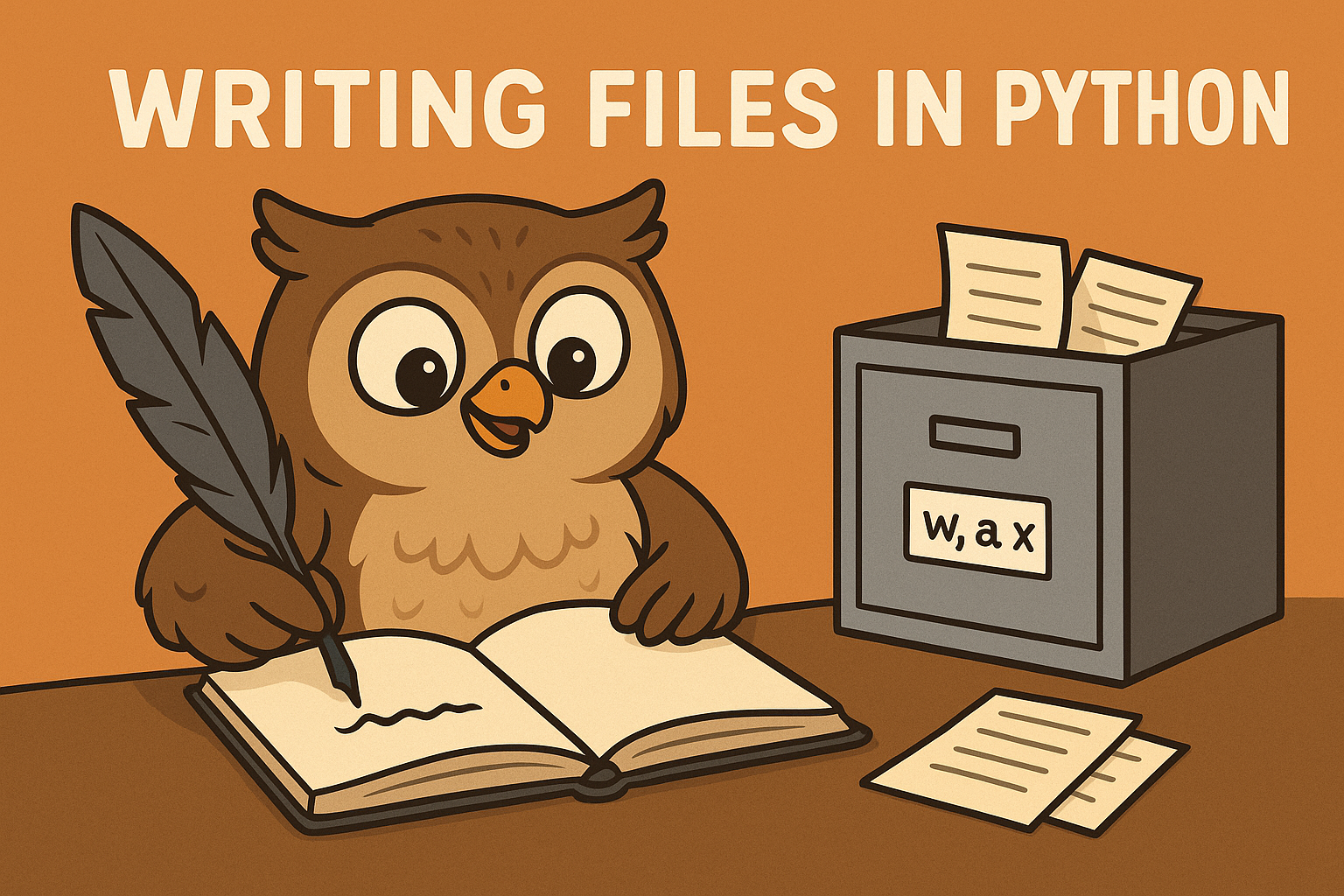
File Modes: w, a, and x
w(write): creates the file or clears it if it already exists.a(append): adds text to the end without removing what’s already there.x(exclusive create): makes a new file, but fails if the file already exists.
# Overwrite
with open("report.txt", "w") as f:
    f.write("Fresh report\n")

# Append
with open("report.txt", "a") as f:
    f.write("Another entry\n")

# Create only if missing
try:
    with open("unique.txt", "x") as f:
        f.write("Special file\n")
except FileExistsError:
    print("File already exists.")
Try this:
- Use
xtwice and seeFileExistsError. - Write with
wtwice and notice the previous text disappears.
Writing Text
You can write with write, writelines, or even print.
lines = ["Alice\n", "Bob\n", "Cara\n"]

with open("people.txt", "w") as f:
    f.writelines(lines)
    print("Dora", file=f)   # adds newline automatically
Try this:
- Save names without
\nand see how they look in the file. - Add
printstatements and compare the difference.
Common Exceptions
- FileExistsError: using
xon an existing file. - PermissionError: you don’t have rights to write there.
- IsADirectoryError: you passed a folder instead of a file.