Character Encoding
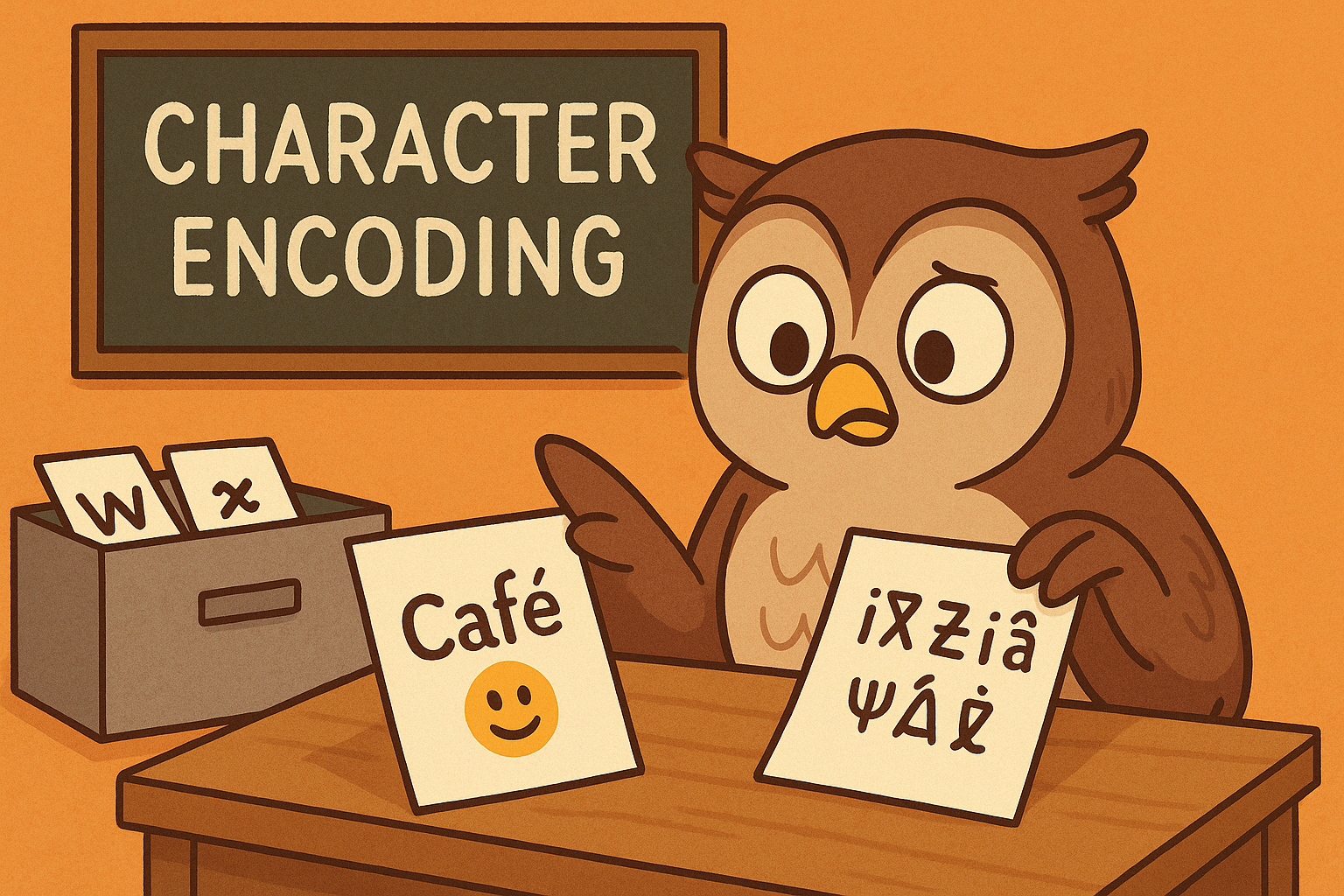
Text files are stored as bytes plus an encoding. The safe choice is UTF-8. Wrong encoding = strange characters or UnicodeEncodeError.
Why so many encodings? Early computers could only store simple alphabets (like English). Later, people needed accented characters, then whole alphabets like Arabic and Chinese. Each region invented its own system. UTF-8 solved the chaos by covering nearly every character in the world.
data = "Café 😊"

# Good
with open("menu.txt", "w", encoding="utf-8") as f:
    f.write(data)

# Risky: latin-1 can’t encode emoji
try:
    with open("menu_latin1.txt", "w", encoding="latin-1") as f:
        f.write(data)
except UnicodeEncodeError:
    print("Encoding problem!")
Try this:
- Write a file with emoji in UTF-8, then try latin-1 and see what happens.
Appending with Care
Appending is perfect for logs. Don’t forget your newline.
from datetime import datetime

with open("app.log", "a", encoding="utf-8") as f:
    f.write(f"{datetime.now().isoformat()} - Task finished\n")
Try this:
- Append several lines and check they’re separated correctly.
- Write a simple
log(msg)function.
Safer Updates
If you’re updating a file, avoid half-written results. Write to a temporary file, then replace.
import os, tempfile

text = "New settings\n"
fd, tmp = tempfile.mkstemp(text=True)
try:
    with open(fd, "w", encoding="utf-8") as f:
        f.write(text)
    os.replace(tmp, "settings.conf")
finally:
    try:
        os.remove(tmp)
    except FileNotFoundError:
        pass
Wrap-up
The first tutorial on writing files taught the basics: writing, appending, and handling simple exceptions.
This tutorial explored encodings, appending logs, and safer update patterns.
Master both parts and you’ll be able to create, update, and extend files confidently in Python.