What is pathlib?
When working with files in Python, you have two main choices: the older os module or the newer pathlib. The pathlib library was introduced to make file and folder handling much easier and more readable. Instead of juggling long strings with slashes, you work with Path objects that behave more like real files and directories. For example, Path("reports/summary.txt") is clearer than "reports\\summary.txt". In this tutorial we’ll mostly use pathlib because it’s beginner-friendly and works the same way across Windows, macOS, and Linux.
Renaming a File with Pathlib
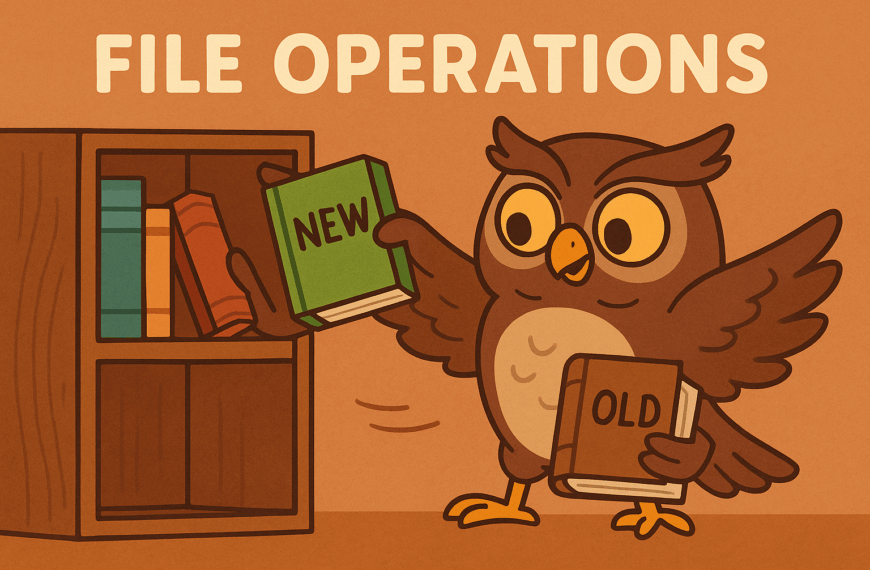
The simplest way to rename a file is with Path.rename(). If you include a folder in the new name, it also moves the file.
from pathlib import Path

src = Path("summary.txt")
dst = Path("summary_2025.txt")

try:
    src.rename(dst)
    print("File renamed!")
except FileNotFoundError:
    print("That file doesn’t exist.")
except PermissionError:
    print("Permission denied, or file is open elsewhere.")
Try this:
- Create a file and rename it.
- Try renaming a file that doesn’t exist to see
FileNotFoundError.
Moving a File into a Folder
Renaming can also move files between folders.
from pathlib import Path

Path("summary_2025.txt").rename("archive/summary_2025.txt")
Try this:
- Create a folder and move a file into it.
- Try moving to a folder that doesn’t exist and see what happens.
Deleting a File
To delete, use Path.unlink(). It removes the file permanently, not to the recycle bin.
from pathlib import Path

target = Path("old_report.txt")

try:
    target.unlink()
    print("File deleted.")
except FileNotFoundError:
    print("File not found.")
except IsADirectoryError:
    print("That’s a folder, not a file.")
Try this:
- Delete a file, then try deleting it again to see
FileNotFoundError. - Pass a folder path to trigger
IsADirectoryError.
Common Exceptions in Basics
- FileNotFoundError – the file doesn’t exist.
- PermissionError – no rights, or file open elsewhere.
- IsADirectoryError – you tried deleting a folder instead of a file.