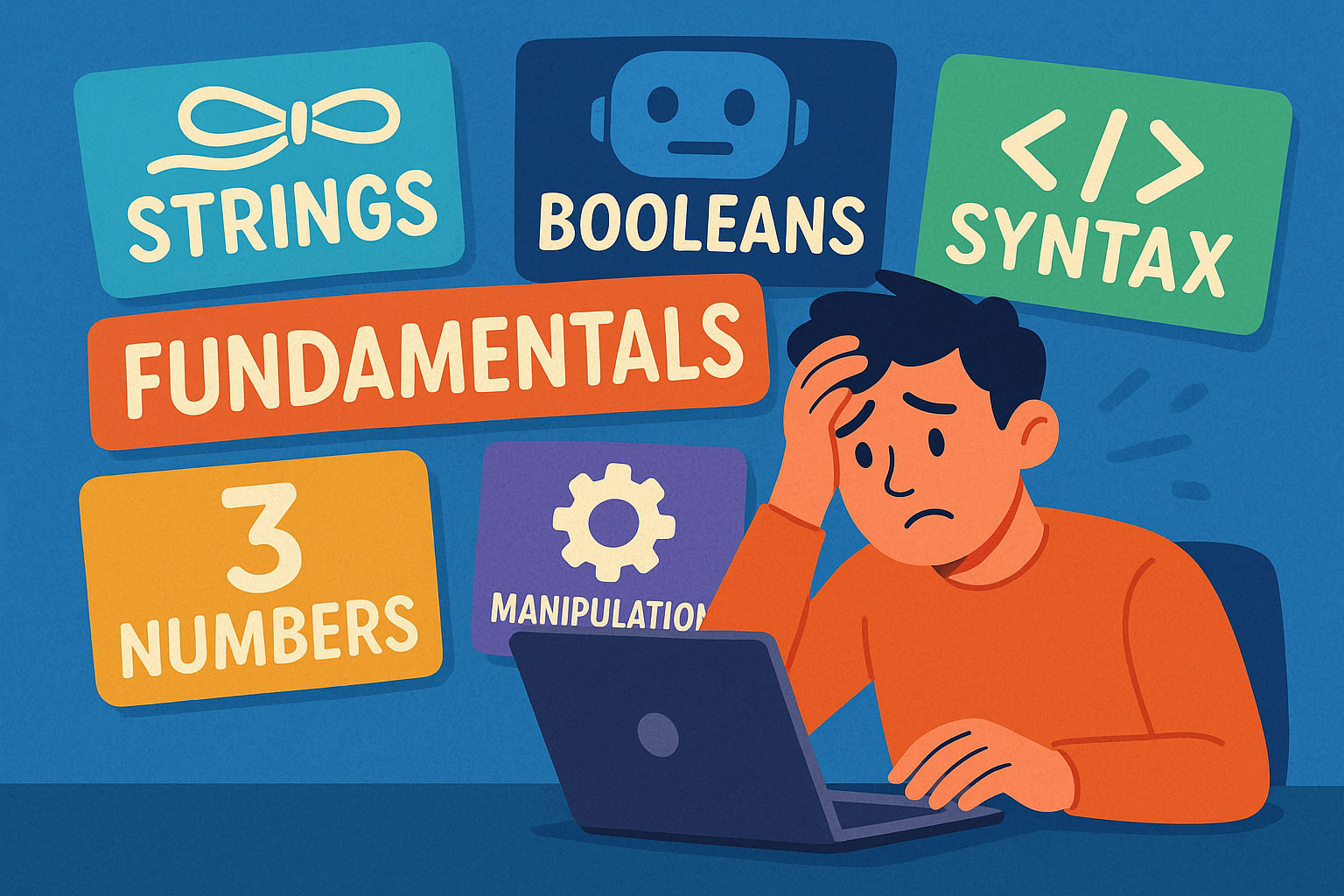
A variable in Python is like a container that stores a piece of information. You give the container a name (the variable’s name), and you put something inside it (the variable’s value). Later in your program, you can look inside the container, use what’s there, or even replace it with something new.
Everyday Analogy
Think about jars in your kitchen. Each jar might have a label on it:
- A jar labelled “Sugar” contains sugar.
- A jar labelled “Flour” contains flour.
The label helps you know what’s inside without needing to check every time. A variable is the same:
sugar = "white crystals"
flour = "fine powder"
Here, sugar is a variable holding the text "white crystals", and flour is a variable holding "fine powder".
Key Things to Know
- A variable has a name (the label).
- A variable has a value (what’s inside).
- You can change the value at any time.
Example:
age = 25         # 'age' stores 25
print(age)       # Output: 25

age = 26         # Now 'age' stores 26
print(age)       # Output: 26
Practice Task
- Make a variable called
favourite_colourand set it to"blue". - Print it out.
- Change it to
"green"and print again.
Creating a Variable
To create a variable, you just give it a name and use the = sign to put something inside.
name = "Alice"
age = 25
Here:
namestores the string"Alice".agestores the number25.
You can print them to check what they contain:
print(name)
print(age)
Practice Task
- Create a variable called
petand store"cat". - Create a variable called
yearsand store3. - Print both variables.
Why Naming Variables Matters
Good names make your code easier to read. Imagine this:
a = 20
b = 30
c = a + b
print(c)
It works, but it’s not clear what’s happening. Compare it to this:
apples = 20
oranges = 30
total_fruit = apples + oranges
print(total_fruit)
Now it’s obvious we’re adding apples and oranges.
Rules for Variable Names
- Must start with a letter or an underscore (
_), not a number. - Can only contain letters, numbers, and underscores.
- Python is case-sensitive:
nameandNameare different. - Cannot use reserved words like
if,while, orclass.
✅ Good: first_name, score1, _hidden_value
❌ Bad: 1name, class, total-score
Practice Task
- Create a variable called
first_namewith your own name. - Try to create a variable called
1age. What happens? - Fix it by changing the name to
age1.
Hungarian Notation (Quick Note)
In older programming styles, people sometimes used Hungarian notation, where variable names start with letters showing their type:
strName = "Alice"   # str for string
intAge = 25         # int for integer
In Python, this is not needed. Today, most Python programmers prefer simple names like name and age.
👉 You might see Hungarian notation in old code, but you don’t need to use it.
What Variables Can Store: Data Types
A variable can store different kinds of information, called data types.
The most common are:
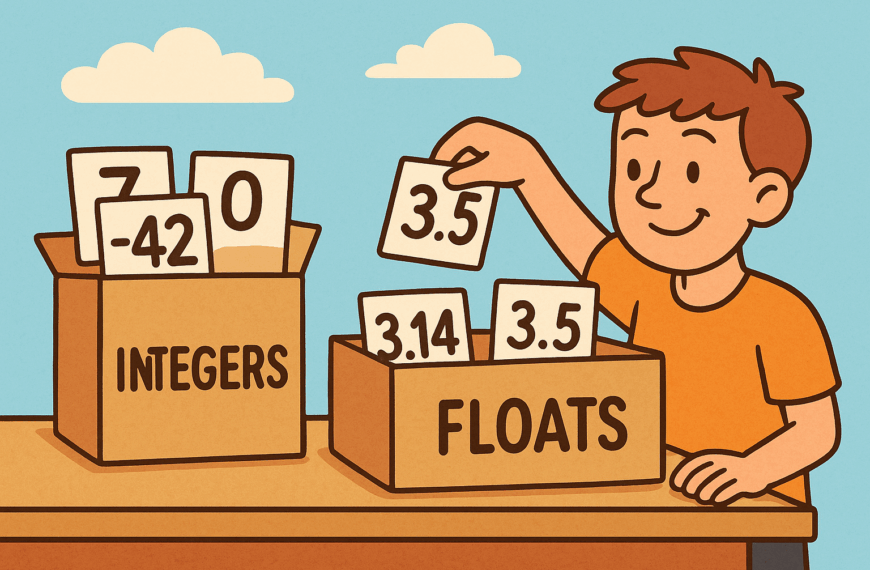
- Integer (int): whole numbers, e.g.
5,-10 - Float: decimal numbers, e.g.
3.14,0.5 - String (str): text in quotes, e.g.
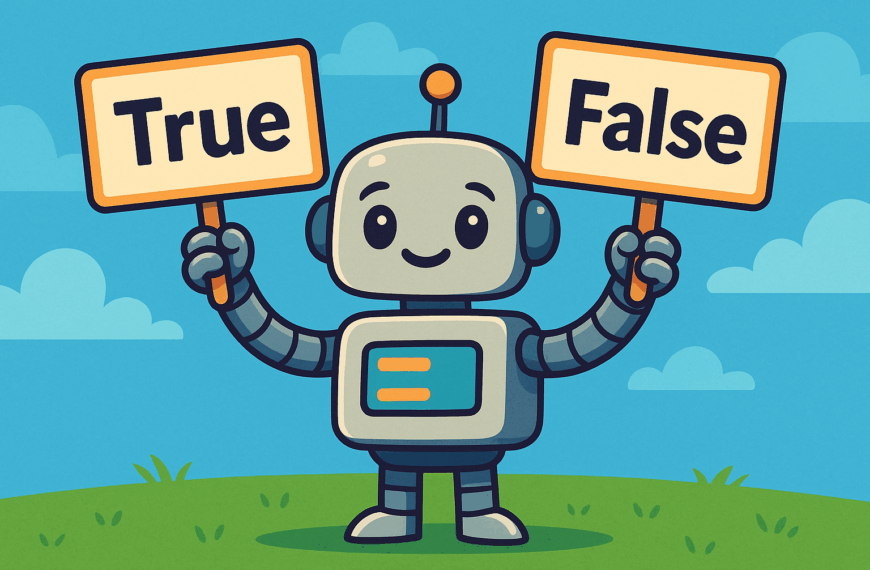
"Hello" - Boolean (bool):
TrueorFalse
Examples:
count = 10          # int
price = 4.99        # float
message = "Hello"   # string
is_hungry = True    # boolean
Mixing Types (Common Beginner Mistake)
You can’t always mix types together.
age = 25
message = "I am " + age   # ❌ Error
This fails because you can’t add a number to text directly.
✅ Correct way:
message = "I am " + str(age)
print(message)
Output:
I am 25
Practice Task
- Create a variable called
temperaturewith the number18.5. - Create a variable called
unitwith the text"Celsius". - Print them together to show
18.5 Celsius.
(Hint: turn the number into text withstr(temperature))
Changing What’s Inside a Variable
Variables can change as your program runs.
score = 0
print(score)   # 0

score = 10
print(score)   # 10
The second assignment overwrites the first one.
Practice Task
- Make a variable called
pointswith the value0. - Print it.
- Change it to
100and print again.
Summary
- A variable is like a labelled box that holds information.
- Use clear names so your code makes sense.
- Follow naming rules (start with a letter, avoid reserved words, case matters).
- Hungarian notation is old-fashioned — you don’t need it in Python.
- Variables can store numbers, text, or True/False values.
- Be careful when mixing types (like numbers with text).
- Variables can be changed at any time.
✅ With these basics, you can now start writing small Python programs that remember names, numbers, and other information.