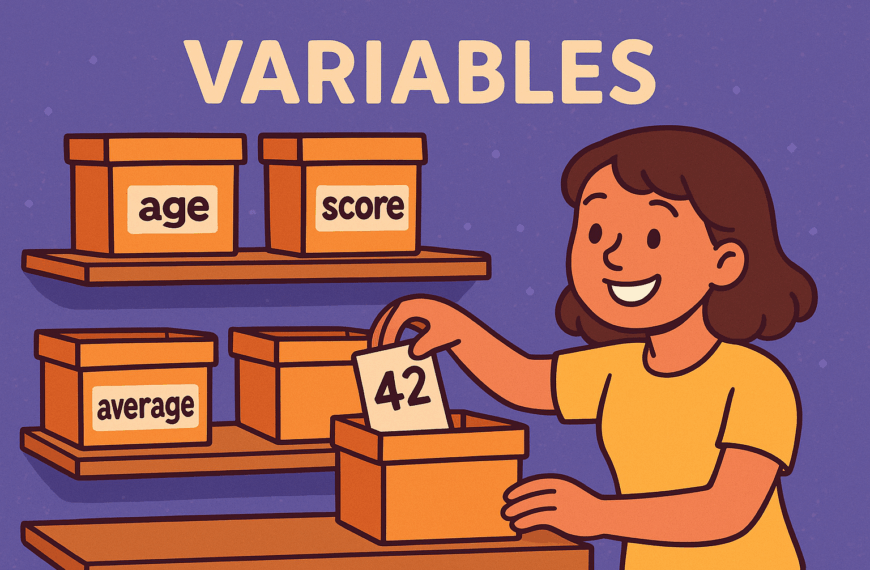
Numbers are one of the most common things you’ll use in programming. Just like in everyday life, we need numbers to count, measure, and calculate. In Python, numbers are treated as special data types, which means the computer knows how to work with them in a mathematical way.
For example, you might want to:
- Keep track of a score in a game.
- Work out the total price of shopping.
- Measure a distance or a temperature.
- Calculate someone’s age from their birth year.
Python makes all of this possible by giving us different types of numbers, each designed for a specific job. The two you’ll start with are:
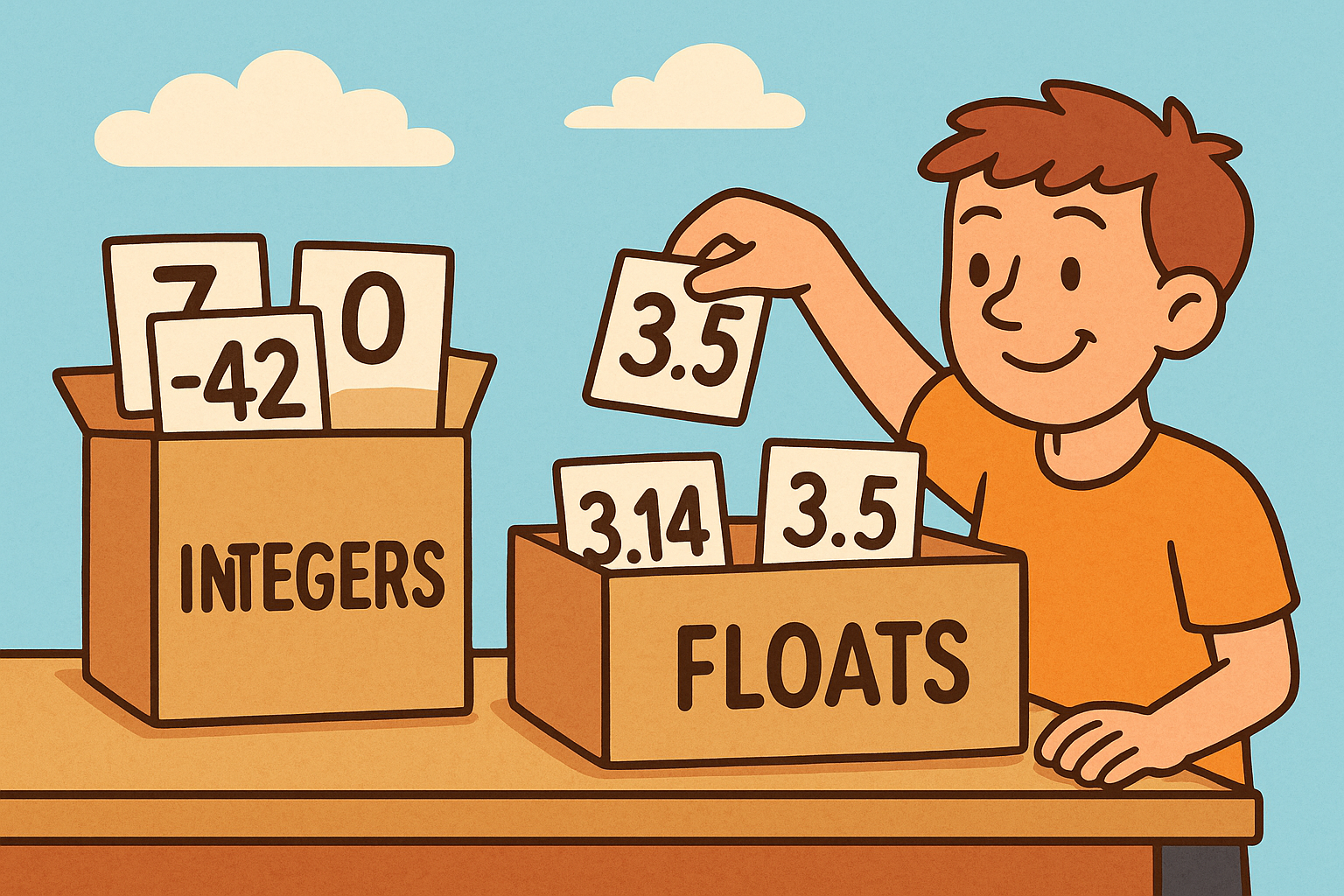
- Integer (
int) – whole numbers (…−3, −2, −1, 0, 1, 2, 3…).
Examples:0,7,-42,2025 - Floating-point (
float) – numbers with a decimal point.
Examples:3.14,-0.5,2.0,1e3(which means 1000.0)
a = 7          # int
b = 3.5        # float
c = 1e3        # float (scientific notation = 1000.0)

print(type(a)) # <class 'int'>
print(type(b)) # <class 'float'>
Try it
- Make one
intand onefloat. Print both and usetype()to check their types.
Basic arithmetic
Python supports the usual arithmetic operators:
| Operator | Meaning | Example | Result |
|---|---|---|---|
+ | addition | 7 + 3 | 10 |
- | subtraction | 7 - 3 | 4 |
* | multiplication | 7 * 3 | 21 |
/ | true division | 7 / 2 | 3.5 (float) |
// | floor division | 7 // 2 | 3 (int) |
% | remainder (modulo) | 7 % 2 | 1 |
** | power | 2 ** 3 | 8 |
print(7 / 2)   # 3.5
print(7 // 2)  # 3
print(7 % 2)   # 1
print(2 ** 5)  # 32
Order of operations (BODMAS/PEMDAS) applies: brackets first, then powers, then multiply/divide, then add/subtract.
print(2 + 3 * 4)     # 14
print((2 + 3) * 4)   # 20
Try it
- Work out
9 // 4,9 % 4, and9 / 4. - Predict
3 + 2 ** 3 * 2, then run it to check.
Mixing ints and floats
If an operation mixes int and float, the result is a float:
print(3 + 2.0)   # 5.0
print(7 / 2)     # 3.5 (division is always float)
Converting types
int(x)converts to an integer (truncates towards zero).float(x)converts to a float.str(x)converts to text (string).
age = "18"
print(int(age) + 1)   # 19

height = 172
print(float(height))  # 172.0
Try it
- Convert
"3.9"to a float and add1. - Convert
5.9to an int: what do you get, and why?
Input from a user (and converting it)
input() always returns a string, so you must convert it before doing maths.
year = int(input("Birth year: "))
age = 2025 - year
print(f"You are about {age} years old.")
Try it
- Ask for two numbers with
input(), convert them tofloat, and print their average.
Rounding and absolute values
print(round(3.14159, 2))  # 3.14  (2 decimal places)
print(round(2.5))         # 2 or 3? (Banker’s rounding: to nearest even)
print(abs(-7))            # 7 (distance from zero)
Note: Python’s
round()uses “banker’s rounding”:round(2.5)→2,round(3.5)→4.
Try it
- Round
9.995to 2 decimal places. - Use
abs()to turn-123into positive.
Floating-point gotchas (precision)
Floats are stored in binary, which can’t represent some decimals exactly. You may see tiny errors:
print(0.1 + 0.2)      # 0.30000000000000004
print(round(0.1 + 0.2, 2))  # 0.3 (display nicely)
This is normal in many languages. If exact decimal money maths matters, use decimal.Decimal:
from decimal import Decimal, getcontext
getcontext().prec = 28

price = Decimal("0.10") + Decimal("0.20")
print(price)  # 0.30
Try it
- Print
0.3 == 0.1 + 0.2. Then printDecimal("0.3") == Decimal("0.1") + Decimal("0.2").
Comparisons and tests
Use comparison operators to ask true/false questions:
| Operator | Meaning | Example | Result |
|---|---|---|---|
== | equal to | 5 == 5 | True |
!= | not equal to | 5 != 3 | True |
< | less than | 2 < 7 | True |
<= | less or equal | 7 <= 7 | True |
> | greater than | 10 > 3 | True |
>= | greater or equal | 3 >= 4 | False |
Try it
- Write a program that asks for a test score (0–100) and prints
Passif it’s>= 50, elseFail.
A few handy maths tools
The built-in math module gives extra functions:
import math

print(math.sqrt(16))   # 4.0
print(math.pi)         # 3.141592653589793
print(math.ceil(3.2))  # 4  (round up)
print(math.floor(3.8)) # 3  (round down)
Try it
- Compute the area of a circle with radius
r = 2.5usingmath.pi * r ** 2.
Mini practice set (answers by running the code)
- Write a calculator that reads two numbers and prints: sum, difference, product, true division, floor division, remainder.
- Given
seconds = 3672, printhours,minutes,seconds(e.g.,1h 1m 12s) using//and%. - Ask for someone’s height in centimetres and print metres as a float with two decimal places.
- Create
x = 0.1; add it to itself 10 times. Why isn’t it exactly1.0? Show around(..., 10)version. - Use
Decimalto add0.1three times and show that it equals0.3exactly.
Common beginner mistakes (and fixes)
- Forgetting to convert input
n = input("Number: ") print(n + 1) # ❌ TypeError (string + int) print(int(n) + 1) # ✅ - Surprised by division
print(7 / 2) # 3.5 (float) print(7 // 2) # 3 (floor division) - Float comparison
print(0.1 + 0.2 == 0.3) # False (precision) print(round(0.1 + 0.2, 10) == 0.3) # True-ish for display
Summary
- Integers are whole numbers; floats include decimals.
- Use standard operators (
+ - * / // % **) and remember order of operations. - Convert types with
int(),float(),str(), and convertinput()before maths. - Floats can show tiny precision errors; for exact decimal work, use
decimal.Decimal. round(),abs(), andmathfunctions are your friends.
You’re now ready to work with numbers in Python, whether you’re keeping score in a game, doing simple sums, or formatting money neatly.