Python Operators

A playful cartoon-style landscape illustration shows a large elephant on the left and a small cat on the right. Between them, a bold greater than ( > ) symbol points toward the cat, representing a Python comparison operator in a fun way.

Operators are symbols that tell Python what action to perform. Think of them as the tools you use to calculate, compare, and combine values.

Arithmetic Operators

Arithmetic operators let you do maths in Python. They work with numbers, both integers and floats.

  • + adds numbers (3 + 2 = 5)
  • - subtracts (5 - 2 = 3)
  • * multiplies (4 * 3 = 12)
  • / divides and gives a float (7 / 2 = 3.5)
  • // divides but rounds down (7 // 2 = 3)
  • % gives the remainder (7 % 2 = 1)
  • ** raises to a power (2 ** 3 = 8)

Try this

  • Work out 15 % 4.
  • Predict then run 3 + 2 * 4.

Comparison Operators

Comparison operators check whether values are equal, greater, or smaller. They always return a Boolean: True or False.

  • == equal to
  • != not equal to
  • < less than
  • <= less than or equal to
  • > greater than
  • >= greater than or equal to

These are often used in if statements to control decisions.

Try this

  • Print whether 12 is greater than 7.
  • Print whether "apple" == "Apple".

Logical Operators

Logical operators combine Booleans. They help you create conditions that are more complex.

  • and is True if both conditions are true.
  • or is True if at least one condition is true.
  • not flips a Boolean value.

Try this

  • Check if age = 16 is greater than 13 and less than 19.
  • Use or to check if fruit is "apple" or "orange".

Assignment Operators

Assignment operators are used to set or update the value of a variable. The basic one is =. Others combine arithmetic with assignment.

  • = assigns (x = 5)
  • += adds and assigns (x += 3 is the same as x = x + 3)
  • -= subtracts and assigns
  • *= multiplies and assigns
  • /= divides and assigns

This helps keep your code shorter and clearer.

Try this

  • Start with score = 0. Add 10, then subtract 2, then double it.

Membership Operators

Membership operators check whether a value is inside a sequence such as a string or a list.

  • in checks if a value exists.
  • not in checks if it does not.

Try this

  • Make a list of three favourite foods. Check if "pizza" is in the list.
  • Check if "x" is in "example".

Identity Operators

Identity operators check whether two variables refer to the same object in memory.

  • is returns True if two variables point to the same object.
  • is not returns True if they don’t.

Beginners often confuse is with ==. == checks value equality, while is checks object identity.

Try this

  • Create two variables with the same number. Compare them with both == and is.
  • Try the same with two lists.

✅ With these operators, you now have the core tools to calculate, compare, and control your Python programs.
Main Topic

Python Fundamentals

A colourful cartoon-style landscape illustration shows a person sitting at a computer terminal, looking overwhelmed by the amount of information on the screen. Papers and symbols float around them, representing different programming concepts. The word “Fundamentals” is clearly written above the scene, highlighting the focus on beginner Python basics.

Beginner’s guide to Python fundamentals: strings, numbers, booleans, syntax, and text manipulation explained simply and clearly.

Other Tutorials in this Topic

A colourful cartoon-style landscape illustration shows a smiling robot holding up two placards: one clearly labelled True and the other False. The background is bright and cheerful, symbolising the concept of Boolean values in Python programming.

Python Booleans

Learn Python Booleans: True or False values, comparisons, logic operators, and decision-making with simple examples.

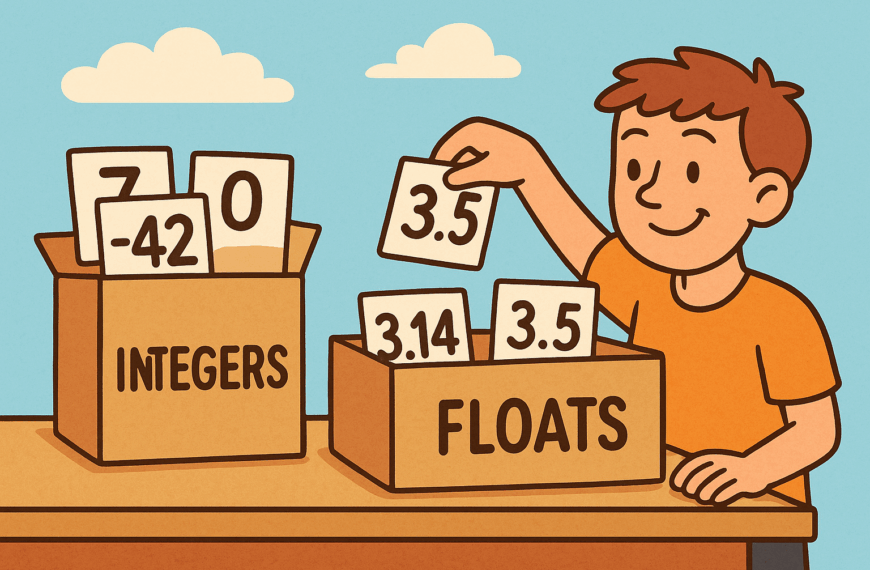
ChatGPT said: A colourful cartoon-style landscape illustration shows two large labelled containers: one marked Integers filled with whole numbers like 7, 0, and -3, and another marked Floats filled with decimal numbers like 3.14, -0.5, and 2.0. A cheerful character is sorting the numbers into the correct containers, visually explaining the difference between integers and floating-point numbers in Python.

Python Numbers

Learn Python numbers: integers and floats, arithmetic operations, conversions, rounding, precision issues, and practical exercises for beginners…

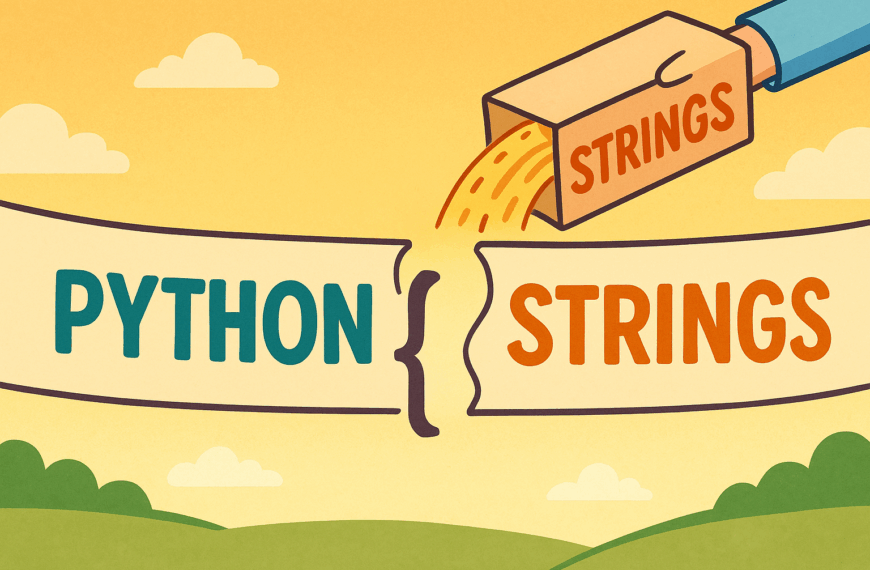
A colourful cartoon-style landscape illustration shows the text “python ” written across the scene. Above the gap, a labelled box with the word “strings” is tilted, pouring its contents into the space, visually representing a variable being used to fill in a placeholder.

Python Strings – Part 4

Discover Python string formatting: use f-strings, .format(), and number formatting to neatly combine variables and text into…

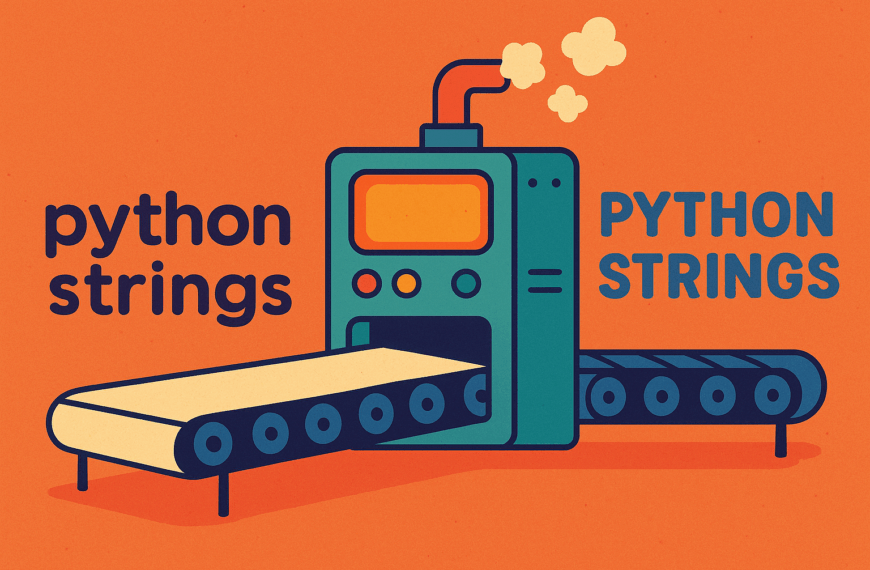
A colourful cartoon-style landscape illustration shows the words “python strings” in lowercase being fed into a large whimsical machine. On the other side, the text emerges transformed into “PYTHON STRINGS” in uppercase letters, symbolising string methods like .upper(). The machine has gears and pipes, giving a fun and playful feel.

Python Strings – Part 3

Learn Python string methods: change case, remove spaces, replace text, split and join words, and check content…

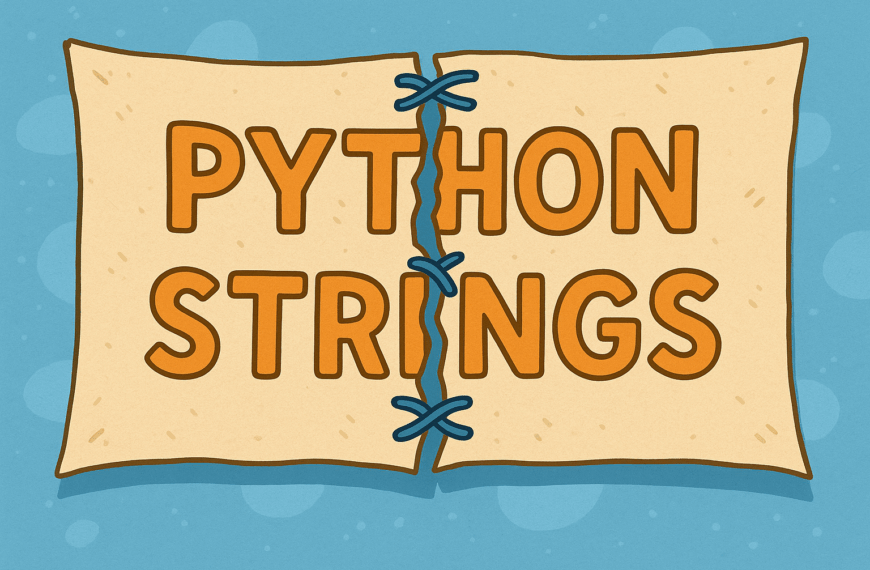
A digital landscape illustration shows a beige fabric banner with the words “Python Strings” written across it. The material is ripped down the centre, with large visible stitches crudely sewing the two halves back together, symbolising fixing or escaping characters in strings. The background is simple and muted, drawing attention to the torn fabric.

Python Strings – Part 2

Explore Python strings further: escape characters, multi-line strings, and slicing to extract parts of text, with simple…

A colourful cartoon-style landscape illustration shows festive bunting strung across the top, with triangular flags spelling out “Python Strings” in bright, playful letters. The background is light and cheerful, giving a fun and welcoming atmosphere.

Python Strings – Part 1

Learn Python strings: text in quotes, printing, joining with +, counting length, and accessing characters by position…

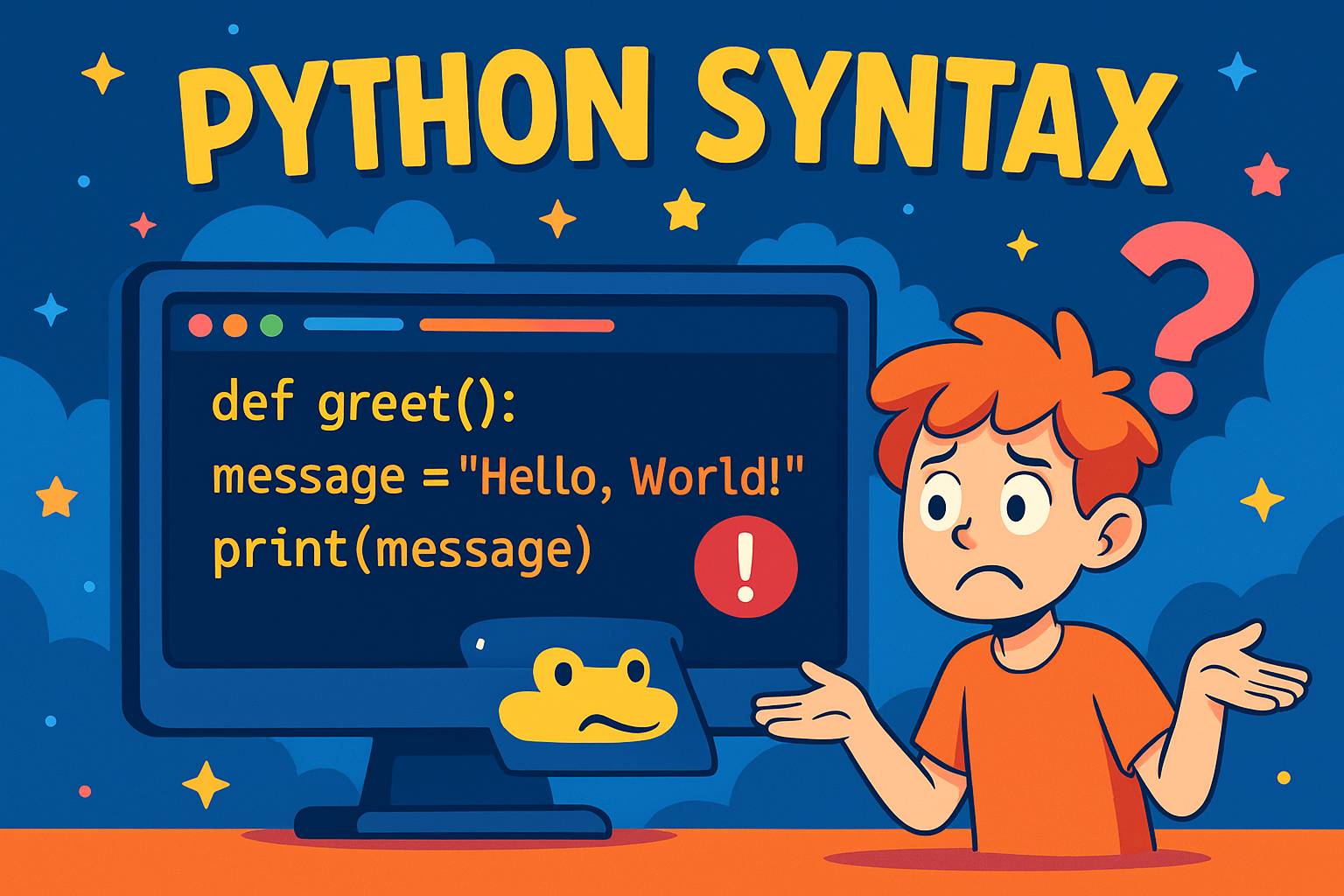
A colourful cartoon-style illustration shows a confused student with orange hair shrugging in front of a computer screen. The screen displays a Python function with a missing indentation error:

Python Syntax

Learn Python syntax basics with clear examples and beginner-friendly practice exercises.

A cartoon-style illustration shows a person’s hands typing on a laptop running Visual Studio Code in dark mode. The screen displays a Python file with the code print("Hello, world!"), alongside a large, colourful Python logo. The background is bright blue, creating a vibrant and engaging learning atmosphere.

Start Coding Python with VS Code

Beginner’s guide to installing Python, setting up VS Code, and getting ready for coding.

Python Variables

Python Variables

Learn Python variables with simple explanations, real-world analogies, practice tasks to build confidence using data in programs.