Python Functions

A flat, landscape-style digital illustration shows a man in an orange shirt drinking from a glass of water. A speech bubble next to him contains the function call drink_water() in bold monospaced text.

When learning Python, one of the most important concepts you will encounter is the function. At its simplest, a function is just a named block of code. The real value, though, lies in what functions allow you to achieve.

Functions let you organise your work. Instead of having one long, messy script, you can divide your program into smaller, clearly defined pieces. Each function has a single responsibility, which makes it much easier to understand the overall flow. You can look at a function’s name and know what it does without needing to read every line inside it.

They also make your code reusable. Once you have written a function, you can call it as many times as you like without rewriting the logic. This saves effort, reduces repetition, and lowers the chance of introducing mistakes.

Another key benefit is maintainability. If you need to change how something works, you only update the function itself. The rest of your program automatically benefits, because every place that uses that function will now work with the new behaviour.

Functions encourage collaboration too. In larger projects, different team members can work on different functions without interfering with one another. This separation of responsibilities keeps projects organised and helps teams work more efficiently.

Finally, functions make your code scalable. As your projects grow, well-structured functions prevent them from becoming unmanageable. They give your program a natural shape, with each piece handling one task while contributing to the bigger picture.

Functions are not just a feature of Python. They are a way of thinking about programming. By breaking your code into functions, you create programs that are clearer, easier to maintain, and ready to handle whatever comes next.

Tutorials

Topics

Python Fundamentals

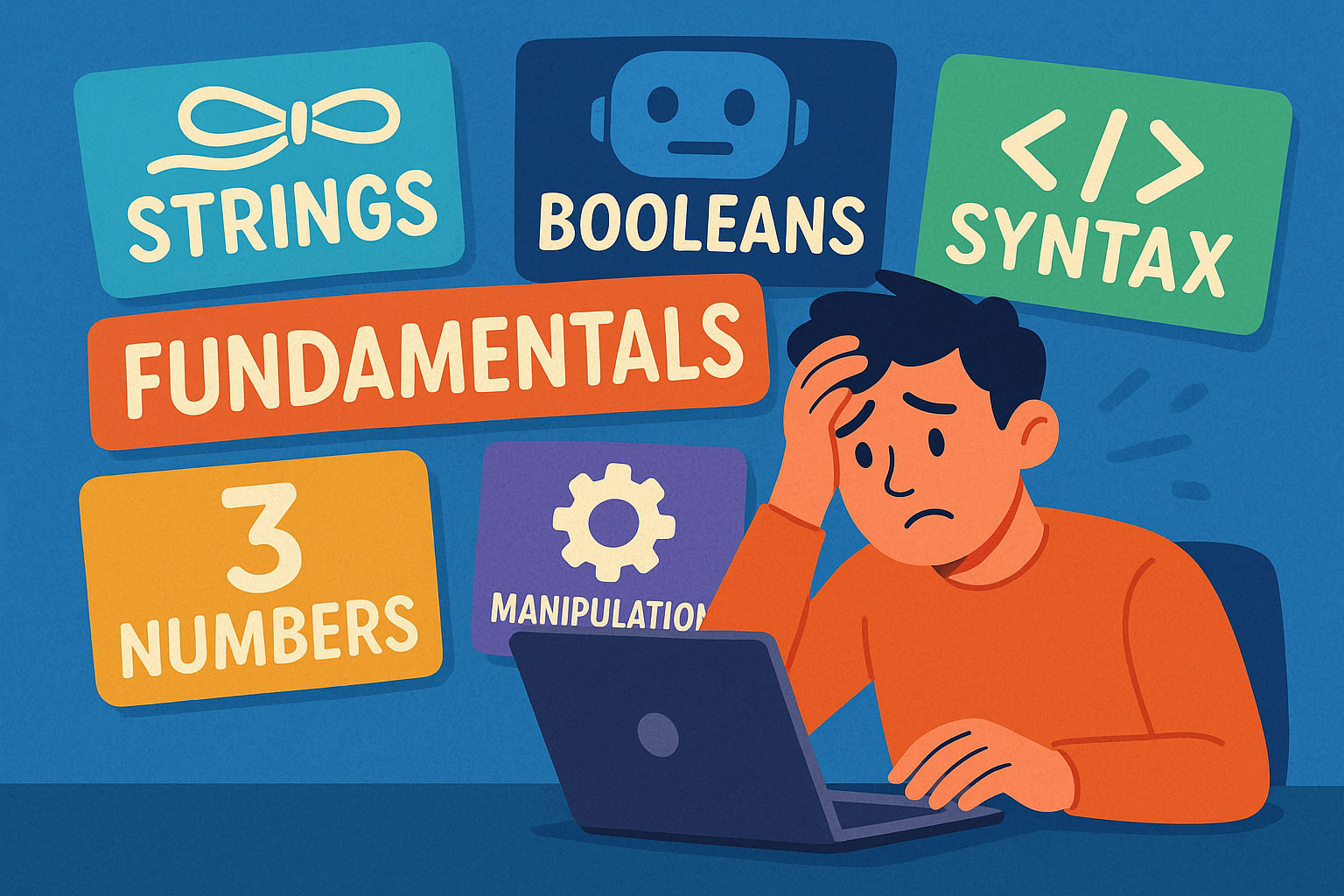
A colourful cartoon-style landscape illustration shows a person sitting at a computer terminal, looking overwhelmed by the amount of information on the screen. Papers and symbols float around them, representing different programming concepts. The word “Fundamentals” is clearly written above the scene, highlighting the focus on beginner Python basics.

Beginner’s guide to Python fundamentals: strings, numbers, booleans, syntax, and text manipulation explained simply and clearly.

Python Program Flow

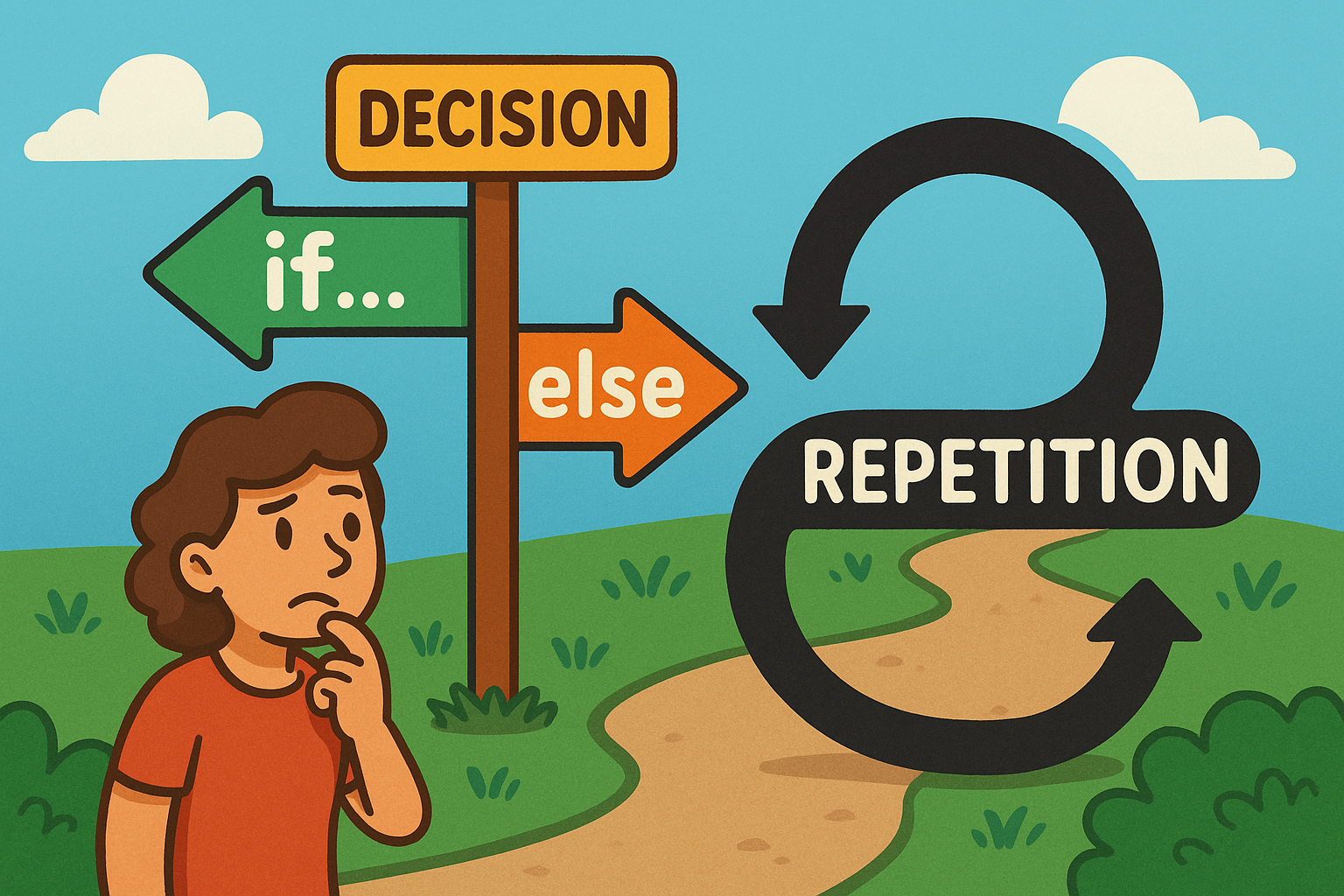
A colourful cartoon-style landscape illustration shows a playful flowchart. On one side, a path forks into two labelled branches representing an if…else decision, while nearby a looping curved arrow shows repetition for a loop. The scene is bright and engaging, making programming concepts feel approachable and fun.

Learn how Python uses if…else decisions and loops to guide program flow, choices, and repetition.

Introducing Python Lists

A cartoon frog smiles while writing “Python Lists” with items flies, worms, insects on a chalkboard in a classroom setting.

This is a Python series introducing lists, their importance, and everyday uses. Light-hearted explanations make coding concepts simple, clear, and fun.

Introduction to Python Sets

Cartoon elephant holding a football sticker book with unique players, pale lemon background, text reads “Python Sets” beside it.

A guide to Python sets, explaining uniqueness, usefulness, and everyday examples like sticker albums, shopping baskets, and mailing lists.

Introducing Python Exceptions

Flat illustration of a train diverted from a broken bridge by someone pulling a lever, symbolising Python Exceptions safety handling.

This tutorial introduces Python exceptions, explaining what they are, why they matter, and how handling them prevents program crashes.

Python Modules and Packages

A sheep dressed as a chef happily pulls a recipe card labelled Python Modules from a wooden box of recipes on a table.

This tutorial introduces Python modules and packages, explaining their purpose, benefits, and everyday uses in keeping code organised, reusable, and efficient.

Python Files and Directories

A cartoon owl with wide eyes stands in front of grey filing cabinets. One drawer is open, filled with folders, and the owl is holding a single document. The background is a warm orange tone, and the words “PYTHON FILES” appear in large bold text above the cabinets.

A light-hearted intro to handling files and directories in Python, featuring an owl mascot and fun “Python Files” imagery.