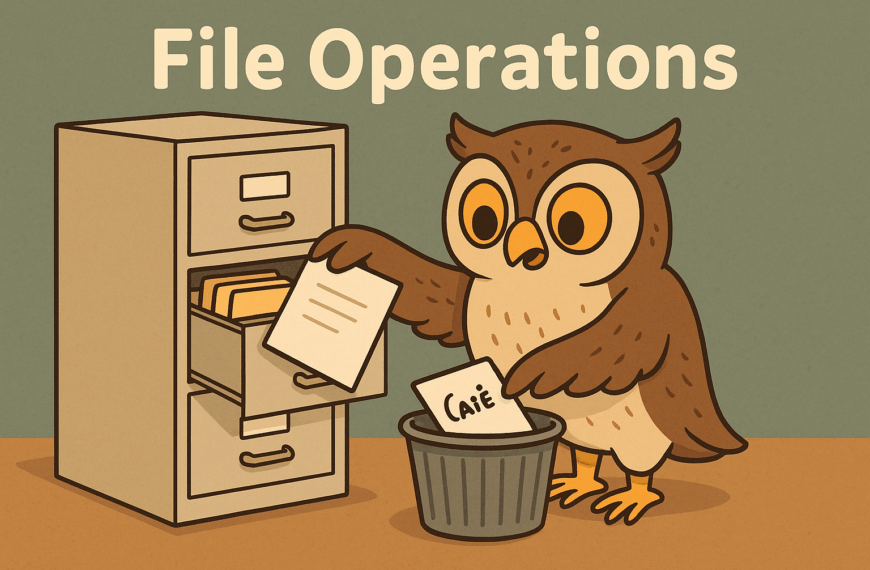
If you’ve ever had to rummage through a messy drawer looking for that one important document, you’ll know why computers organise things into files and directories (or “folders” if you’re used to clicking around your desktop). Files are where information is stored, and directories are how we keep those files in some kind of order, rather than chucking them all into one big digital jumble.
How Python Helps
Python, being the friendly language it is, makes it surprisingly easy to poke around in this digital filing cabinet. You can open files, read what’s inside, add new information, or tidy things up. Directories are just as easy to handle — Python can help you check what’s in them, create new ones, or even have a bit of a spring clean by moving things around.
Why It’s Useful
So why does this matter? Well, almost every program you’ll ever write needs to talk to files in some way. Whether that’s reading a list of customers, saving the results of your code, or even managing something more adventurous like images or audio, being able to work with files and directories is essential. Without it, your programs would be like goldfish — all memory, but no way of keeping track of anything once you switch them off.
Getting Started
The good news is that you don’t need to be a tech wizard to get started. Python gives you straightforward tools for handling all this behind-the-scenes storage. By the end of this section, you’ll know how to confidently open, read, and save files, and how to find your way around directories without getting lost. Think of it as learning how to put your shoes back in the wardrobe, rather than leaving them in the hallway — a little organisation goes a long way!